Product Hunt 每日热榜 2026-08-31

PH热榜 | 2026-08-31

#1
Video Agent by Fotor
Create and edit precision motion graphics & video with chat
342
一句话介绍:Fotor Video Agent 是一款通过聊天即可自动编排场景、生成并编辑动态图形与视频的AI工具,其核心在于输出可编辑的多轨时间线项目,解决了AI生成视频一旦有误就得全部重来的行业痛点,尤其适合需要高频迭代营销视频的创始人、市场人和创作者。
Design Tools Artificial Intelligence Video
AI视频生成 动态图形 可编辑时间线 营销视频 聊天式创作 AI Agent 视频编辑 信息图动画 批量制作 Fotor
用户评论摘要:用户高度认可“可编辑多轨时间线”与“免重渲染改稿”的价值,认为这解决了AI视频“黑盒”痛点。主要问题集中于:①品牌字体与色板的一致性如何保证;②移动端支持情况(官方称9月中旬上线);③与Canva、Topview等竞品的差异及实际精度;④对复杂背景、边缘人像的兼容性。不少用户提及将AI视频从“生成”转向“可用”是关键转折。
AI 锐评

Fotor Video Agent 的聪明之处,在于它没有去卷“文生视频”的物理真实感,而是精准切入了营销视频生产中“最后一公里”的修改地狱。它承认了当前AI视频生成的局限性——一次生成即定稿是不可能的,因此将核心竞争力放在“可控性”上。让文字、数据、Logo在渲染前保持参数化可编辑,本质上是把AI定位为高效的前期编排代理,而把最终裁决权交还给人类。这是一个务实且商业上明智的定位:它售卖的不是魔法,而是对“不确定性的对冲”。

从评论反馈看,用户最焦虑的并非生成质量,而是“品牌一致性”和“素材可控性”。这暴露了AI视频工具从“玩具”走向“生产力工具”的核心壁垒:纵深场景的工程化能力。Fotor能否在复杂的多轨时间线、品牌资产库管理与跨端体验(尤其是移动端)上做到真正的丝滑,将决定它能否突破“尝鲜”阶段。

其真正的价值并非取代剪辑师,而是重新定义了“AI Agent”的边界:Agent负责繁琐的编排与初稿构建,人负责决策与细节修正。这或许代表了AI视频工具的一种正确演进方向——不是生成完整的黑盒,而是构建一个高效的人机协作生产管线。但挑战也在于此:当项目复杂度上升,时间线的编辑体验能否比肩专业剪辑软件?这是其从“好用”迈向“专业”的生死关。

查看原始信息
Video Agent by Fotor
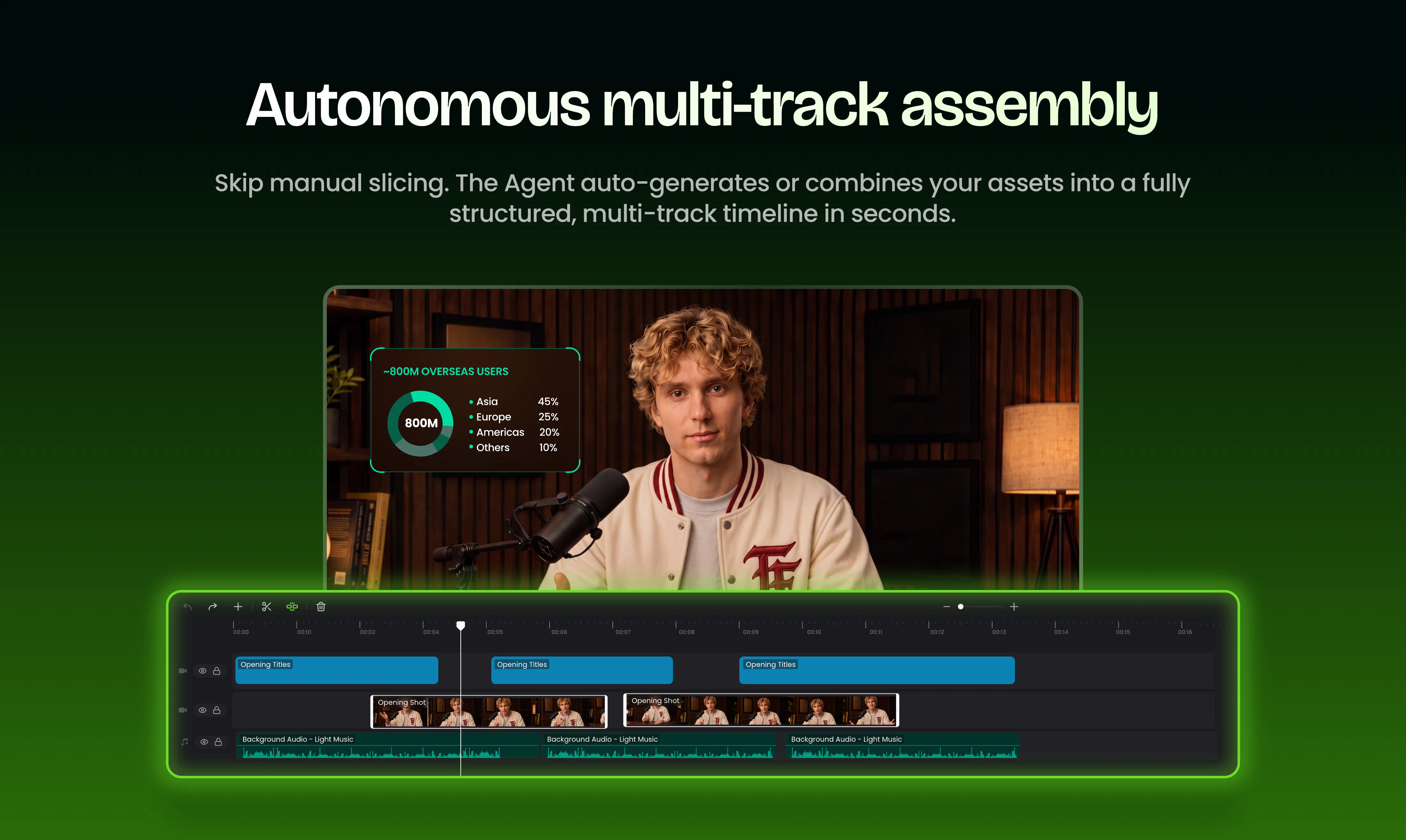
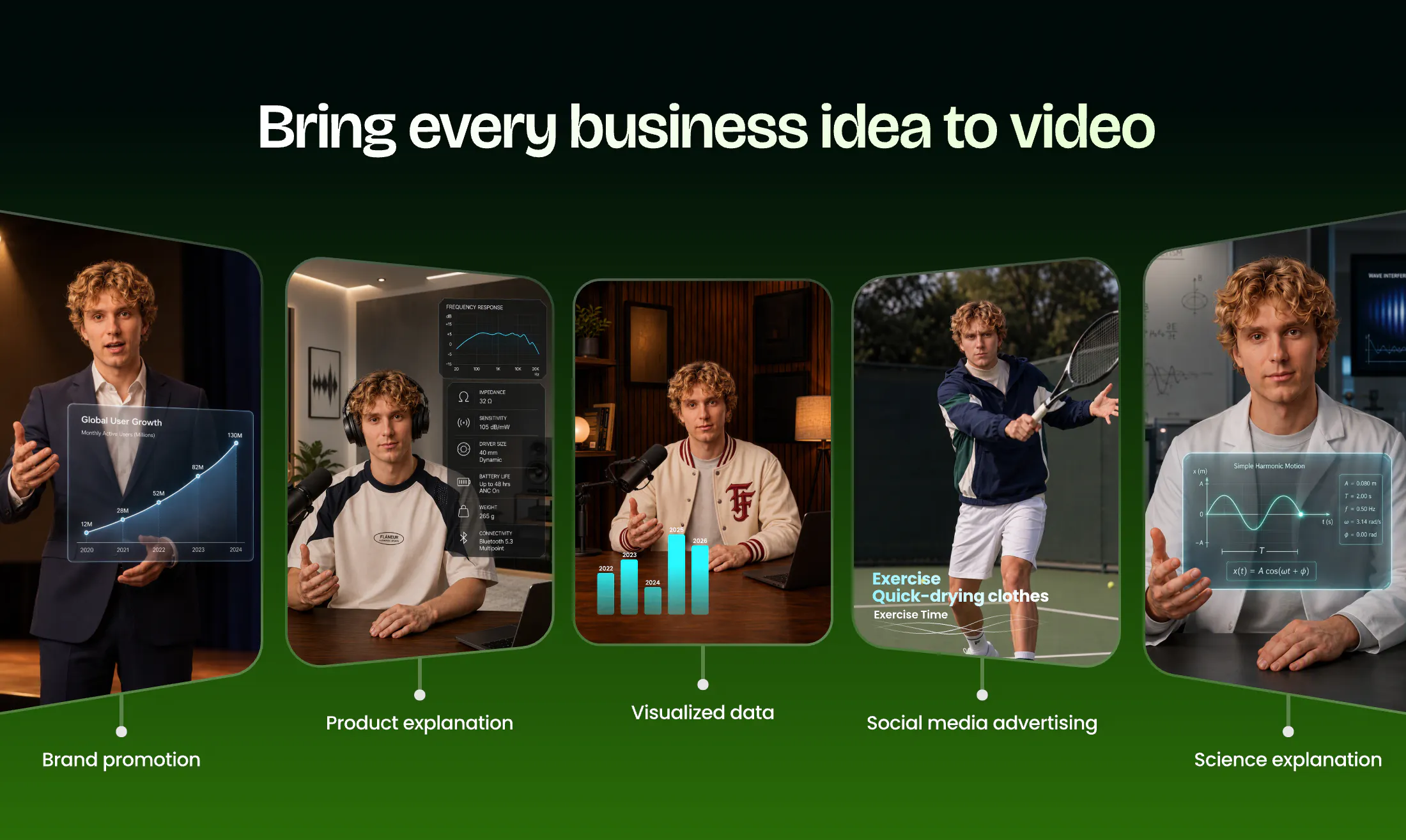
Fotor Video Agent helps founders, marketers, and creators turn ideas, scripts, or raw assets into precision videos & motion graphics. It auto-orchestrates scenes, timing, visual FX, and kinetic typography—while keeping text, numbers, logos, and charts editable on a multi-track timeline before you render. Update stats at the last minute or refine timing without regenerating the whole video. Ship promos and explainers faster with zero black-box outputs and no tedious keyframes.

Hey Product Hunt! 👋

I’m Coral, Head of Growth at @Fotor .

We're thrilled to launch Fotor Video Agent - Create and edit precision motion graphics & video with chat.

Why we built this:

A few months ago, our team spent hours crafting a 90-second product video with AI. It looked perfect — until we spotted a typo in an animated chart. To fix one word, we had to re-run the entire prompt, burn more credits, and pray the next version would still look consistent. That felt backwards.

The problem with AI video today: Most tools give you a locked MP4. You can't edit text, swap a shot, or adjust timing without starting over. For growth teams iterating on campaigns, that's a dealbreaker.

Here's what makes Fotor Video Agent different:

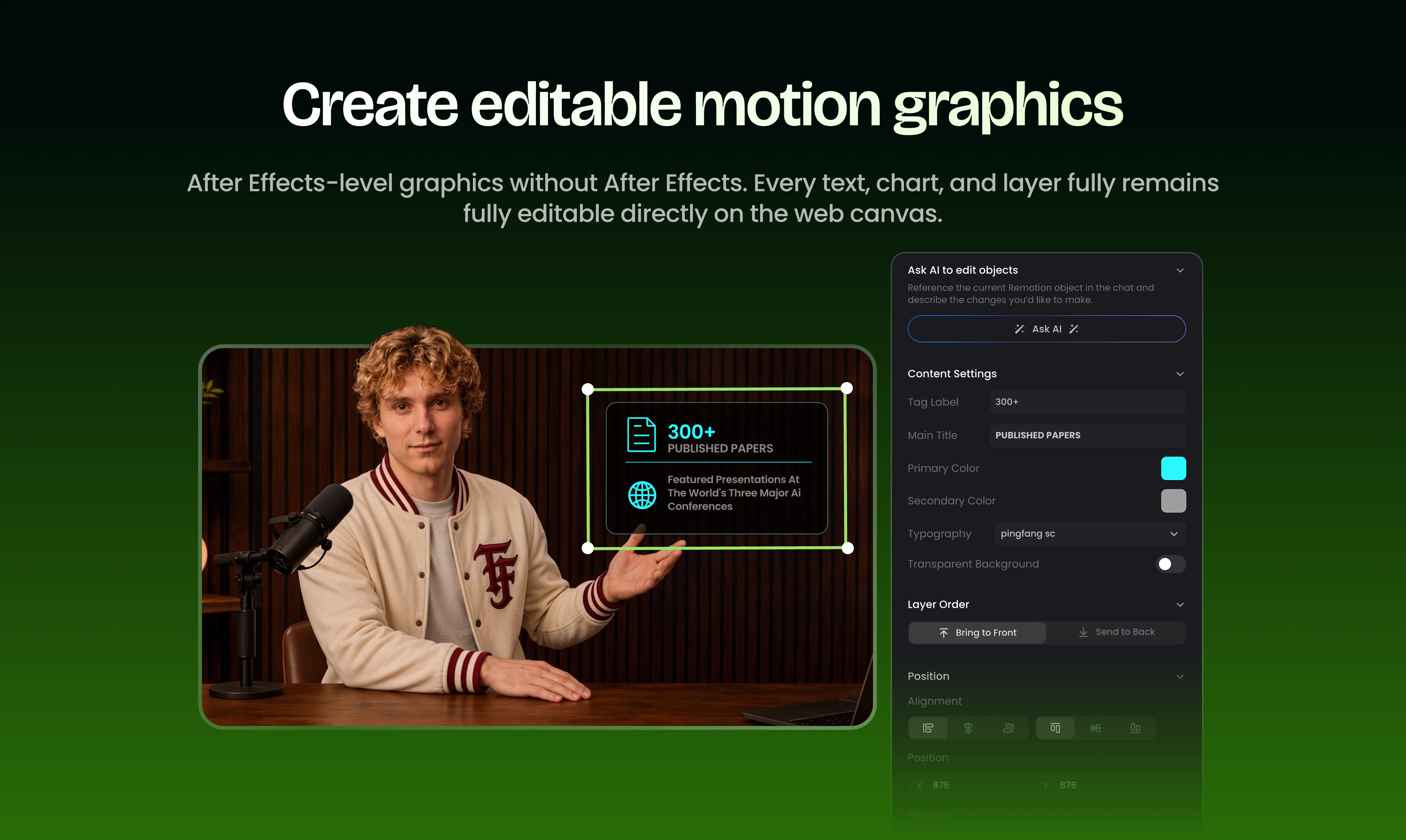
Editable multi-track timeline — Every text, number, logo, and chart stays editable before you render. Fix a typo without regenerating the whole video.

AE-level animated infographics — Turn raw data into animated charts that stay live and parametric. No After Effects needed.

End-to-end agent orchestration — Describe your idea, upload a PDF, or paste a script. The Agent plans, generates, and assembles everything on the timeline.

In our tests, what used to take 3-5 days now takes about 40 minutes.

Getting started: Bring a brief, raw assets, or even a rough idea. We'll help you turn it into a polished video project.

Quick demos:
• SaaS product walkthrough ➔ Watch
• Docs-to-explainer ➔ Watch

What's the one video editing task you wish AI could handle for you?

I'm here all day — happy to answer questions! 🚀

13
回复

@coral_guo The "locked MP4" problem is exactly why I've hesitated to use AI video for actual campaigns – being able to tweak text and timing on the fly while keeping the visual style intact sounds like a genuine workflow upgrade. Do most users start with a script, or do they iterate visually first?

0
回复

@coral_guo honestly you guys come so far.

btw, all these AI features available on mobile too?

0
回复

@coral_guo Congrats Coral and the Fotor team on taking the #1 spot today! 🚀

Fixing small text/data typos without having to burn credits and re-render the entire video is a massive pain point solved—especially for fast-moving teams.

Quick question on the multi-track timeline: how does the agent handle asset consistency (like brand fonts and specific color palettes) when orchestrating everything automatically from a raw document or PDF script?

Wish you an epic launch day!

0
回复

It used to take a small army to ship one great video. Now, you can start with one agent.

A typical production might involve a strategist, scriptwriter, designer, motion designer, editor, voice artist, plus a stack of different tools just to get from an idea to something ready to publish.

Having worked closely with the team behind Fotor Video Agent, this is the shift that excites me most. Give the agent an idea, document, or raw assets, and it can orchestrate the production across scripting, scenes, visuals, timing, voice, music, and motion graphics.

But the important part is that you don’t lose control once AI takes over the heavy lifting. Instead of ending with a black-box video, you get a structured, multi-track project where text, numbers, logos, charts, and motion graphics remain editable before the final render.

For founders and makers, that feels especially powerful. Your launch changes constantly: a stat gets updated, the copy changes, the product evolves. You shouldn’t have to regenerate an entire video just to fix one detail. One agent to orchestrate the production. You stay in control of the final cut.

To me, that’s the bigger shift: from AI video generation to AI-assisted production. Excited to finally see this out in the wild.

4
回复
great launch.. I saw the video and was impressed to see the multiple timeline and audio track mode.. great stuff.. good wishes for its launch..
2
回复

@dhirajwohra Thank you! The editable timeline was definitely something we cared a lot about. “AI made it” is cool, but “I can actually go in and fix it myself” is even more useful. 😉

0
回复

Nice one! I just tried the Motion Studio by @Topview yesterday, gonna try this one too and see which works better for me.

2
回复

@justin2025 Thanks Justin! Definitely give it a try and let us know what you think! I'd be especially curious to hear how you find the idea/doc → full video workflow and the editing flexibility afterward. Would love to hear which one fits your workflow better!

0
回复

Feels like AI video is moving from “generate me something cool” toward “help me produce something I can actually use.” That second category is much more interesting to me.

2
回复

@phoenixhu That's exactly the direction we're aiming for. The real test for us isn't “does the video look impressive?” It's “would I actually use this in a campaign, social post, or client project?” That's the bar we're trying to hit

0
回复

How much do you usually have to fix after AI creates a video from a doc? Or is it pretty much ready to use? also it's different from Davinci

2
回复

@abod_rehman It usually gets you pretty close to a usable first draft, but I wouldn't say zero editing. The nice part is that the output stays fully editable, so you can tweak scenes, text, timing, assets, etc. without starting over. And that's also where it's quite different from DaVinci — we're trying to handle more of the planning and creation before you even get to the editing stage

2
回复

@abod_rehman I still tweak things! Usually copy, pacing, or some of the motion details. I used to do a lot of that final clean-up in Final Cut Pro, so I’m quite used to AI getting me 70–80% there and then finishing things myself.

What I like here is that I don’t necessarily have to jump into another editing tool for every small change. If it’s a number, text, logo, chart or motion element, I can often just fix it there before rendering. I don’t expect AI to get everything perfect in one go haha, I just don’t want to regenerate the whole thing because one detail is wrong 😄

And yeah, fotor is pretty different from DaVinci. I see this more as taking a doc or idea through the production process and giving me something I can keep working on, rather than just generating the video and handing me the output.

0
回复

For content marketing, the annoying part is often not coming up with an idea, but turning that idea into an actual finished video. Having one workflow handle more of that process is pretty interesting.

2
回复

@qiwap Exactly — that was a big part of why we built it. We wanted to go beyond “generate a video” and handle the messy middle: planning scenes, sourcing the right visuals, editing, motion, and then still letting you tweak the result

1
回复

@qiwap 100%. I work in marketing and ideas are rarely the problem 😄 It’s everything that comes after that eats up the time. That’s probably what I like most about this, I can hand over more of the production work, but still jump in when I want to change something.

0
回复

@qiwap Yes!, I'd like to try it 😁

1
回复

Fotor used to be a mobile app as well. Is the video editing part of the app now or its web only?

1
回复

@himani_sah1 Yep, we’ve always had both web and mobile! 😄 Video Agent is live on the web for now, and the app version is coming around mid-September. We’re pretty excited to get it into the app too!

0
回复

Nice, can you tell me more about the ai features mentioned in the poster?

1
回复

@yilu Sure! The AI side covers quite a bit: long-form planning, scene generation, intelligent editing, visuals, voice/audio, and motion graphics. The Agent basically connects those pieces into one workflow instead of making you jump between different tools. And the final project stays editable

0
回复

M tired of juggling tools for consistent branding, can Fotor really do it all?

How accurate is it in practice?

800M users are just wow, like really?😲

1
回复

@james_carter35 Yes, 800M is real 😄 Fotor has actually been around for 14+ years, so I think that number surprises people who only discovered us during the AI wave.

And as someone working in marketing, I definitely feel the tool-juggling pain 😂 I wouldn’t say one tool can magically replace everything, but having the brand, creative and video workflow in one place already saves me a lot of back-and-forth.

0
回复

@james_carter35 Haha, the 800M+ number is real 😄 And yeah, “can it really do it all?” is a fair question. We’re not trying to replace every specialized tool, but the goal with Video Agent is to take you from an idea/doc to a full video without bouncing between a bunch of tools. For accuracy, the best test is probably to throw one of your real projects at it and see how close the first draft gets 🙌

0
回复

I am a longtime Canva user, while Fotor keeps catching my eye since long.

And $3.99/m seems almost too good, what's the catch? lol

1
回复

@flora_kendall Haha, fair question 😄 The $3.99 plan is our low-entry option with a smaller monthly credit allowance, while the higher plans give you more credits for heavier use. Since you've been a longtime Canva user, definitely give Fotor a try and see how it fits into your workflow! 😉

0
回复

The editable multi track timeline really stands out. Being able to fix a typo in a chart or change a logo without rebuilding the whole video solves a very really frustration with AI video tools.

1
回复

@kate_sleeman Exactly!😄 In real marketing work, there's always that “oh, can we just change this one thing?” moment — a typo, a number, a logo, a CTA… We didn't want that to mean regenerating the entire video

1
回复

I could see this being especially useful for recurring video formats. Once you know the type of content you want, having an agent handle the repetitive production steps makes a lot of sense.

1
回复

@parsons_wu_real That's one of the use cases we had in mind. A lot of video work isn't actually creative work — it's repeating the same editing, asset selection, captions and motion steps with slightly different content. That's exactly the kind of work we'd like the Agent to take off your plate

0
回复

This new ai feature honestly seems useful.

Quick question: does it work well with portraits where the subject is close to the edge, or does this struggle with complex backgrounds?

0
回复
#2
BrandJet
Turn public buying signals into sales pipeline
257
一句话介绍:BrandJet 将散落在X、Reddit、LinkedIn及全网公开渠道的实时购买信号自动转化为带联系方式的线索,并集成了多渠道触达、统一收件箱、CRM与签约功能,打通从捕捉意向到成交的完整GTM流程,解决销售团队过度依赖冷名单、线索不精准、工具链冗长的核心痛点。
Sales Marketing Artificial Intelligence
购买信号监听 社交销售 智能线索挖掘 GTM自动化 AI SDR 多渠道外联 MCP服务器 销售漏斗 邮件预热 统一收件箱
用户评论摘要:用户普遍认可“先听后说”的产品理念及多渠道整合价值。主要疑虑集中在:多工具串联时的延迟表现、噪音信号过滤机制、冷外联的邮件进箱率与预热策略、以及对Reddit等平台数据获取的合规性。此外,有用户建议限制单条信号的外联上限并公示,并关心合同签约环节是否保留人工审核。
AI 锐评

BrandJet的价值主张十分取巧——“把公开的抱怨变成现金”。它精准击中了传统B2B销售的最大谎言:花重金买的10万条线索里,真正有购买意向的不足1%。从信号捕捉到合同签署的一站式闭环,确实是目前市面上最激进且完整的GTM自动化叙事。其核心亮点并非简单的社交监听,而是将MCP协议作为产品出口,这极具前瞻性——它把平台从一套SaaS工具降维成了一个可编程的“销售基础设施”,允许任何AI代理直接驾驶,这显著放大了其可拓展性和企业级价值。

然而,赞誉之余必须泼冷水。首先,产品宣传的99%进箱率高度依赖于邮件预热,这并非颠覆性技术,且过度依赖该指标容易让用户忽视样本量差异。其次,最大的隐患在于“信号蚕食效应”:当大量销售同时监听同一条购买信号并瞬间涌入私信时,用户的公开求助将迅速变成一场骚扰秀。评论中已有用户一针见血地指出这是“被监视感”,一旦某条信号被重复触达,不仅转化率会直线崩盘,更会破坏公共社区生态,甚至引发对抓取合规性的法律反噬。品牌方必须重视这一“公地悲剧”风险,在产品机制上限制同一线索的触达上限,否则这一模式极有可能被市场劣币驱逐良币的行为反噬。此外,尽管创始人在红迪数据抓取问题上含糊其辞,但稳定性本身就是其核心壁垒,一旦平台接口收紧,其数据底层将面临重构。整体而言,BrandJet是一款值得敬畏的颠覆者产品,但其长期护城河不在于功能堆叠,而在于能否在规模化外呼和维持信号源生态健康之间找到平衡。

查看原始信息
BrandJet
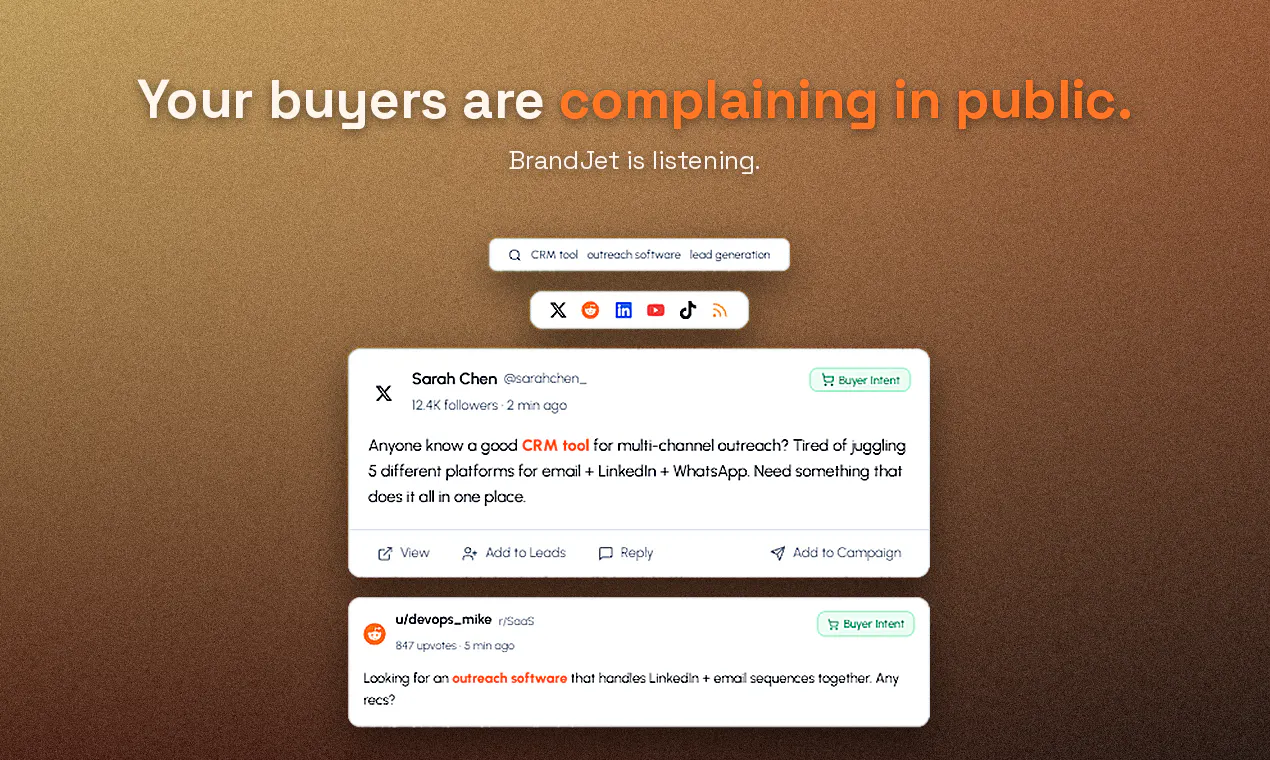
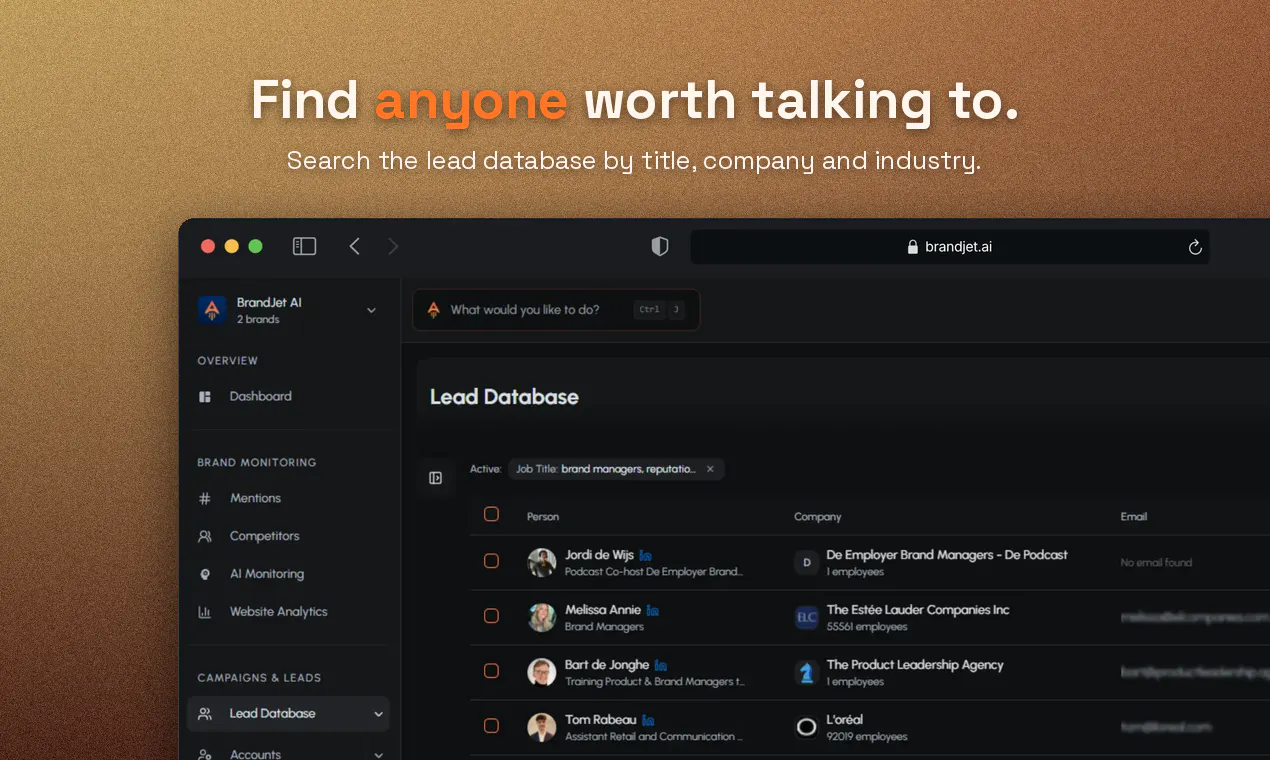
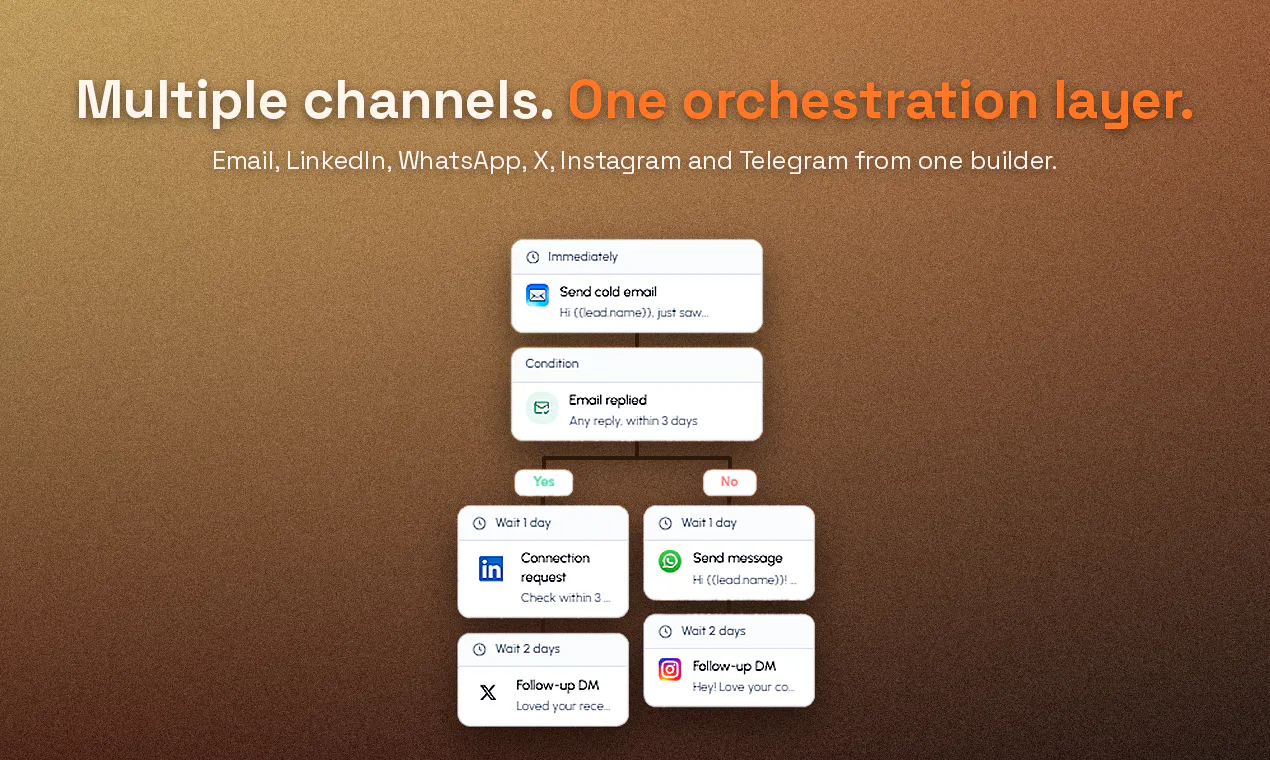
BrandJet turns live buying signals into outbound pipeline. It listens across X, Reddit, LinkedIn, and the open web for people asking about problems you solve, enriches every relevant signal into a lead, and reaches them on the channels they actually use. From first signal to outreach, unified inbox, CRM, and signed contract, BrandJet runs the entire motion in one platform. It's exposed through MCP so AI agents can run it too.

Hey Product Hunt,

Marsad, co-founder of BrandJet.

What is a lead? You bought 10,000 from a data vendor and 9,940 are a Gmail address attached to a guy who changed jobs during the pandemic. Meanwhile real buyers are posting "anyone know a good alternative to [your competitor]?" in public, right now, and your current GTM/sales stack can't account for that unless you pay for tool after tool, and still - just not it.

We fixed that spent the last year building one of the most comprehensive GTM platforms on the market - with a pretty insane MCP server.

What BrandJet does:

Listens across X, Reddit, LinkedIn and the open web for mentions of your brand, your competitors, your category
Turns each signal into a lead with contact info and context
Reaches out on the channel they answer: email, LinkedIn, WhatsApp, X, Instagram, Telegram
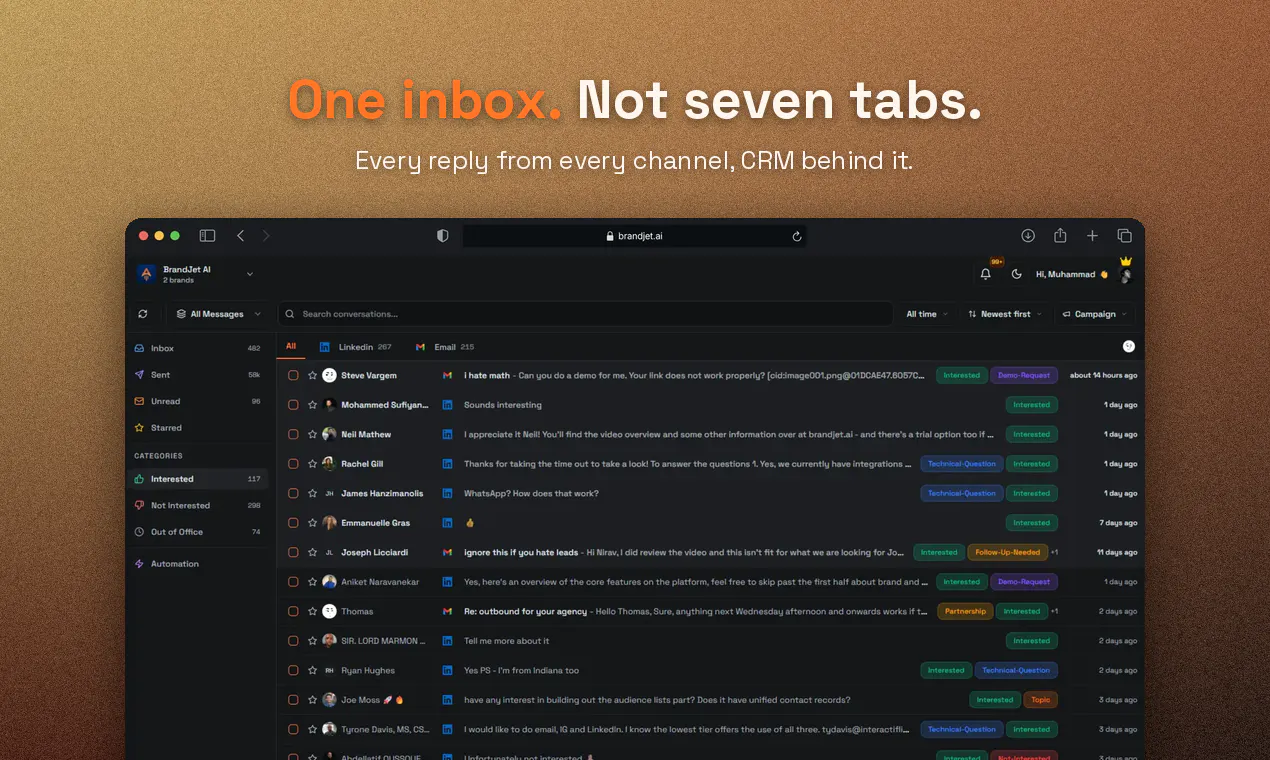
Lands every reply in one inbox, CRM behind it
Signs the contract in the same platform (Plutus, ours, long story)
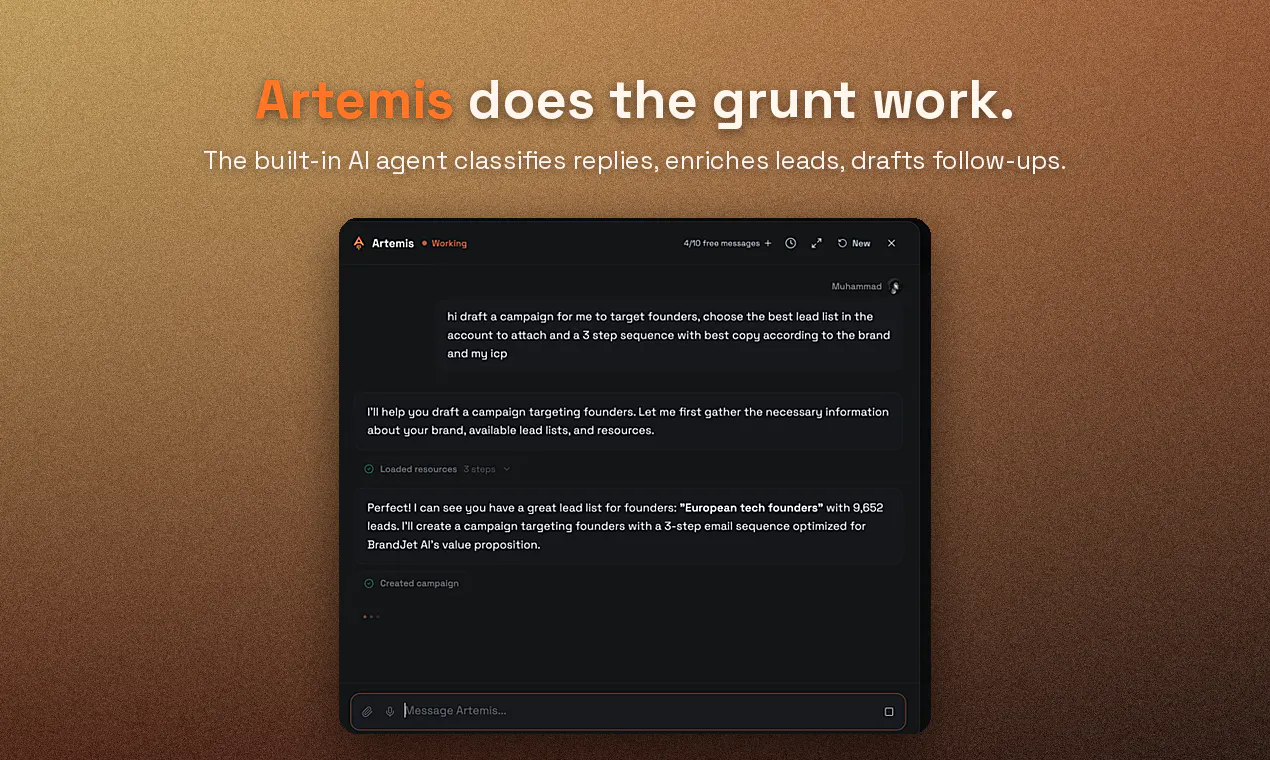
Artemis, our AI agent, does the grunt work

Our platform listens before it speaks. People are saying it's the first outbound platform that does. The people are mostly Nirav, my co-founder, but he's very smart, so.

For the Claude and Codex crowd: the whole platform ships as an MCP server, 70+ tools across listening, enrichment, outreach, the inbox, the CRM. Point your agent at it and build the GTM workflows we didn't think of. Artemis runs on this exact layer, so anything our agent does, yours can do too. Bring your own agent.

Proof we believe it: we use BrandJet to sell BrandJet. Kafka would call it a trial with no verdict. It's going great.

Launch offer: Use BRANDJETHUNT30 for 30% off for the next three months ;)

Ask me anything, tell me what's broken and help me build a generational GTM platform.

7
回复

Hi @marsadist congrats on the launcnh

you mentioned a 70+ tool mcp server for custom agents. how does latency hold up when chaining multiple enrichment steps before firing off a whatsapp ping?

+ it'd be massive if brandjet could auto suggest exact site copy needed to fix bad ai sentiment.

2
回复

@marsadist The "listens before it speaks" approach flips the usual outbound script, and catching real buyer intent in the wild before they raise their hand feels like a genuinely smarter way to grow. How do you prioritize which signals actually warrant a reply without getting lost in the noise?

0
回复

@marsadist great work, we tried to build something similar for ourselves but never acheived such accuracy and power

0
回复

The social listening side caught my attention. How do you handle noisy or ambiguous mentions so teams don’t end up chasing signals that look relevant but have little buying intent?

3
回复

@daniel_henry4 great question! Before anything shows up in your feed, it passes through a bunch of context filters which we get from your brand set-up and target keywords - you can always adjust and change this in the brand settings.

More importantly, you can setup your own advanced filters so that you only get the kind of mentions you're looking for. I made a quick video showcasing the keyword setup for the social listening tool: https://youtu.be/ld73WHTk5pI?si=fgXPqfNUMFzy2pwN

1
回复

Bringing email, LinkedIn, WhatsApp, and Instagram outreach into one workflow is a practical touch. I like that the platform also connects outreach with brand and competitor sentiment, instead of treating them as separate tasks.

3
回复

@aarav_pittman Thanks! Our email deliverability is really good - 97-99% and all the outreach channels are natively integrated. Once you've connected your accounts, you can also just use the MCP to orchestrate a bunch of different workflows. Give it a spin and let me know what you think! I made a video here showcasing how I used brandjet and claude code to setup an AI SDR that replies in my tone: https://youtu.be/dpdLCMjOcqg?si=UMHm5gzcLj_QVlFc

1
回复

the part that stands out to me is signing the contract in the same platform. once a deal gets to that stage, is there a human review step before terms go out, or is Artemis drafting and sending the contract itself too? that's the part I'd want a human in the loop on even if everything before it is automated.

2
回复

@galdayan yes, we've made it super easy to do everything across the platform but for things like signing proposals you always have a human to close it off. We're going to expand this capability soon to account for fully agentic contracts.

1
回复
Congrats on the launch :) the description of the product reads great and will explore all the features and looking forward to testing it out fully. how do you ensure that the automated outreach lands in their inboxes and not the promotions or updates tabs on gmail or spam when you’re doing outreach in scale?
2
回复

@vijay_vinjimoor1 thanks for the great question! This is ensured by warming up the inboxes, which is something you're able to do on brandjet with a single click. After warming them up for 2-3 weeks, you're able to start using them for outreach at scale. We provide a deliverability of 97-99% - so you can rest assured they're landin in the primary instead of the spam

2
回复

Hey, this looks like an excellent product. Just a quick question here - how do you compare to tools like Gojiberry and Instantly? I feel like you are combining both things into one which is cool, but do you have the warmup and all that infra stuff that they have as well?

2
回复

@saad_muzaffar1 Hi yes, although I'd say brandjet has better warmup than instantly. The warmup process allows email campaigns to have a reliable 97-99% delivery rate to the main inbox. Furthermore, unlike instantly we also have unlimited sends across all pans which means you can get started with scaled cold outreach without having to worry about anything.

Although for founders and teams who prefer more personalized LinkedIn outreach we also have the signal engine which basically works 24/7 to find you high intent leads in your niche, then reaches out to them with personalized messages that you can configure to sound just like you.

1
回复
This is cool and really useful as I am doing this manually, how do you handle the post timeline for example when I select a topic I should get recent Reddit threads not the famous ones will your product help me with that ?
2
回复

@harini_mukesh Thanks for the question! Whatever you want to track gets tracked in real-time, and you can also collect mentions upto 90 days old if you'd like. The feed is set to show you the latest posts by default but feel free to adjust the filters! To make things easy, consider using the mcp/agent

2
回复

is it scraping reddit? scraping reddit has increasingly been difficult. Or my question is how does it get data from reddit?

2
回复

@heyitsirenechan thanks for the question! Feel free to give the social listening tool a tour on the website and I think you'd like it! It's been relatively stable for us in terms of being able to collect/process posts etc from reddit. My engineers might not speak to me if tell you the details of how we can do this reliably and cost effectively at scale - but happy to give you a demo or answer any other questions!

1
回复

I like the idea of connecting the full path from a public buying signal to outreach and CRM follow ups. Having those steps together could save a lot of context switching for small sales teams.

1
回复

@anthony_adams_ Intent signals and lead enrichment across channels help get better sales/outcomes!

1
回复

The combination of buying signals and outreach feels especially useful for teams that spend too much time manually finding prospects. Turning a relevant conversation into an actionable lead makes the workflow feel much more focused.

1
回复

@maali_baali I go over how to quickly set that up, going from URL to outreach campaign, in this video here: https://youtu.be/hF0I8Y0YmqU?si=BVlqKSqiM5PBaHb0&t=1

This is my current favorite way of turning signal into pipeline.

1
回复

The 9,940 line is the best description of a bought lead list I've read this year. The risk sits on the other side though, because if this works properly the person who posts anyone know an alternative to X gets eleven messages in an hour and quietly learns not to ask in public. WhatsApp and Telegram are where relevant stops counting and it just reads as being watched. I'd cap outreach per signal and put that on the pricing page, it's the trust feature in this category.

1
回复

@asadmalik901 - Not sure I totally follow but feel free to clarify.

0
回复

which signals count as public, and how they keep it from being scraping people who never opted in?

0
回复
#3
Interactive Sessions
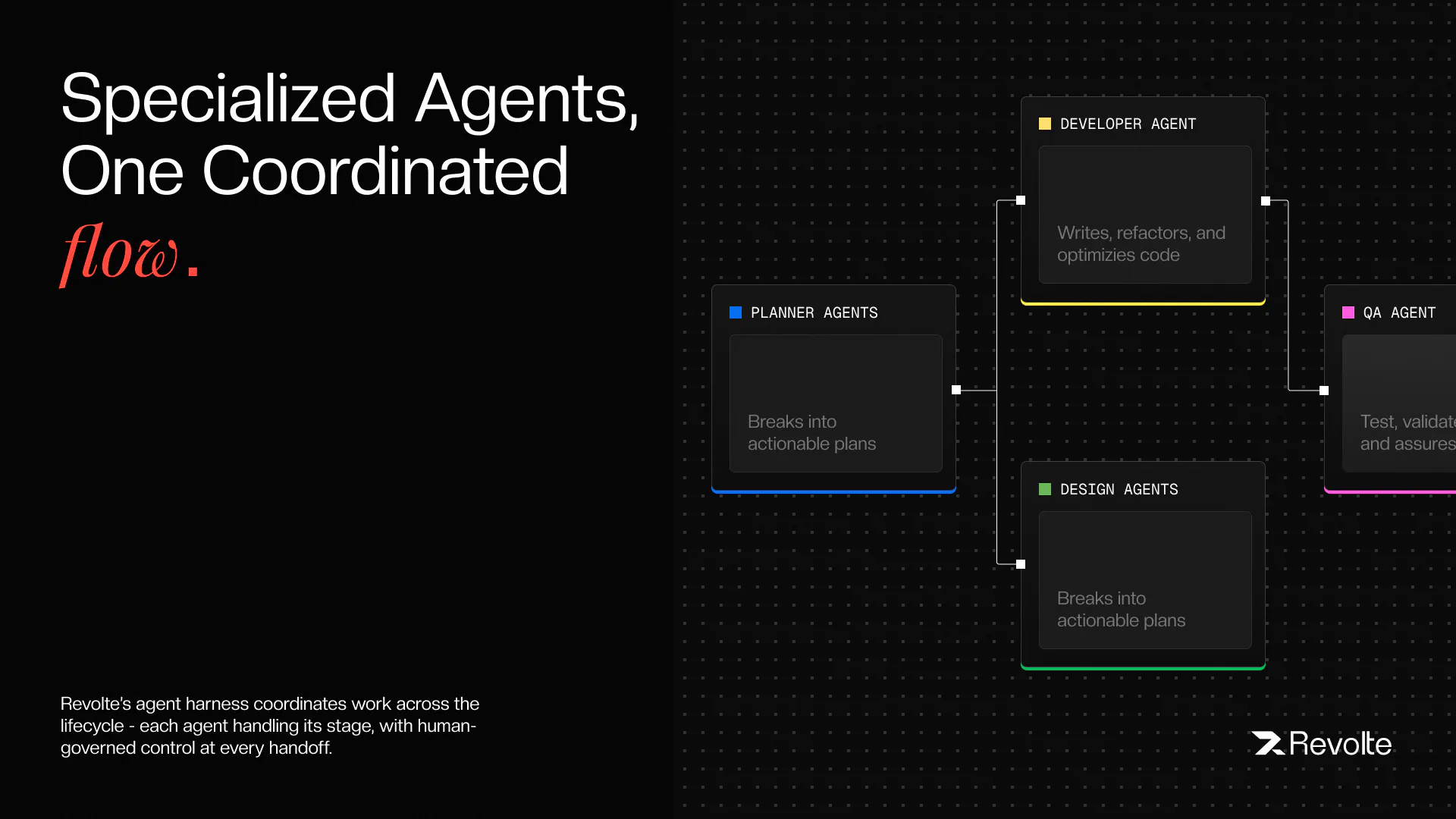
Drive the full SDLC with AI agents, step by step
238
一句话介绍:Interactive Sessions(Revolte)将AI开发代理的“手动驾驶”与“自动驾驶”统一于同一平台,让工程师在不同风险等级的任务中自主选择监督粒度,在架构、编码、测试、部署全流程逐步审批或全权委托,解决AI开发工具在“控制力”与“吞吐量”之间二选一的痛点。
Software Engineering Developer Tools Artificial Intelligence
AI软件开发 SDLC自动化 AI代理治理 交互式开发 自动驾驶模式 Jira集成 代码审查 部署自动化 企业级AI工具
用户评论摘要:用户普遍认可“双模式+统一治理”的设计,认为其解决了多工具拼凑的痛点;核心疑虑集中在AI信任边界(何时可放手)、跨会话上下文保持、以及审批流与自动化之间的中间态是否缺失。另有用户关注治理层(成本上限、审计)在实践中的实际阻力,以及中小企业采用门槛。
AI 锐评

在“Cursor式”逐键控制与“Devin式”完全放手之间,Revolte确实切中了企业级AI落地的真实缝隙——风险分层管理。其“同一代理栈+同一治理层+两种监督模式”的架构,在逻辑上比单纯堆叠工具更优雅,也直击了当前AI编码工具“有能力无纪律”的致命伤。

但锐评需指出三点隐患:其一,“每一步都审批”极易在复杂任务中沦为无意义的“点头机器”,治理的颗粒度需要精细化到“变更意图级”而非“操作级”,否则交互模式的体验会迅速劣化为DevOps的“点击疲劳”;其二,Autopilot模式宣称对标Devin,但Devin已证明全自动闭环的瓶颈不在“能不能跑通”,而在“错误方向上的自动执行”带来的灾难性返工,其“计划审批”的闸门是否足够扎实,决定了该模式是降本神器还是事故放大器;其三,产品深度绑定Jira、AWS/GCP生态,说明其瞄准的是规模型团队,而这类客户的真正决策壁垒并非“代跑SDLC”,而是与现有合规体系(如SOC2、变更管理)的无缝映射——审计日志存在不代表审计通得过。

总体而言,这是AI开发工具从“个人玩具”向“组织基础设施”进化的正确方向,但真正的护城河不在前端交互,而在后端那个看不见的治理引擎能否在“信任阈值”和“工程效率”之间找到动态最优解。目前看,方向正确,考验在后头。

查看原始信息
Interactive Sessions
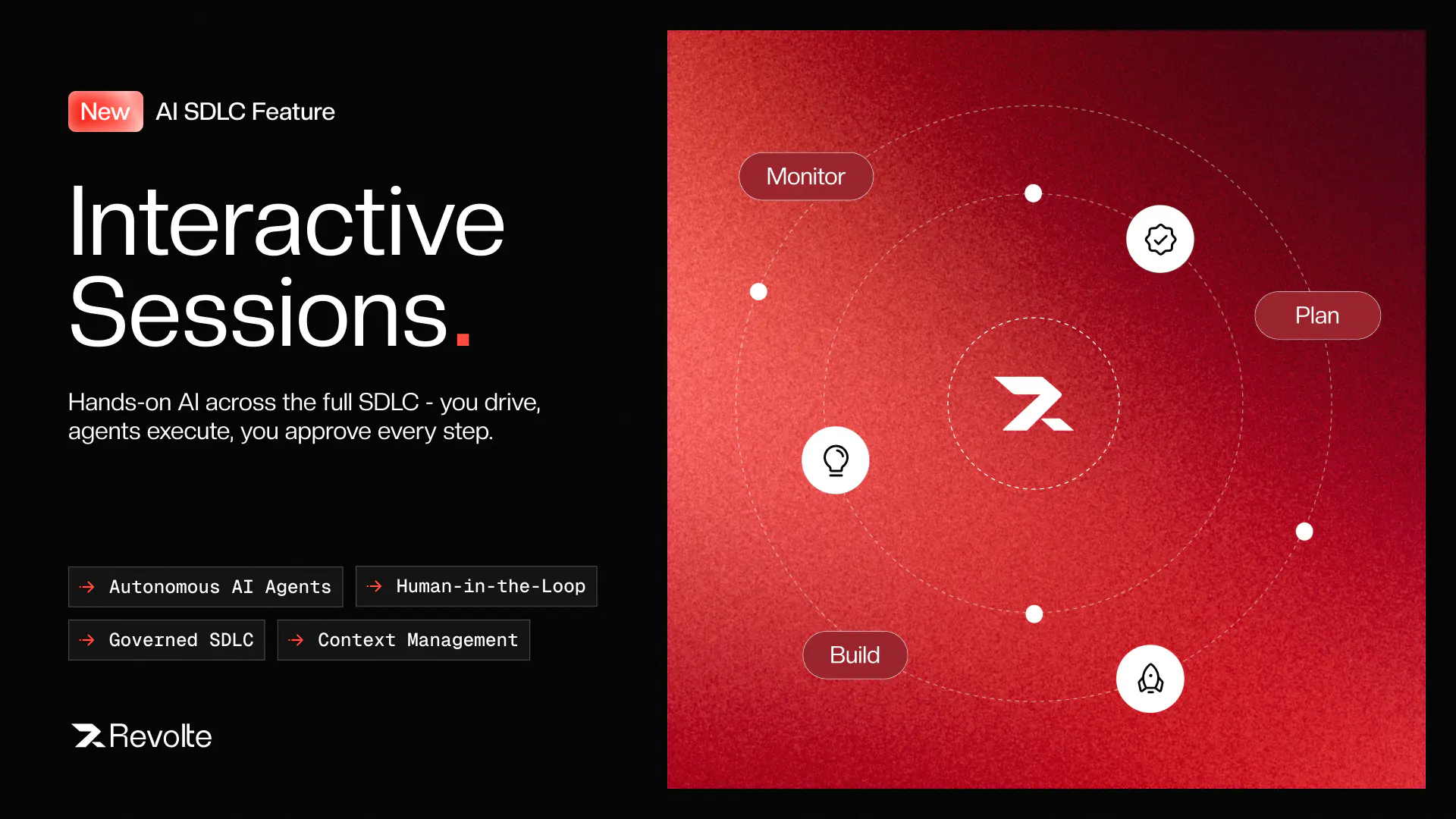
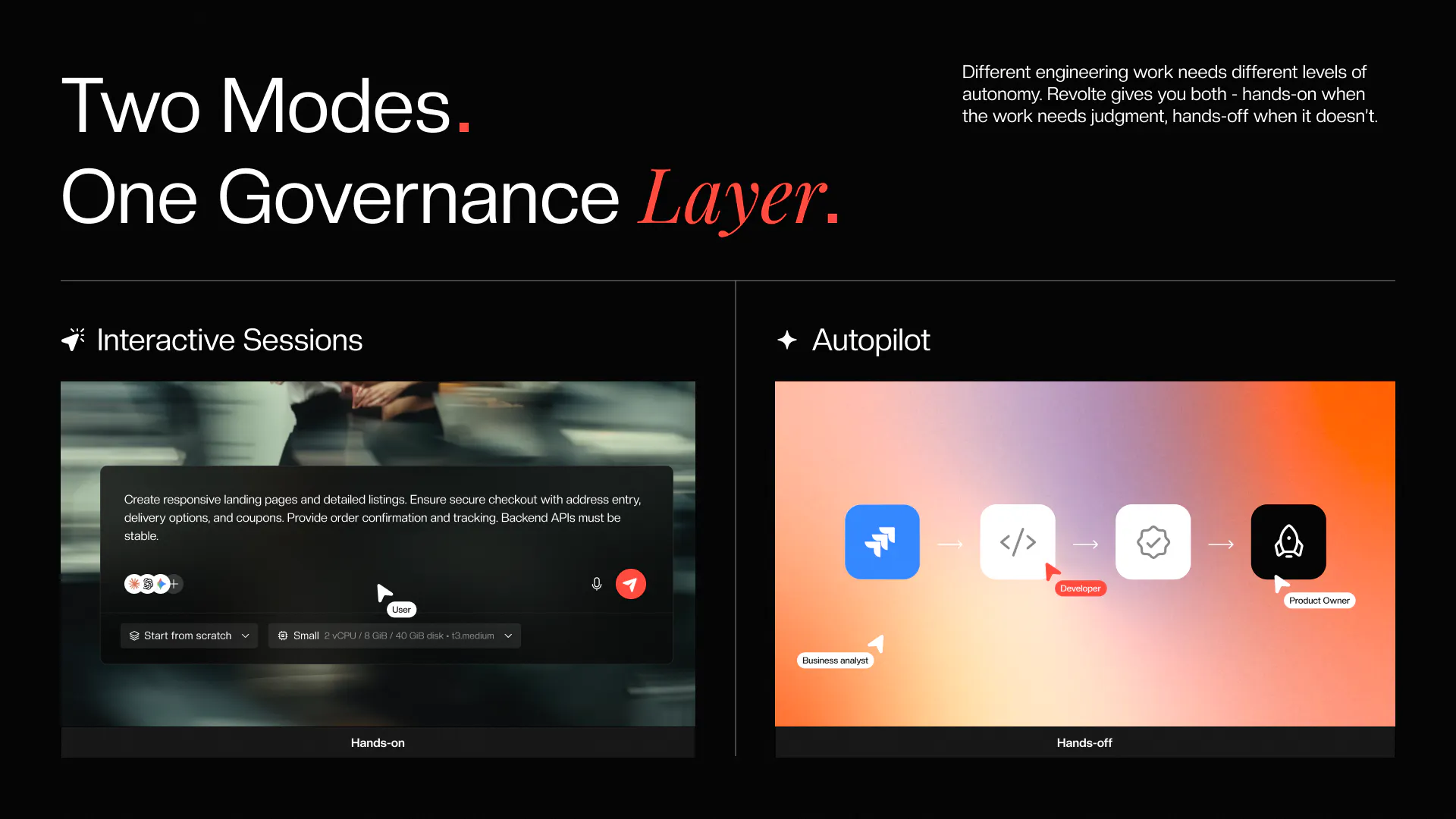
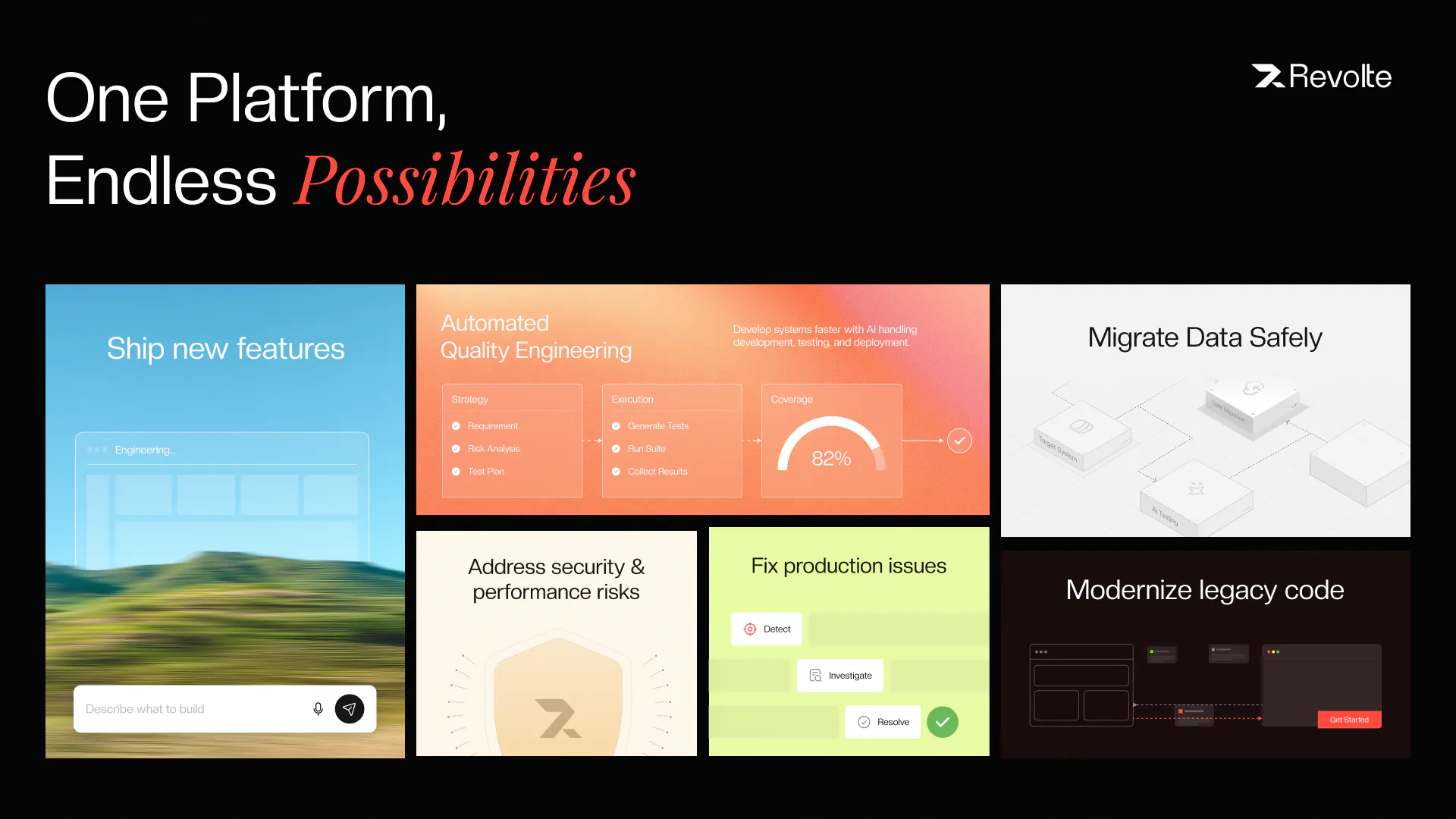
Different work needs different AI oversight, and Revolte gives you both. Our Interactive Sessions let you drive the full lifecycle with the agents, step by step: architecture, code, tests, staging, deploy. You approve every step. Autopilot mode hands off a Jira ticket end-to-end, with agents planning, coding, opening the PR, and deploying. Same workspace, same governance: plan approval, inline diffs, cost caps, and audit trails, built in. Hands-on when you want control, hands-off when you don't.

Hey PH 👋 Raj here, co-founder & CEO of Revolte.

Every AI dev tool makes you pick a side. Cursor is hands-on: you're in the loop for every keystroke. Devin is hands-off: you hand it a task and check the result. Both are good, but neither is enough on its own for a real team. Because different work needs different oversight.

A tricky refactor in your payments service? You want hands-on. A backlog of dependency bumps? Hand it off. The real question isn't "do we adopt AI?" It's "how do we adopt it across different work with different risk profiles?" Nobody's answering that.

So we built Revolte to give you both, in one workspace.

Autopilot mode (from our previous launch) takes a Jira ticket and runs it end-to-end through PR and deploy, with engineers approving the meaningful steps.

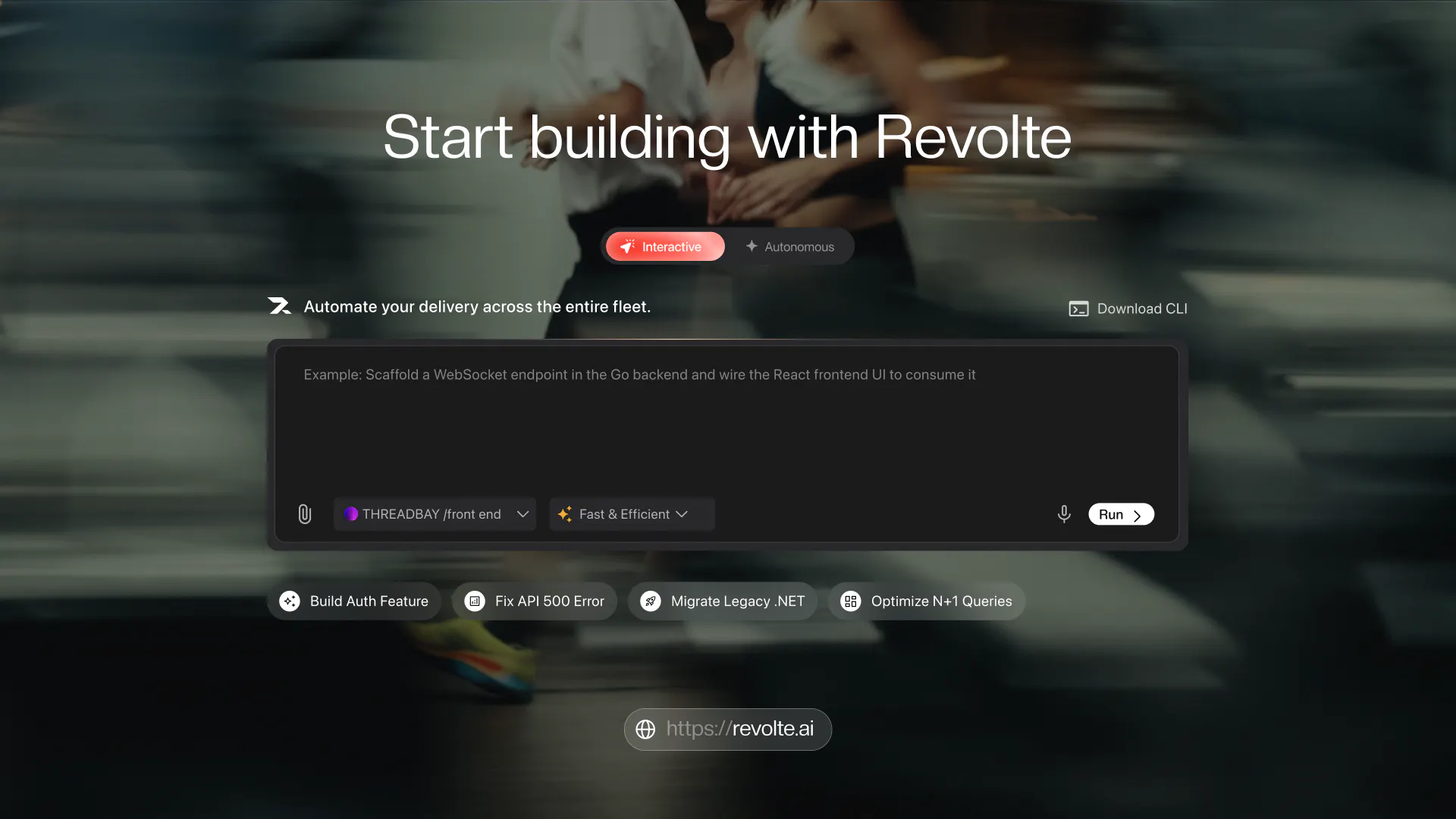
Today we're adding Interactive Sessions: a tabbed workspace where you drive the full lifecycle with the agents directly, architecture, code, tests, staging, deploy. One session per task, you approve every step. No Jira required. Sign up and start in under a minute.

Same governance layer for both. Plan approval before code, inline diffs before merge, cost caps before deploy, audit trail on every action.

Hands-on when you want control, hands-off when you want throughput. Same platform, same procurement conversation.

Would love the hard feedback, especially from engineering leaders figuring out how to adopt AI across teams with different risk appetites. That's the problem we built this for.

59
回复

@rajagopalanar signed up out of curiosity and had a session going in under a minute with non setup that low barrier to try is rare and it matters good work team.

2
回复

@rajagopalanar The governance layer with plan approval, inline diffs, and cost caps before deploy sounds like the kind of guardrails that could finally make AI adoption viable for regulated projects. Do you find engineers actually engage with those safeguards, or do they tend to feel like red tape in practice?

0
回复

@rajagopalanar What I like is the balance. The agents do the heavy lifting but you stay in charge of the decisions that matter. That is the trust model AI tooling has been missing.

0
回复

Looks exciting! My only question is when do I trust an AI agent enough to let it touch my codebase?

3
回复

@new_user___2432026393c9df85f17fd58 Great question. When you can control everything that AI does. If you just see AI as a junior engineer, who knows enough to do development but not enough to be trusted to ship to production, thats exactly the state AI is now. We have been following quality gates in SDLC all along. If you follow the gates and have control you could trust AI agents.

Revolte gives full control to you to see what AI agents does, and lets you to control approval flow.

0
回复

Good day PH Wizards,

Excited to finally launch Revolte — one platform for both interactive and autonomous AI development. 🚀


What I keep hearing from engineering leaders:
they've got Cursor for their senior engineers, Copilot for the broader team, and they're piloting Devin for autonomous work. Three tools, three governance models, three procurement conversations, three cost centers.

The pitch for Revolte isn't "we're better than any one of them." It's "you don't need three tools."

  • Interactive Sessions cover the hands-on work.

  • Autopilot covers the async work.

  • Both share one governance layer, one audit trail, one budget system, one procurement conversation.

The thing early customers point to isn't a specific feature. It's not having to run separate rollout plans for interactive versus autonomous AI adoption. Same platform, same rules, teams pick the mode that fits the work in front of them.

Curious to hear your take — are you seeing the same thing inside your org? 👀

3
回复

I can see Interactive Sessions being useful for unfamiliar codebases. does the agent keep context across those sessions?

2
回复

@alira_salu Yes. Agent carries the context across sessions.

0
回复

@rajagopalanar As a solo developer so far I've not considered full automation of my SDLC, but it may be something I consider in the future with tools like Revolte.

2
回复

@codeandsea Great point Brent. Frontier models and now Open-weight models have created huge opportunity for enterprises, startups and solo dev to develop software with AI - which I see as do more with less. We want Revolte to be gateway for this possibility.

0
回复

The hardest engineering question in building Revolte was this: how do you make Interactive Sessions and Autopilot feel like one product, not two things bolted together?


The answer is that they share a substrate. Both run on the same agent stack, the same governance layer, the same Platform-as-Code contracts. When you switch from driving a session step by step in Interactive to handing off a Jira ticket in Autopilot, you're not moving to a different system. It's the same agents, with a different amount of your attention on them.


That's what makes it a real adoption story for enterprises. You're not deploying two tools with two governance models. You're deploying one platform that meets your teams where they are, some hands-on, some hands-off, all inside the same boundaries.

Happy to go deep on the architecture if anyone's curious.

2
回复

The out-of-the-box preview and staging setup sounds awesome ! If it really eliminates the need to wrestle with custome Docker/K8s configs, that's a huge time saver. 🚀

2
回复

@boopathi_raja007 yes. we think that would be great differentiator. Also, in revolte you could directly deploy to your AWS or GCP accounts with out zero overhead.

1
回复

Nice to see something that covers the whole lifecycle rather than just the editor. Feels like a different category from the usual assistants.

2
回复

Spent the last few months on Interactive Sessions. The question that drove the design: how fast can we get an engineer from sign up to seeing the agents do something genuinely useful in their own workflow?


Where we landed: sign in, open a tab, start a session. No Jira setup, no CI config, no long onboarding. The tabbed workspace works like your browser, one session per task, switch between them, close what you're done with.


You drive the full lifecycle step by step: architecture, code, tests, staging, preview, deploy. When the agents hit a judgment call, you get a focused prompt. When they're ready to touch your code, you see the plan, then the diff, then you approve or modify.


Autopilot is still there for the async work, connect Jira and tickets flow through end to end. But Interactive Sessions is the mode you'll live in day to day, and the one you can try in a minute without committing to anything.

Would love to hear what people think of the flow once you've tried it.

2
回复

The comparison that comes to mind is with the vibe coding tools like Lovable and Emergent. Those are fun for quick builds, but this is clearly aimed at engineers shipping into real codebases with control at every step. Different league.

2
回复

@iftekharahmad Absolutely. Yes, we wanted to bring ease of use like Lovable and emergent but for engineers and tech companies. Definitely a different league.

1
回复

@rajagopalanar @parthasarathi_raghavan @arulwatson really neat product - how has adoption been thus far - curious how steep the switching costs are for current dev teams?

1
回复

@dzaitzow thank you! The adoption has been great so far and we have been getting some incredible feedback shaping our product & roadmap. The switching costs are near zero, since you can bring in your skills from other tooling and have this running with minimal overhead.

0
回复

@dzaitzow thanks. This is designed for teams who want to run factory model for their engineering teams. We have good tractions and easier adoption for teams who want to run factory model. But considering shift from traditional sdlc cycle to ai driven factory model is lot of work. Today companies are trying to build factory model with Claude, openclaw and inbuilt context management setup which takes lot of trial and error. We help these companies buy proven solution from Revolte vs building(trialing).

0
回复

Congrats on the launch. Giving teams both Interactive Sessions and Autopilot under the same governance layer is a practical approach to handling different levels of risk and oversight.

1
回复

@sandeep_vemu thanks.

0
回复
How do you balance approve every step with autonomous in one go? No in between?
1
回复

@solozero What do we mean by autonomous is shifting developer right and just before testing.

AI will fully plan, architecht, develop, unit test code and give an artifact pane which tells what it does. Developer can see the pane to understand what it does and approves the PR. As dev approves PR after reviewing all the artefacts deployment progresses.

0
回复

Interesting approach, saving this for later.

1
回复

@ralic thanks. appreciate if you could trial and give feedback.

0
回复

Nice one. Having both modes makes sense - hands-on for the risky stuff, autopilot for the boring tickets. Good luck today!

1
回复

@ashimanski Exactly! Thanks very much Artyom

0
回复

@ashimanski Yes. Thanks. Would be great if you could use the product and leave us with review.

0
回复

Love that you made "you approve every step" a first-class feature instead of chasing full autopilot; that trust-through-control approach is exactly what engineering teams actually need.

1
回复

@ilko_kacharov Exactly. We want this product to be an Engineering product which can help engineering teams develop and ship faster rather then having full AI autopilot.

0
回复

Really like the idea of how Revolte can work with both new ideas and existing codebase. Feels much closer to how real engineering teams actually work.

1
回复

@harini_govind That's what we are trying to achieve, glad it landed.

0
回复

@harini_govind yes thats the idea. Glad that like the product.

0
回复

Honestly i would be more interested in the failure cases than the happy path. Whats the most comman reason an agent run gets stopped?

1
回复

@manjesh_yadav1 Agents dont get stopped but the output that are provided by agents are not what we anticipate. This is usual expected scenario. The way to go about this is having to tweak prompt, ground the agent and have clear context. If any one if this is not good, the results will not be good. The way to improve output is to improve these. The way to measure these is confidence score. So you could look at confidence score in Revolte to see if you would be assured results

0
回复

The audit trail caught my attention more than the code generation. are teams using it mainly for governance or debugging too?

1
回复

@adams_parker Ideally can be used for both. Today this is used for governance purpose. But we have agent/workflow builder in the making where the audit trail will be used for debugging agent behaviour.

0
回复

@adams_parker It's actually intended for both the purposes, predominantly focusing on the explainability of the agent actions and have the ability to traceback them as needed.

0
回复

For me the biggest question would be deployment confidence. what happens when an agent hits something unexpected mid deploy?

1
回复

@sansa_grey Thats a good question. We dont allow agents to directly deploy. There are clear quality gates. Agents first deploy in preview environment, developers validate the code & output and then approve the code to be pushed to main branch. Then the main branch is deployed in production. This helps to have good control over ai. Hope this answers your question.

0
回复

@sansa_grey Thanks thats great question. We don't allow any agent directly to deploy rather, we allow agents/workflows only to plan, architect, code/write test cases. All of these are artefacts which are saved as text or code in your repo. Code output will be always raised as PR from agent or workflow. On approval, rest of the deployment steps works. For all the deployment steps, we have automated with engineering logics in the product rather than using AI. This assures certainty.

0
回复

Cost caps + audit trails are underrated. agent autonomy gets much easier to sell when there is a clear paper trail.

1
回复

@ashir_murtaza1 Very true. Cost cap at every workflow and audit trial for every agent action gives confidence for automation

0
回复

The step by step approval model feels practical. i would trust autopilot more after seeing exactly where i can intervene.

1
回复

@ashley_james Autopilot is not allowed to deploy anything in prod. To Intervene, we have CLI tool, which can be used to intervene in every approval gate. Also, the models can ask back questions whenever needed in a new interactive window.

0
回复

No Jira required for Interactive sessions is a nice touch. Sometimes you just want to take an idea and start working on it without turning it into a ticket first.

1
回复

@gideon_henry Yes. Glad that you like this. We are also planning some feature that integrate with Jira for ticket grooming.

0
回复

The approval flow is probably the part that makes this easier to trust. having AI do the work is one thing, knowing exactly where a human can step in is another.

1
回复

@adrian_cole4 very true.

0
回复

Nice to see a tool treat the whole delivery lifecycle as the product rather than just code generation. Feels like a different category from the editor assistants. Rooting for you.

1
回复

@nir0b Hi Nirob, thanks for the wishes. Yes Revolte is AI software factory. Would appreciate if you could use the app to ship your ideas.

0
回复
Really solid launch. The per outcome pricing instead of per seat is a refreshing choice too, cost tracking actual delivery rather than headcount just makes sense.
1
回复

@tehreem_fatima5 thanks for pointing this, pricing on outcomes felt more honest than number of seats. We are planning to keep it this way.

0
回复

@tehreem_fatima5 Great Point and glad that this comes across and you agree.

0
回复
Used it to make something that popped into mind over the weekend. Having something functional that could be shared so quickly was genuinely great. Excited to try out more ideas I have in mind now.
1
回复

@suraj_ss Haha, love this. This concept of taking an idea/intent to something functional and scalable is what we are trying to achieve with Revolte. We welcome your feedback after you try!

0
回复

@suraj_ss Thanks, would appreciate that. Please try as many ideas as possbile and scale them to production standard in revolte.

1
回复
Two modes idea for development is great! Ease of access between chat and cowork comes handy, just like claude code.
1
回复

@aatheeswaran Thanks, two modes is definitely what we are excited about. But it's slightly different than chat and cowork though in terms of switching interfaces. More like where do you need more control vs where it can be completely autonomous. Appreciate you taking your time to try 🙏

1
回复

@aatheeswaran thanks. Glad that you could feel the ease of use while using the product.

0
回复

Happy launch day team. Proud of this one. The interesting thing I found here is the CLI factory model

1
回复

@suvetha_devi_r yes, we believe CLI factory model is so powerful in having autonomy and greater control

0
回复

Appreciate this,a lot of it makes sense. Especially chat-flow for the most of the SDLC

1
回复

Appreciate it, lot of work has gone into it.

0
回复
#4
Tether
A ball for boring meetings to keep you busy
209
一句话介绍:Tether 是一款挂在Mac菜单栏上的物理弹力球玩具,让用户在冗长枯燥的会议中通过拖拽、抛掷和弹射真实小球来“忙活双手”,从而保持专注与清醒,并可用一键隐藏功能随时应对点名。
Mac Productivity Menu Bar Apps
桌面宠物 效率工具 摸鱼神器 物理引擎 Mac菜单栏 解压玩具 会议辅助 ADHD友好 单机应用 付费软件
用户评论摘要:用户普遍认为该应用有趣且解压,尤其适合会议场景。核心提问包括:是否静音(确认完全静音);多显示器下是否跨屏弹跳(确认跨屏且物理连续);耗电情况(静止时暂停物理循环,仅保留低频窗口检测);是否有Windows版(暂无)。另有用户建议增强跨屏趣味性,开发者表示会持续调优物理反馈。
AI 锐评

Tether本质上是“对抗无聊”的精致逃逸术,但它聪明地把“摸鱼”包装成了“生产力保护工具”。其真正价值不在于物理模拟有多精准——那只是门槛——而在于精准洞察了现代知识工作者的一个隐秘痛点:会议中的认知过载与肢体闲置带来的焦躁。用一只小球占据你的触觉通道,反而释放了听觉与视觉的注意力余量,这比强行要求“专注”更符合人性。

但必须泼冷水:它的适用场景极窄,几乎只为“被动聆听型会议”而生。一旦会议需要你频繁操作电脑或发言,这只球就成了干扰源。所谓“一键隐藏”更像是心理安慰剂——真正的风险不是被看到,而是你沉迷于调教重力参数而彻底错过会议内容。此外,7种球与可调物理参数看似丰富,实则边际效用递减,多数用户最终只会选定一款“手感最佳”的球,其余成为一次性尝鲜。

开发者自述“开会时做的”既是卖点也是隐忧:它注定是一款小众、低频、非刚需的趣味工具。一次性买断制是合理定价,但后续维护动力存疑——若macOS更新导致窗口层级API变动,这类依赖系统底层交互的应用极易失效。不涉及账户与遥测是独立开发者的良心,但也意味着没有用户行为数据来驱动迭代。它是一款优秀的“情绪配件”,而非效率工具。如果开发者够聪明,后续应探索将其封装为“会议专注套件”的更多玩法,否则热度过后,只能沦为Dock栏里的又一个数字摆设。

查看原始信息
Tether
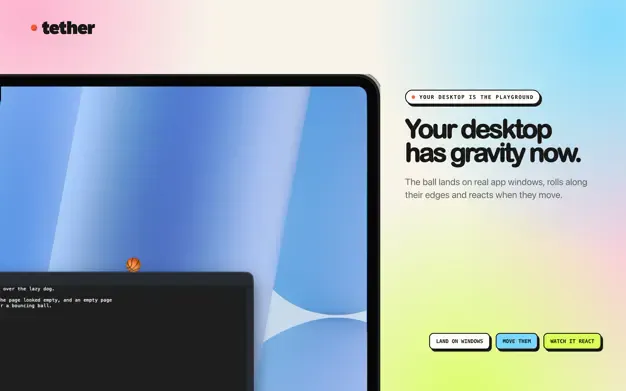
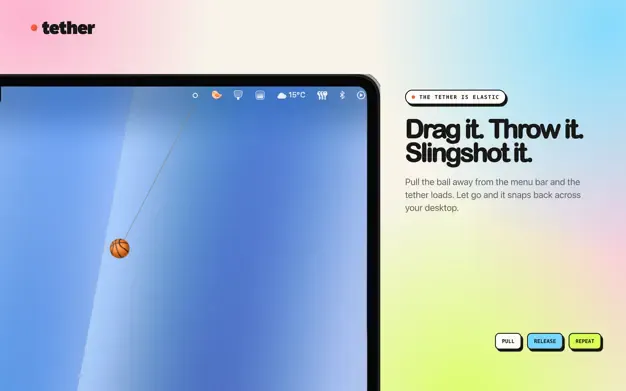
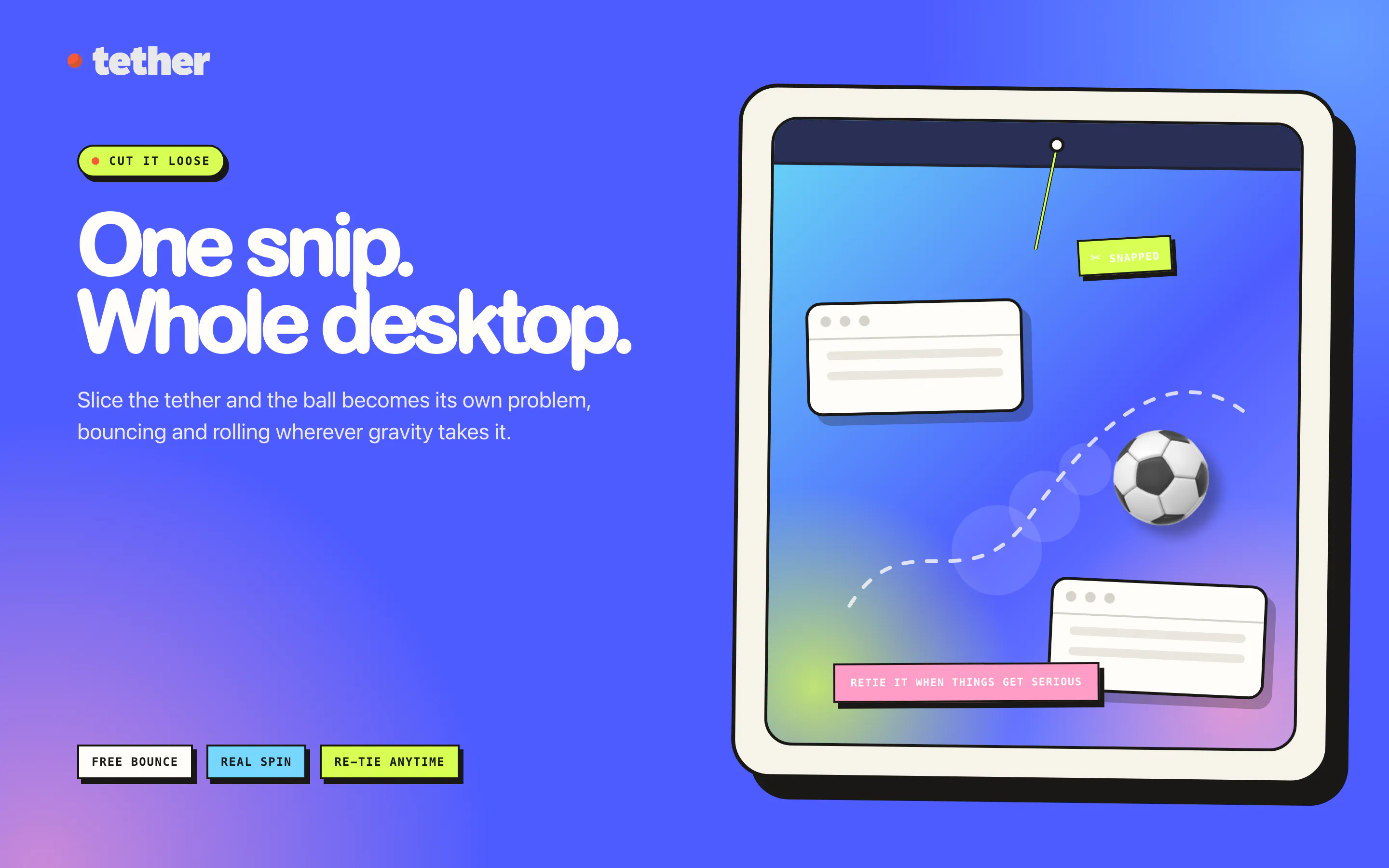
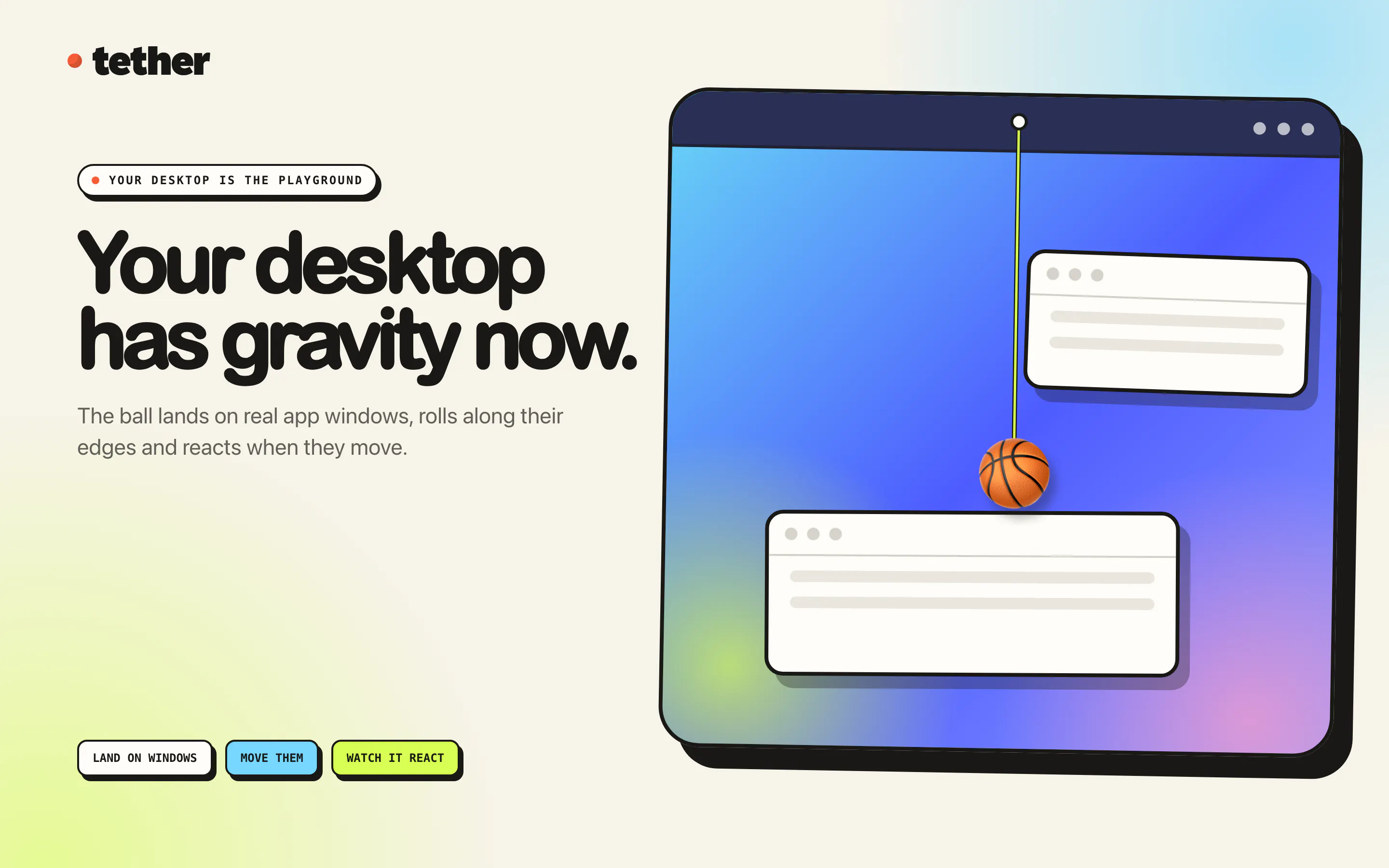
A ball hangs from your Mac menu bar on an elastic tether. Drag it, fling it, slingshot it. It bounces off your actual app windows, rolls along their edges and settles into the Dock. Cut the rope and it goes loose across the desktop. Real physics, not a canned animation, so it never does the same thing twice. One key hides it the instant somebody says your name. No account, no subscription, nothing leaves your Mac.

:D Good launch on Monday when we have Sprint :D

3
回复

@busmark_w_nika :D Sprint planning is the natural habitat for this thing, so consider Monday a field test.

1
回复

@busmark_w_nika today's launch list feels like Sunday 🙈 but I love it, let's enjoy last calendar's summer day!

1
回复

On long calls I end up peeling the label off whatever bottle is nearest. Does it stay quiet enough for a call with the mic on?

2
回复

@yelyzaveta_kibets Completely silent, no audio anywhere in the app. Your bottle label never

stood a chance. :D

0
回复

This instantly caught my attention for today's launch. I have ADHD, and I usually need something to tinker with while listening. haha I can also imagine my students using this.

2
回复

@heyitsirenechan Thank you, that is exactly the case I built it for. Hands busy, ears free!

0
回复
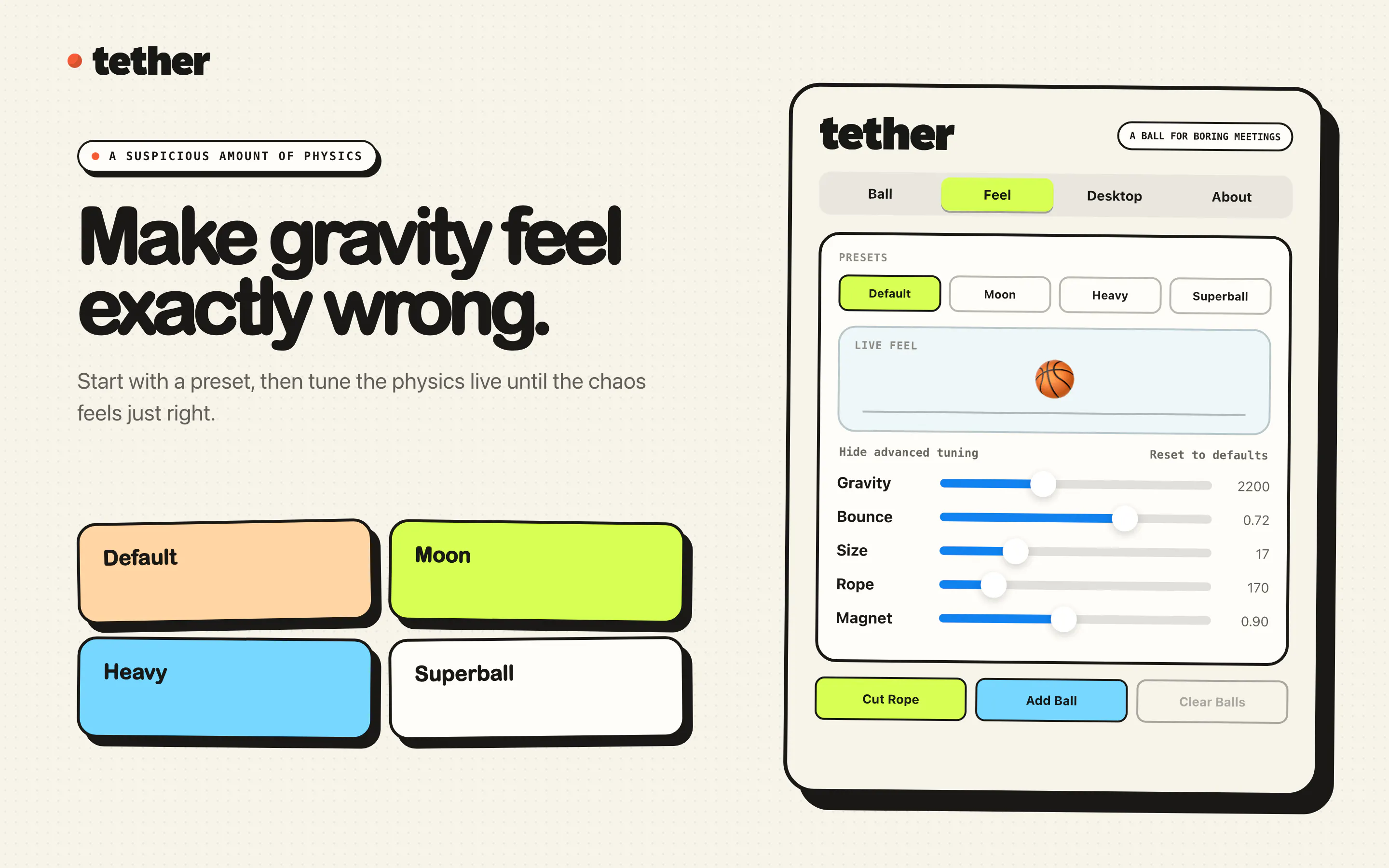
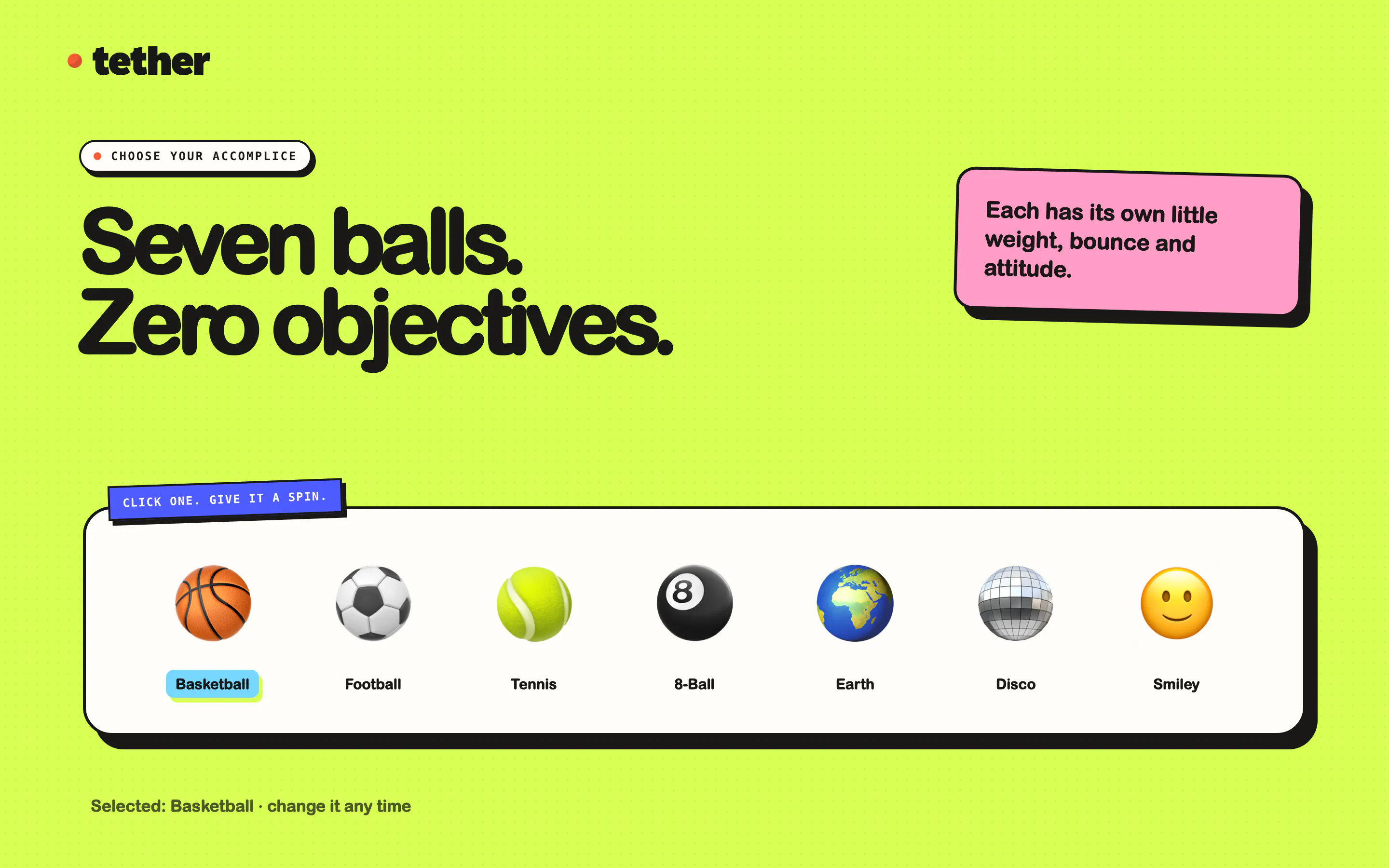
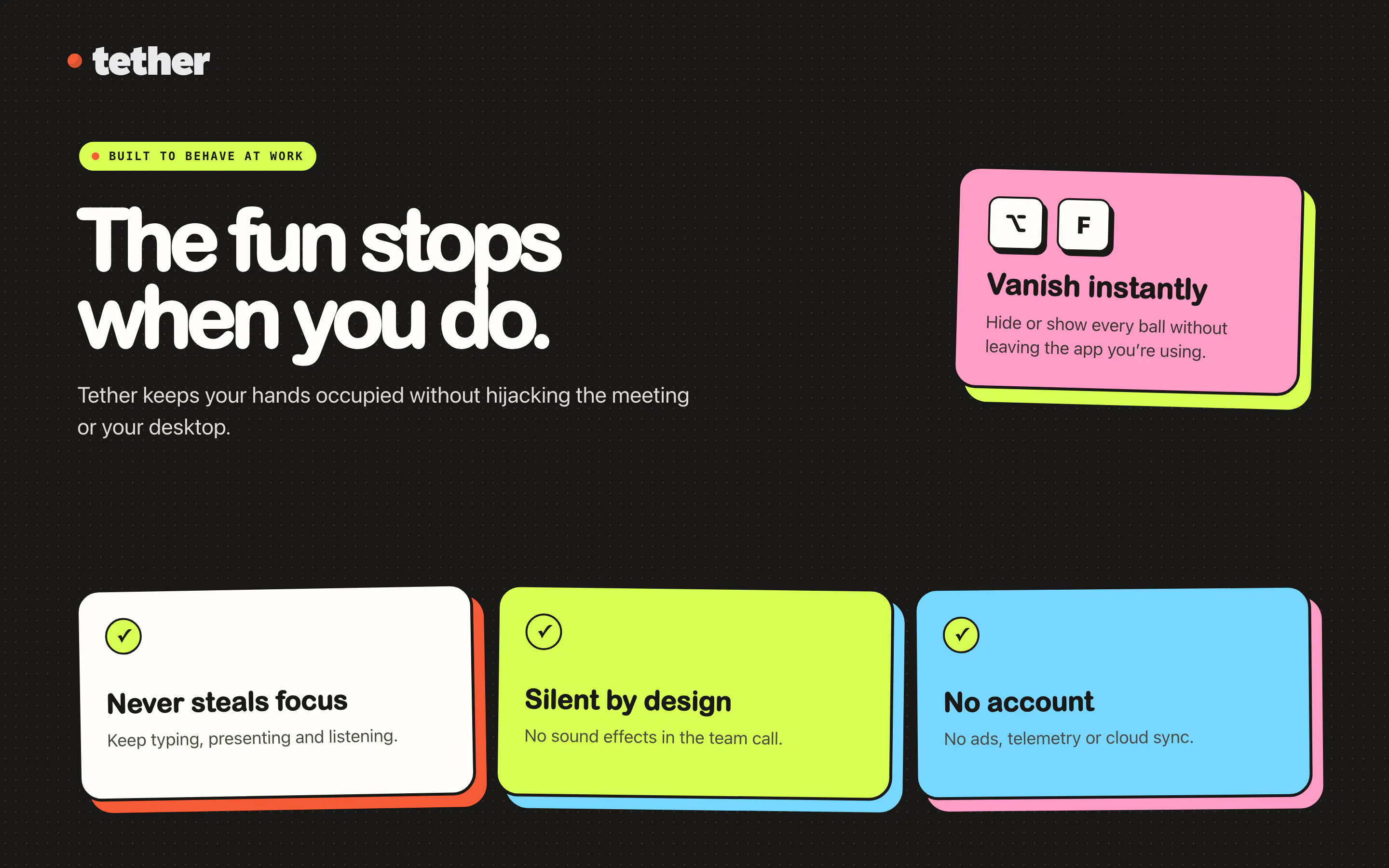
Hey Product Hunt. I was looking for something to keep my hands busy during long work meetings. Pens, cables, the corner of a notebook, the usual. So I made this instead: a ball that hangs off the Mac menu bar on an elastic tether. What it does: - Drag it, fling it, slingshot it. The tether stretches and snaps back. - Real physics against your real windows. The ball lands on their top edges, rolls along them, and reacts when you move them. - Cut the rope and it comes loose across the desktop, bouncing off whatever is in the way. - Seven balls, each with its own weight, grip and bounce. - Tune gravity, bounce, size and rope length live, or leave the presets alone. - One key hides it the instant somebody says your name. - No account, no subscription, no telemetry. Nothing leaves your Mac. It is a one-time purchase on the Mac App Store, and it is built for macOS 14 and later. Happy to answer anything. If the physics feels wrong somewhere, tell me, that is the part I will keep tuning.
1
回复

love this so much!

1
回复

@damjanski Thanks! Super fun making it, too.

0
回复

The panic key is the real product. Everything else is physics. Shipping the hide shortcut before anyone asked for it is the tell that you built this during a meeting you were supposed to be in.

1
回复

@rabnoor_s Caught. It was the second thing I built, right after the ball fell out of the

menu bar and I realised what I had done. :D

0
回复

Yes! Clearly I'm going with the basketball. Congrats on a really fun launch!

1
回复

@jacob_swiss Correct answer. The other six exist mainly to make the basketball feel chosen. :D

0
回复
I literally have one hanging next to my desk in my home office. Didn’t thought I would ever need it for screen. That’s crazy :D
1
回复

@avinashbussa The physical one might have better bounce, but mine has never rolled under the desk

mid-call. :D

1
回复

this is such a dumb-fun idea and I mean that as a compliment. curious how it behaves with multiple monitors - if I fling the ball off the edge of one display does it actually cross onto the other, or does each screen have its own independent ball? also wondering if the physics loop is noticeable on battery at all when it's just sitting idle in the corner.

1
回复
@galdayan yeah you make a point, it'll be more fun it it bounces from one monitor to another
0
回复

@galdayan Thank you! :) One ball, one canvas. The window spans the union of every display, so the ball

crosses between monitors and keeps its momentum. It only bounces at the outer edges of that combined area, and window top edges count as ledges on all screens.

On battery: when it comes to rest the display link is paused outright, so the physics loop stops rather than idling. Nothing runs until you touch it or a window moves underneath it. The only thing still ticking while it is on screen

is a 20Hz check for window geometry, and that runs off the main thread. Option-F hides it and even that stops.

0
回复

Is there a way to download this on PC?

0
回复

@alexander_knysh Not at the moment. Just Mac for now! Sorry.

0
回复
#5
EP–2350 FX–MIC
The programmable mic you can squeeze, shake & play
203
一句话介绍:EP–2350 FX–MIC是一款可握持的独立表演麦克风,通过挤压、摇晃和侧键触发,为现场演出者提供即时的人声效果调制与采样触发,解决了音乐人在舞台上操作繁琐、缺乏即兴表现力的问题。
Music Hardware Audio
表演麦克风 人声效果器 采样触发 手持乐器 RP2350 Teenage Engineering DIY音色 现场演出 JSON配置 K.O. II兼容
用户评论摘要:用户认为其外观复古温暖,硬件潜力被低估,适合探索怪异人声玩法;有评论好奇产品命名故事,但未见功能性问题或建议,整体反馈积极,认可其作为低价实验设备的可玩性。
AI 锐评

EP–2350 FX–MIC本质上是一次“旧瓶装新酒”的精准营销——它脱胎于EP–2350 Ting,换了个更通用的外壳和色系,就试图从雷鬼主题的附属品升格为独立乐器。这一策略聪明,但掩盖不了其硬件的局限:$59的定价决定了它的“lofi是有意为之”更像是对AD转换噪声和有限频响的粉饰,而非设计哲学。真正的价值不在于音质,而在于它激活了“表演”这一维度——挤压、摇晃这些物理动作让人声效果和采样触发从“按下开关”进化为“身体表达”,对K.O. II用户而言是极佳的可玩扩展,但独立使用时,单声道输入和简化效果链注定是玩具而非工具。更值得玩味的是社区生态:JSON配置和RP2350被逆向,意味着它正成为极客的破解玩具,Teenage Engineering看似开放实则半推半就,这比产品本身更有趣。但说到底,它解决的是“如何让观众看见声音的变化”这一舞台痛点,而非“如何获得更好的声音”。作为玩具,它称职;作为乐器,它仍需外接大脑。若你期待惊喜,不如等社区榨干它那层“定制”外壳后,再决定是否掏钱。

查看原始信息
EP–2350 FX–MIC
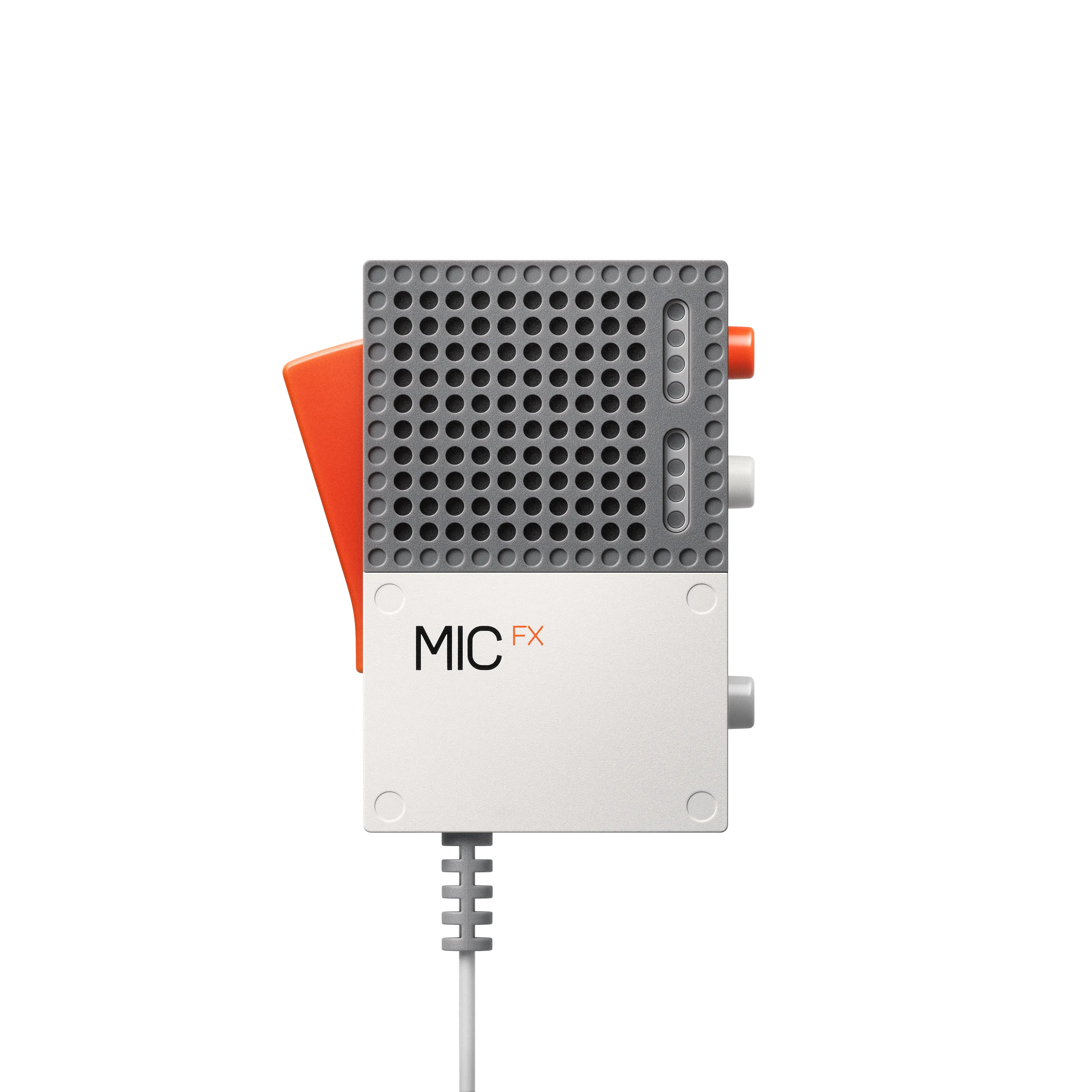
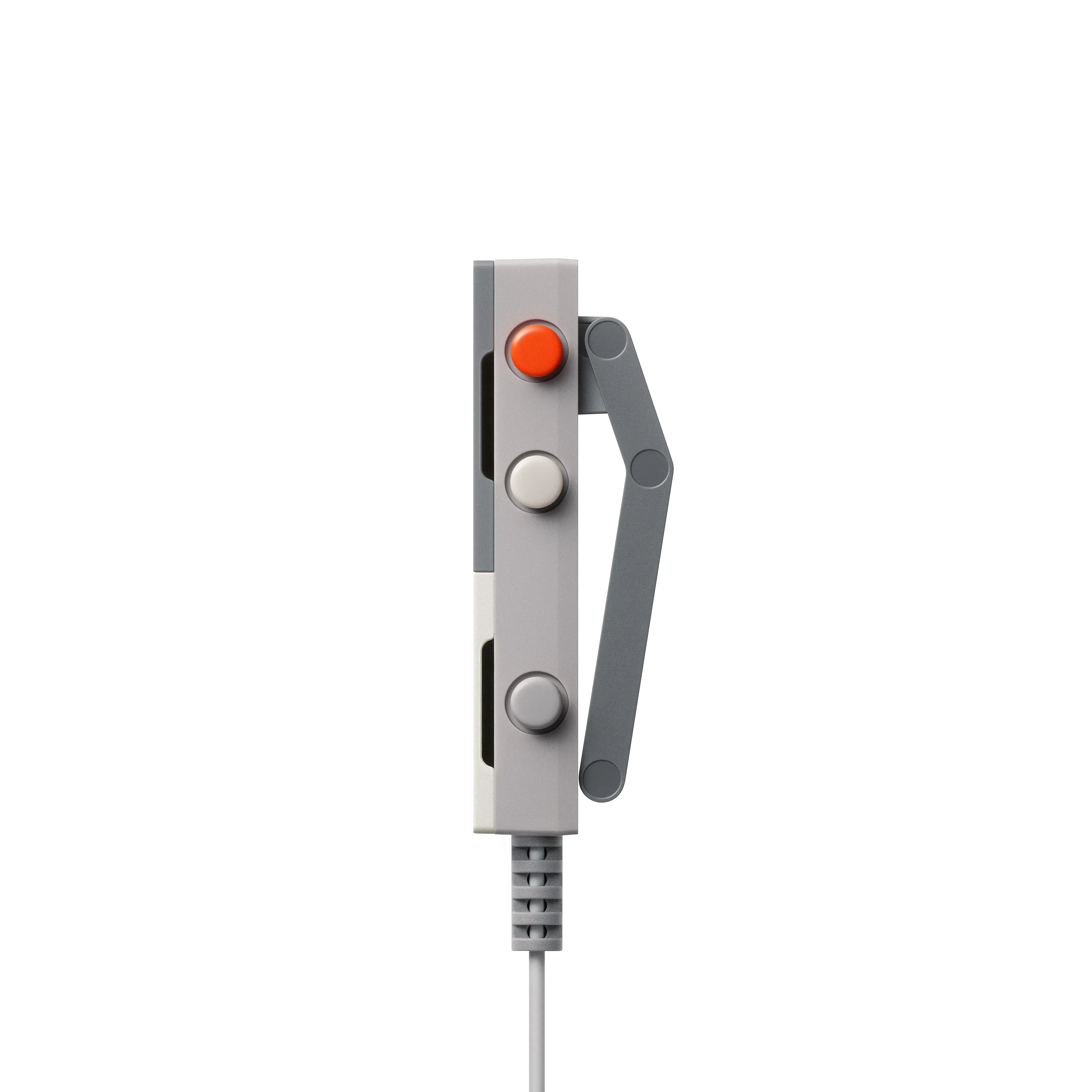
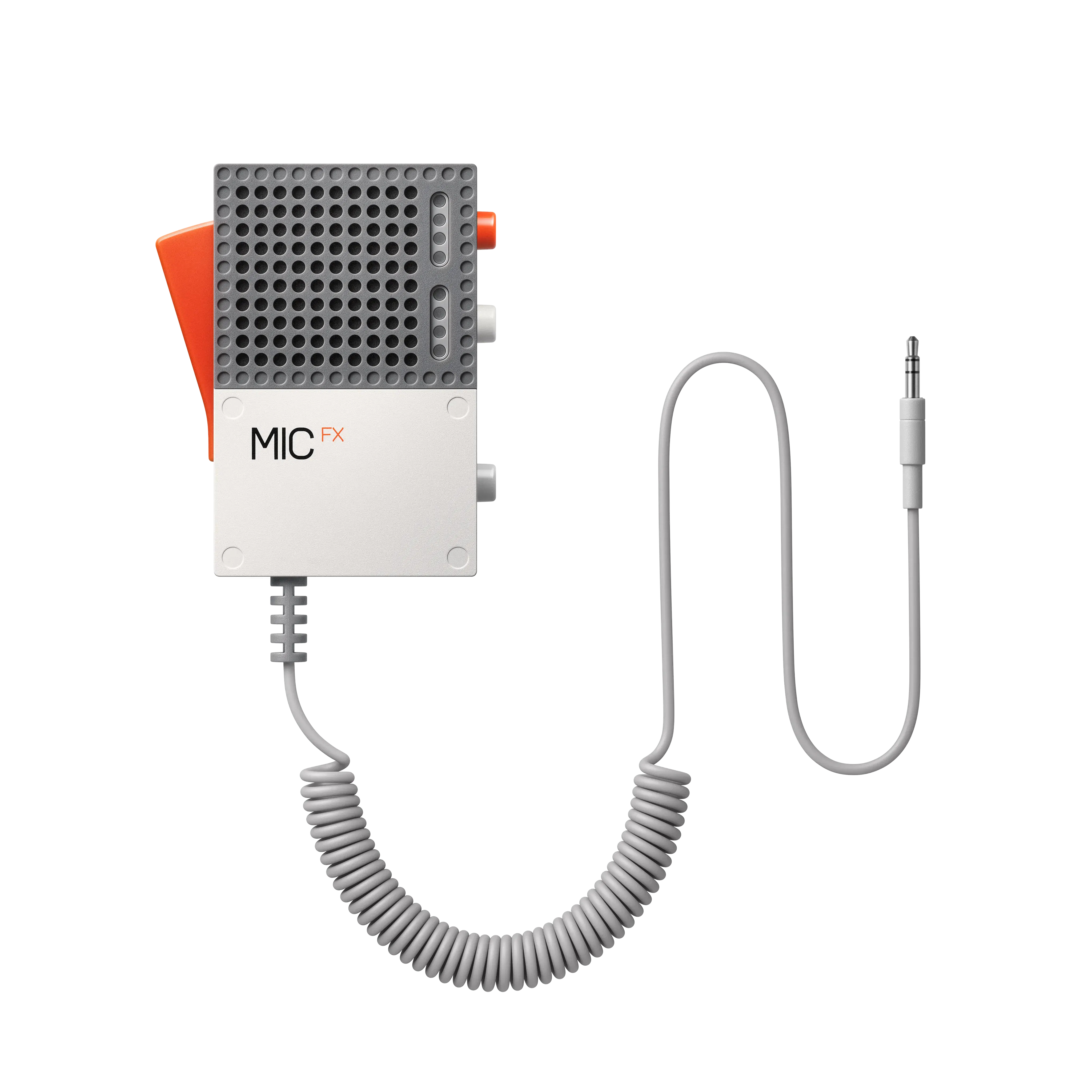
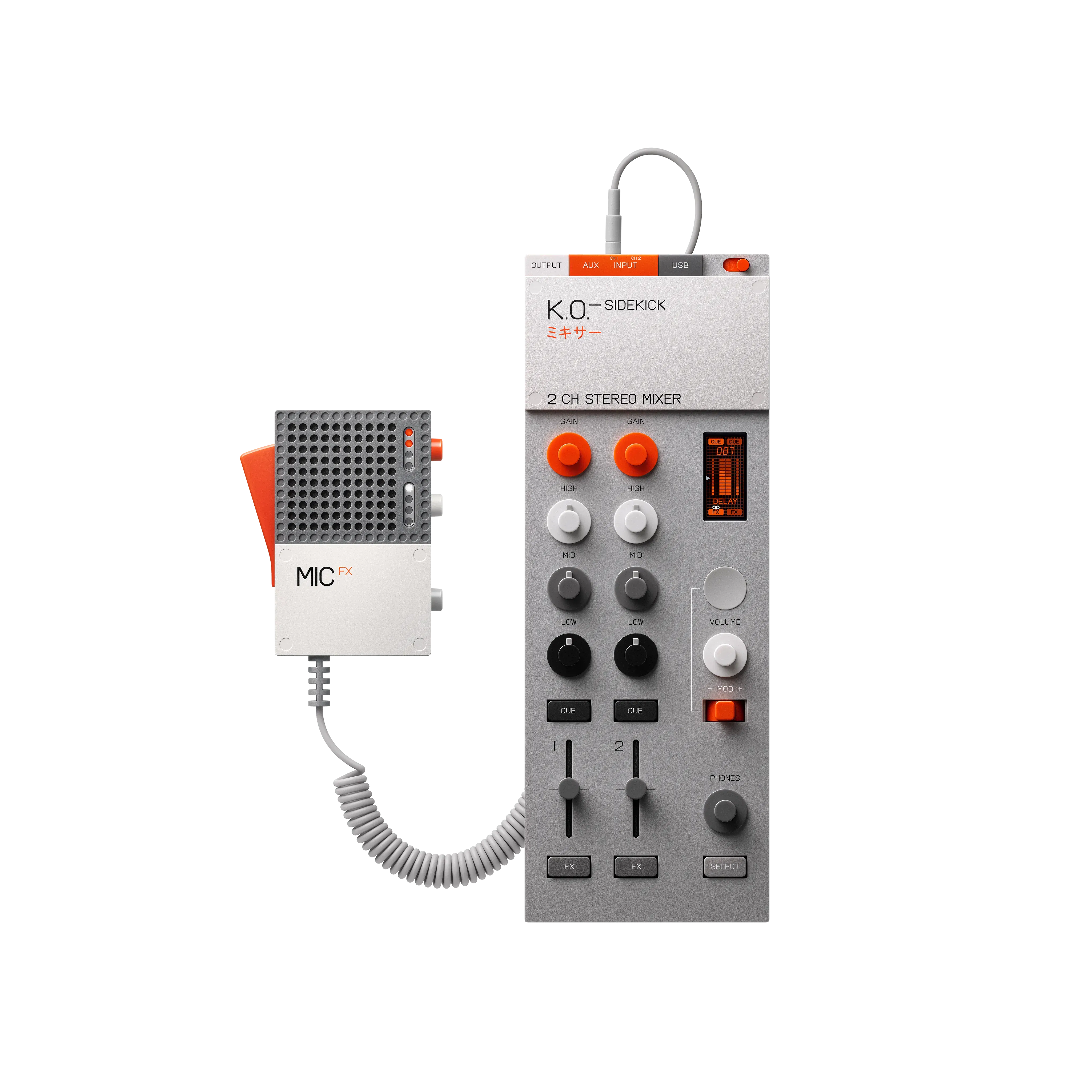
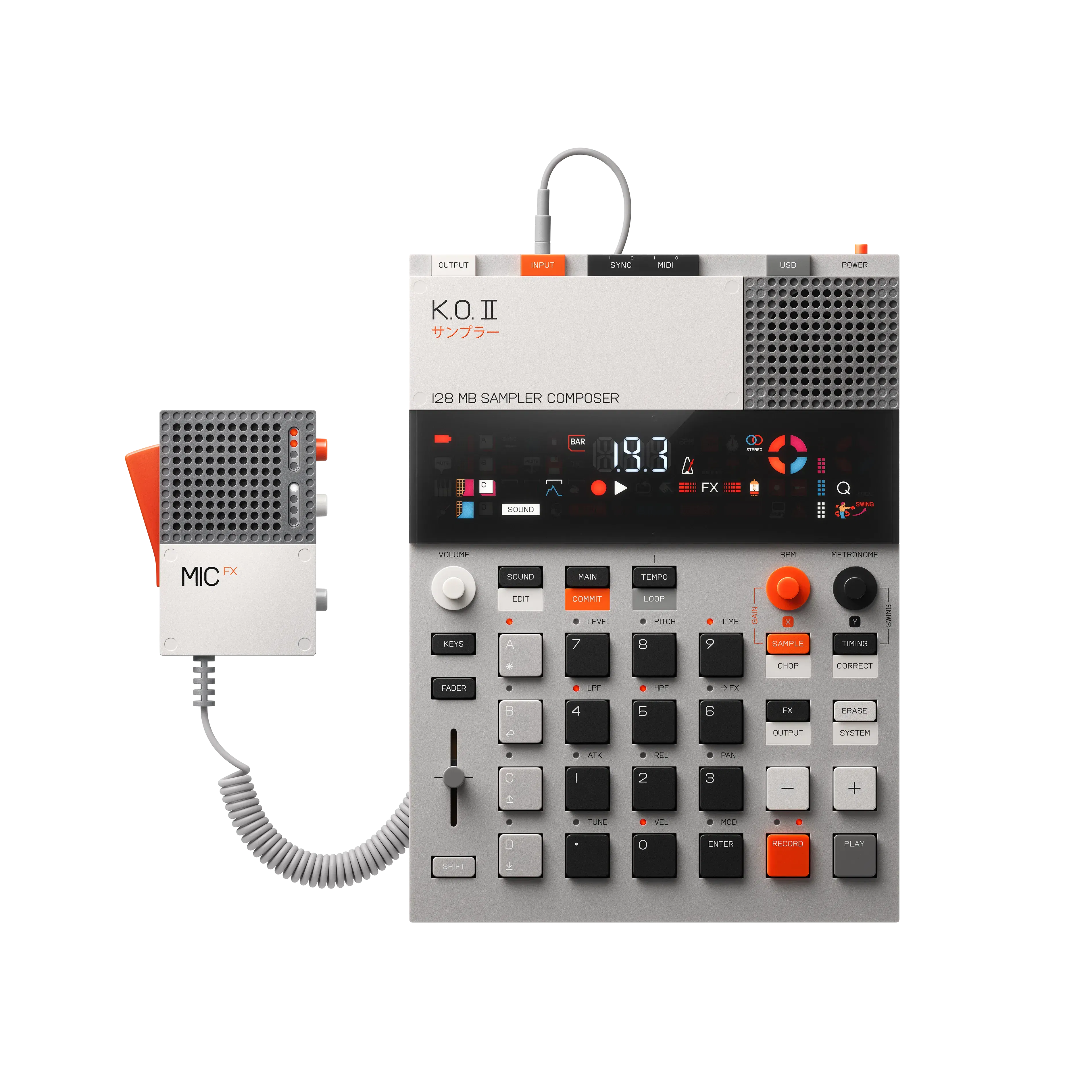
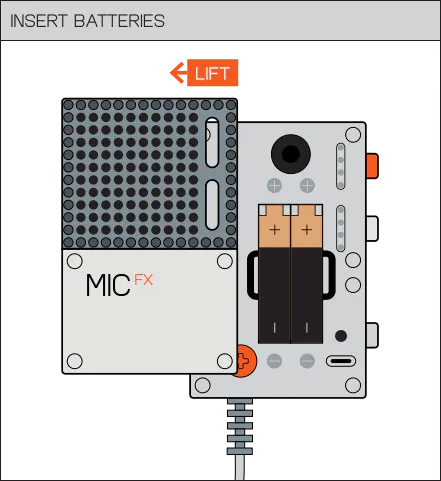
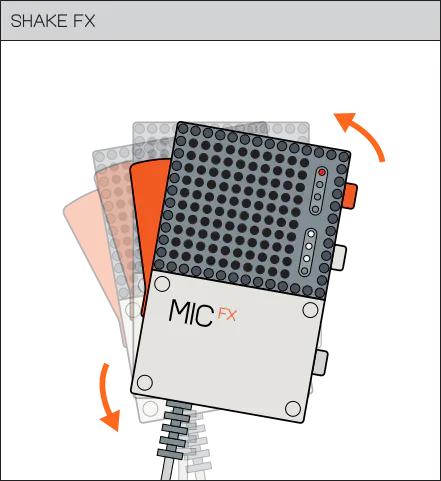
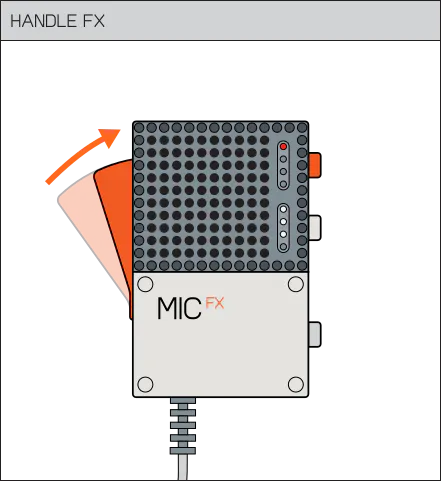
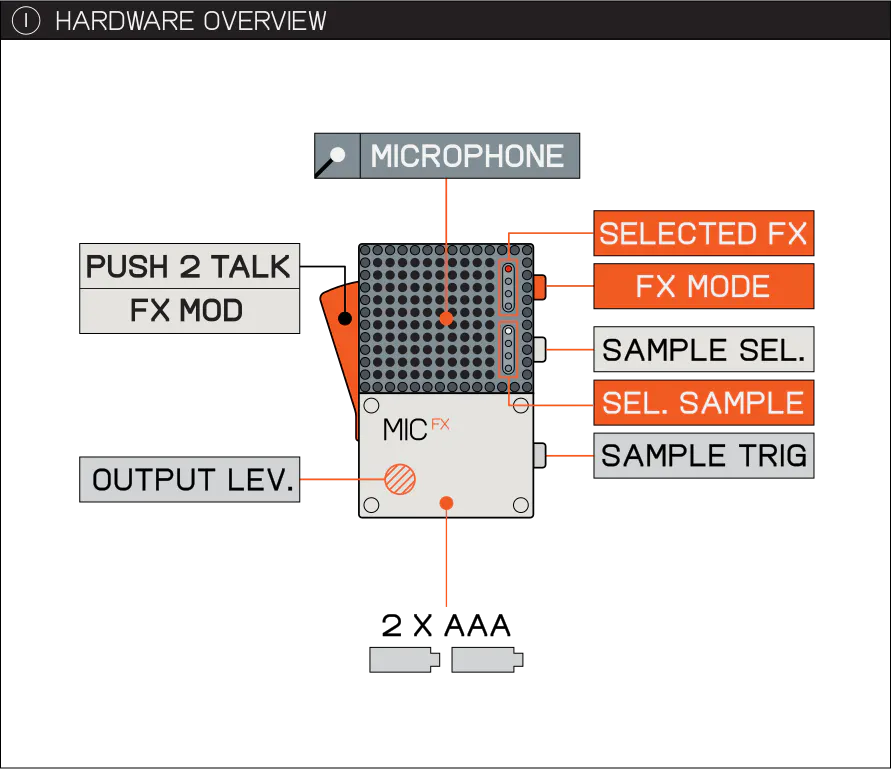
EP–2350 FX–MIC is a standalone handheld performance microphone with built-in fx, 4 on-board samples and a parameter modulation lever. shape your vocals and trigger samples straight from the mic. fill the four sample slots with your own sounds and build your own effect presets using a simple json file. hook it up to your K.O. II or plug it straight into any setup.

Hi everyone!

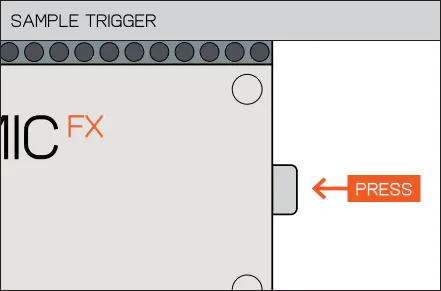
@Teenage Engineering’s EP–2350 FX–MIC looks like a tiny radio mic. You squeeze the lever to shape the vocal FX, shake it to modulate, and fire off four samples from the side buttons.

It is $59, lo-fi on purpose, and plugs into a K.O. II or any line-in setup.

You can also swap the samples and rebuild the effect chains in a JSON file. Makers have already been poking at the RP2350 hardware underneath.

And if it looks familiar, it should. This is essentially the earlier EP–2350 Ting in the K.O. II colorway. Same little machine, just pulled out of the reggae set and given a more general place in the EP family.
https://www.youtube.com/watch?v=GDG1n24c9A4
The hardware was always weirder and more useful than the original theme made it look. I keep wondering what weird new voice use cases people will find for this thing..!

4
回复

@zaczuo Wow! Quite a retro and warm little thing =)
I love these kinds of gadgets, especially when they’re musical ones <3

4
回复

Curious about the story behind the name EP–2350 FX–MIC

0
回复
#6
Ask My Wardrobe
The complete digital wardrobe experience
189
一句话介绍:Ask My Wardrobe 是一款以“数字衣橱”为核心的 AI 穿搭规划工具,通过拍照建档、虚拟试穿与可视化日程,帮用户盘活已有衣物、减少盲目购物,解决“每天没衣服穿”和“买错后悔”两大日常痛点。
Design Tools Fashion E-Commerce
AI穿搭 数字衣橱 虚拟试穿 服饰管理 穿搭规划 衣橱整理 购物决策 可持续时尚 时尚科技 个人形象
用户评论摘要:用户高度认可“0注册”与虚拟试穿,但反馈两大硬伤:1)AI对无人物/衣物的照片仍生成“成功”结果,缺前置校验,易误导用户;2)衣橱长期维护难,半年后物品过时或损坏,建议加入定期重扫提醒或旧衣捐赠/转卖建议。此外,用户关心图片存储方式与隐私,并希望混合新旧单品搭配。
AI 锐评

Ask My Wardrobe 的聪明之处在于它没有死磕“虚拟试穿”这个看似炫酷实则低频的伪需求,而是敏锐捕捉到用户真正的痛点是“衣橱失控感”——买了却忘、该穿没得穿。产品将重心从“买前预览”悄然转为“存量管理+预规划”,这一定位精准切入了快时尚反噬下的理性消费浪潮,价值感远高于单纯的滤镜式试穿。

然而,评论区暴露的两个致命隐患不容忽视。其一是“无验证的AI幻觉”:对两张风景照也能严肃输出“试穿成功”,这不仅是技术漏洞,更是信任崩塌的起点。在涉及个人形象与消费决策的场景里,错误的“确定性”比没有答案更具破坏性。其二是“归档后的坟墓化”:产品让用户一次性拍照建档易,但半年后衣物更新、折旧、风格迁移所带来的数据腐化问题,目前毫无解法。评论区那句“六个月后建议悄悄变错”直指核心——衣橱类工具的生命力在于持续校准,而非一次性的数字镜像。

技术层面对图片存储的支吾回答、对0注册模式下数据留存的含糊,也暗示了其商业化路径的摇摆。若想真正成为“完整数字衣橱”,Ask My Wardrobe 需要从“工具”进化为“管家”:引入基于穿着频次的旧衣回收提醒、联动二手平台的价值评估、甚至是季节性穿搭的主动推送。否则,它只会是又一个被“3分钟热度”埋葬的漂亮产品,而非用户真正的穿搭副脑。

查看原始信息
Ask My Wardrobe
Ask My Wardrobe is an AI outfit generator and outfit planner that makes it easier to get dressed, plan better looks, and shop with more confidence. Use clothes you already own to build new outfits, plan what to wear days or weeks ahead, and virtually try on clothes before you buy so you waste less money on things you won’t wear. Save your best looks, share them with friends for feedback, and use it free with no sign-up required.
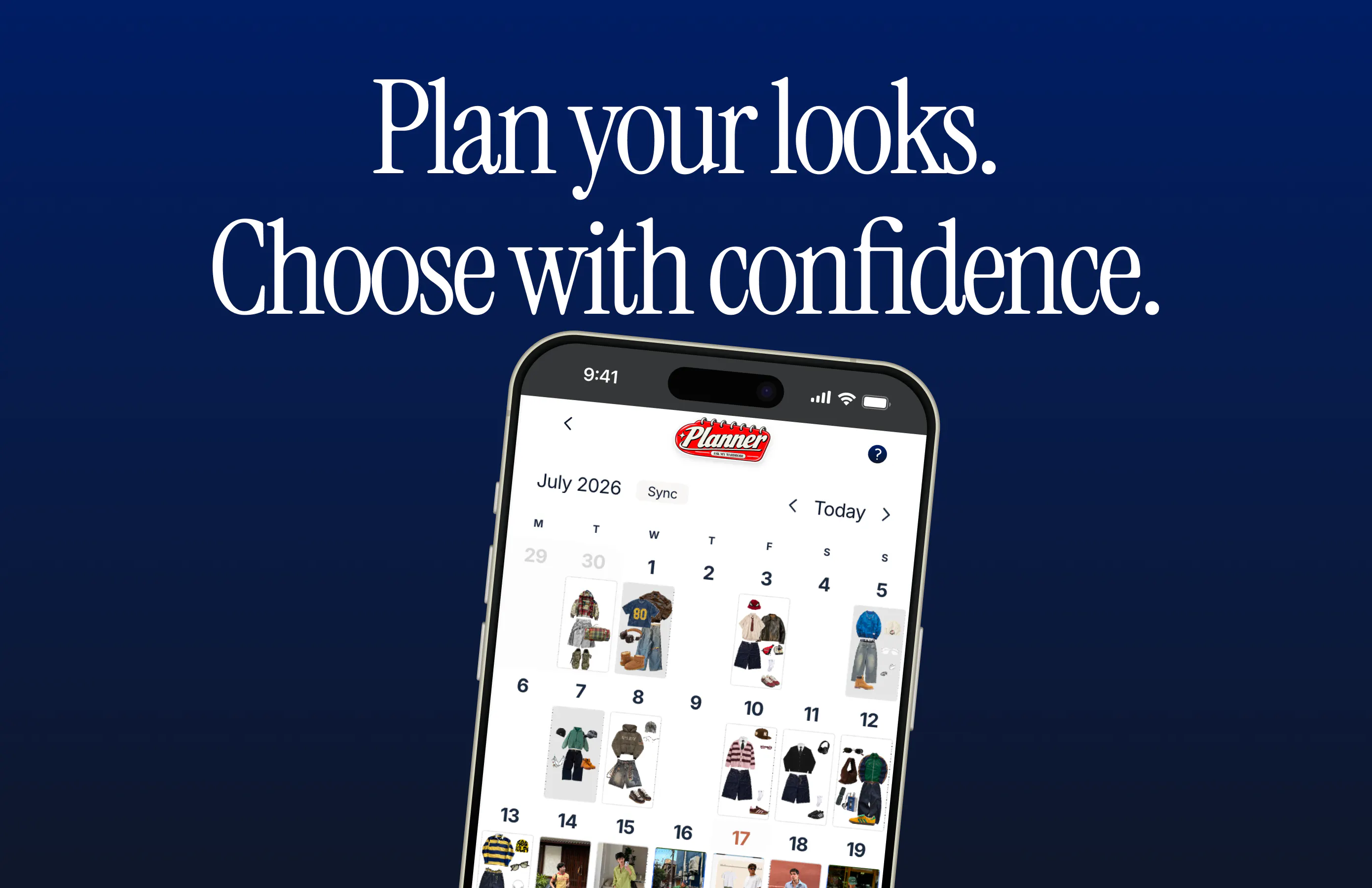
I’m launching Ask My Wardrobe. ✌️ When I first started building it, the idea was simple: upload a photo of yourself and an item you are considering, then see yourself wearing it before buying. I thought virtual try-on would remain the main reason people used the product. But as more people tried it, I noticed something unexpected. Users were creating different outfits with the same clothes, combining new items with pieces they already owned, saving looks, and returning to compare them. Eventually, the outfit planner became even more popular than virtual try-on. That changed the direction of the product. It made me realize that people don't only need help deciding what to buy. They also need a clear way to see what they already own, create better outfit combinations, and prepare outfits before they need them. Ask My Wardrobe has gradually grown into the complete digital wardrobe experience, you can: Organize the clothes you own Build outfits on a visual editor Plan what to wear See your planned outfits in a visual calendar Try on clothes virtually before buying Share outfits with friends and get feedback You can use it for free, with no account required to start. I want the next features and improvements to come from how people use it and what they genuinely need. I read every feature request and use that feedback to decide what to work on next.
5
回复

@sarunas_rodriguez really like the 0 signup onboarding!

are you retaining the saved lookbook and visual calendar data for returning users if they don't have an account?

3
回复

@sarunas_rodriguez Hey! I tried it but i ran into something worth flagging.

I uploaded two random landscape photos (no person, no garment in either) just to see what would happen, and the app still generated a full result and presented it as a successful "real" try-on. Checked the console and it explicitly logs "Real AI generation completed" even though neither image had a person or garment in it — so there's no validation happening before generation runs. Means anyone who accidentally uploads the wrong photo gets a confidently wrong result with zero warning.

Also flagged (but not a bug on your end): I thought the Download button was broken, but it was just my ad blocker — worth knowing since it might trip up other users too.

0
回复

“Getting me to photograph my entire closet is gonna be the real challenge I still have a ‘maybe later’ pile from last year that I haven’t touched.”

3
回复

@brody_vincent yeah, it is hard, but def worth doing 😊

1
回复

“I’d probably use the outfit planner the most. I swear I keep rotating the same 3–4 outfits and then wonder why I’m bored with my clothes lol.”

3
回复

@nathan_holdstein36 😂 So true, I use the outfit planner the most...

1
回复

“Wait, can it mix stuff I already own with something I’m thinking about buying? Because that would actually help me figure out if I really need it.”

3
回复

@grace_gui02 Yepp, give it a try 😉

1
回复

Great idea for an outfit planner as long as it can take personalizations into account.

2
回复

“Virtual try-on is definitely cool, but honestly the wardrobe part is the bigger win for me. Being able to actually use what I already own feels way more practical.”

2
回复

@stella_reed1 Yeah, that would be something useful for every day

1
回复

my honest hesitation with these apps is always upkeep, not the initial cataloging. I photograph my closet once, feel productive, and then six months later half the items are donated or worn out and the outfit suggestions are quietly wrong without me realizing it. is there any nudge to re-scan or prune the wardrobe over time, or is it on the user to remember to keep it current?

1
回复

@galdayan wow, that's a great idea, like a suggestion to sell or donate clothes that you've used too little right?

0
回复

does it builds the wardrobe from photos or receipts, or whether you type it all in?

0
回复

I love this, and have been needing it for years! Being able to look at my wardrobe in such an accessible way will allow me to use items of clothing I forget that I own. This helps prevent me from buying more clothes, which is a method for living sustainably when fast-fashion is creating so much waste.

Though I do wonder, from a technical side, how have you chosen to store images for each user? Is it based on an individual's device, stored in the cloud, ...? And what caused you to make that choice?

0
回复
#7
BrandMyLaptop
Sell ad space on your laptop
170
一句话介绍:BrandMyLaptop是一个让笔记本电脑拥有者把A面(顶盖)当作广告位出租给品牌方的撮合市场,用户自主定价、设定条款,解决个人流量变现与品牌线下触达的匹配难题。
Marketing Advertising Influencer marketing
广告租赁 笔记本电脑贴纸 个人流量变现 P2P广告 线下品牌曝光 共享经济 C2C市场 设备装饰 被动收入 微网红营销
用户评论摘要:用户核心疑问集中于广告效果不可测量(如何证明曝光量、印贴质量管控),对“未购机先卖广告位”的玩法表示惊叹但也质疑其可持续性。有建议增加QR码追踪,并调侃产品名错过“OnlyLids”的梗。整体反馈积极,但缺少对合同违约和真实流量数据的追问。
AI 锐评

BrandMyLaptop本质上卖的不是广告位,而是“注意力合法化”的幻觉。创始人用“未购先卖”的案例证明了自己是营销天才,但这恰恰暴露了产品的致命伤:广告位价值取决于持有者的真实社交影响力和物理活动半径,而平台既无法验证卖家流量,也无法监督贴纸实际展示。评论里那位买家一句话点破死穴——“无法测量的广告永不续费”。这个模式能火,是因为它踩中了Z世代对“边玩边赚”的憧憬,但供给端(想赚零花钱的笔记本主人)和需求端(要ROI的品牌)存在天然的价值断层。平台若只做撮合,就会陷入“贩售廉价曝光”的泥潭,被品牌方当作一次性实验品。真正的出路是转向“身份背书型广告”——只接受有特定职业标签(如开发者、设计师、商务差旅者)的卖家,用场地与职业属性为品牌提供间接信用担保,同时强制嵌入可扫描的追踪码,把“无人能证实的路过”变成“可量化的扫码互动”。否则,这项目很快就会从“个性副业”沦为“贴纸垃圾场”,只剩创始人的PR秀还值得一看。另外,那句“OnlyLids”的调侃,可能是这产品最接近真实商业洞察的一句话——它本质是闲趣,不是刚需。

查看原始信息
BrandMyLaptop
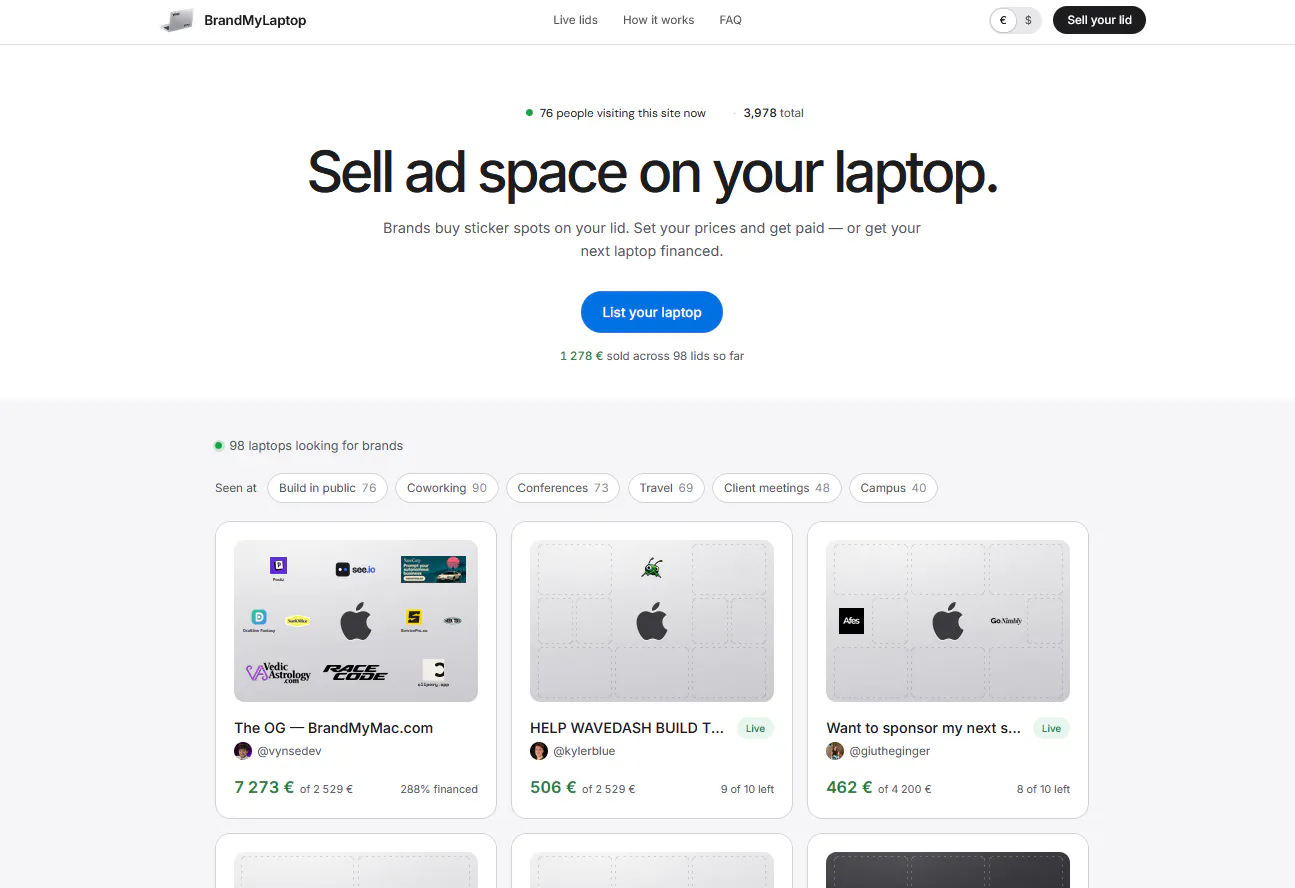
A marketplace where brands buy sticker spots on your laptop lid. Set your machine, your prices, your terms. Mac or PC, one you own or one the sales pay for.

I buy small ad placements and the ones I cannot measure never get renewed. How does a sponsor know anyone actually saw the sticker?

4
回复

@yelyzaveta_kibets Depends on the seller: what they do, where they go, what they post.
Online it's trackable: the sticker is visible in their photos and videos, and your logo links out from the listing. IRL, nobody can count who walks past a lid and goes to Google you, I won't pretend otherwise (unless your sticker carries a QR code, which is something I'm considering to gather all sponsors)

1
回复

@yelyzaveta_kibets this is the right question to ask. And it’s the question no one is asking who throws money at this. 😂

0
回复

I sold ad space on the MacBook I don't own yet and raised 7,273€ in 48 hours (BrandMyMac.com)

I've created BrandMyLaptop so now you can do it too 🙏🏼

→ add your laptop, Mac or PC

→ your spots, prices, terms

→ brands buy, you approve

Print stickers, print money.

4
回复
This is cool and something I wanted to see in the world. Glad that Vincent started it.
3
回复

I chuckled at this one. 7,273€ on a not-yet-purchased Macbook is neat, brb listing my next laptop

3
回复

@denitsapenchevavaltchanova Haha I know it's insane right!!

0
回复

I just set up my brand my laptop page and it was so easy to sign up and rent :) I am so happy that he started this and I think its super super cool

2
回复

@mayaa17 Thanks a lot for your nice words and feedback Maya!!

0
回复

Hi @vynsedev

raising 7k on a 2.5k machine for the original brandmymac is wild.

how do you enforce sticker printing specs on marketplace side
so the final lids actually match the brand's uploaded logo?

2
回复

@mohsinproduct Hi, I can't inspect the printing remotely obviously ; that's all up to the seller to respect the time window (14 days) and provide a photo of the sticker on the lid. if they don't, we pull the listing and they have to refund you.

also it's up to the seller to decide of the final render of the stickers to optimise their visibility (if they realise a logo is too small in real etc)

2
回复

Heheh! Somebody told me this idea before but I've never imagined seeing it here. Love it honestly and wish you all the best on this impressive launch

2
回复

@german_merlo1 Thanks man!! surprised it wasn't done before tbh lol

0
回复

Missed an opportunity to brand this OnlyLids.

1
回复
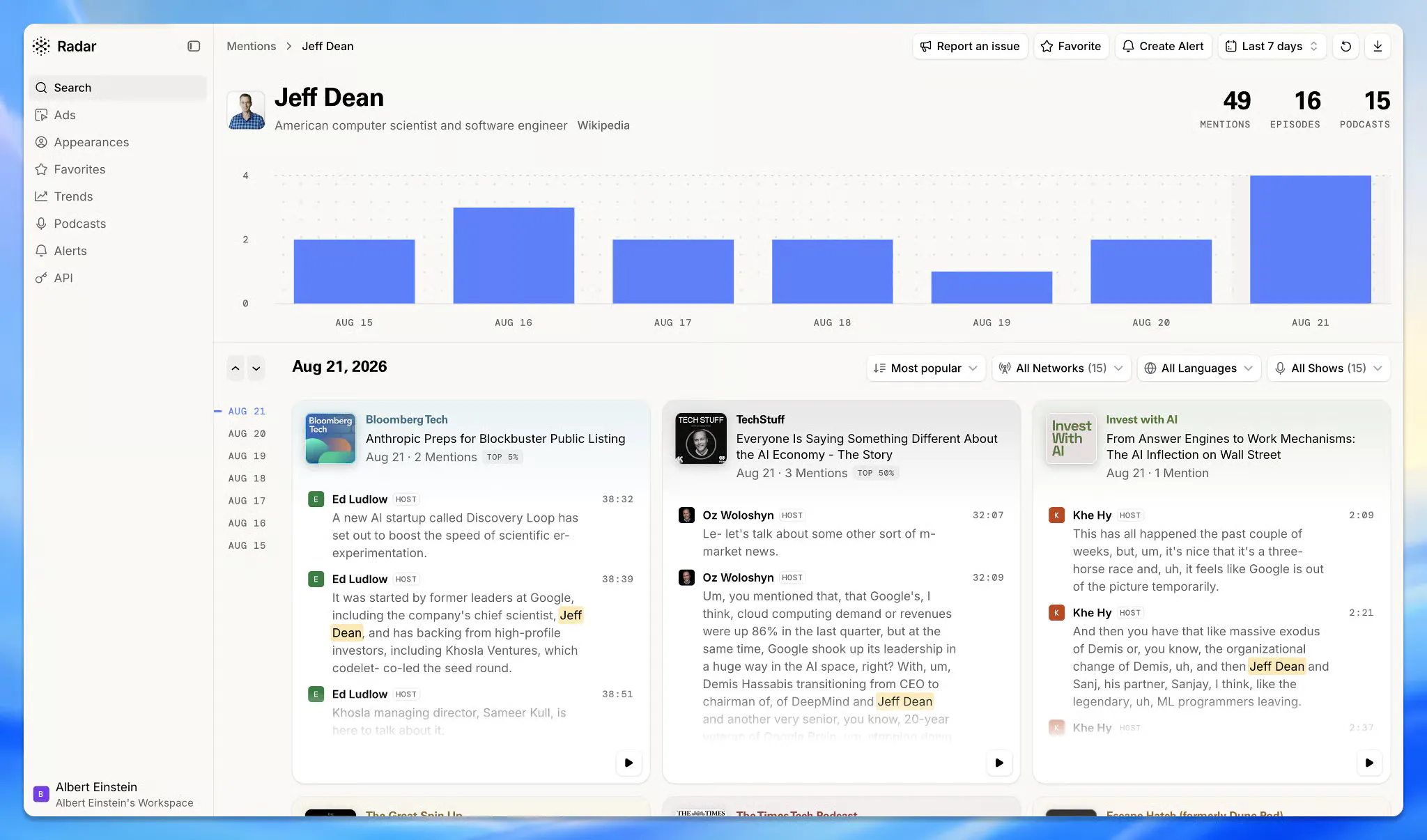
#8
Radar by Particle
The Podcast Search Engine
135
一句话介绍:Radar by Particle 是一款播客搜索引擎,通过全文转录和语义搜索,让用户能像搜索网页一样,精准定位海量播客中的具体话题、人物和观点,解决“只记得模糊印象却找不到内容”的痛点。
Developer Tools Artificial Intelligence Tech
播客搜索 语音转文字 语义搜索 AI Agent 知识检索 内容挖掘 Podcast Intelligence API 趋势分析 媒体监测 MCP
用户评论摘要:用户普遍认可其解决“半记忆播客内容”的痛点,认为能大幅提升研究效率。CEO回应了关于模糊语义搜索的问题,透露将推出更接近LLM的Smart Search。有用户建议其推出对标Techmeme的播客新闻产品,获积极回应。
AI 锐评

Radar的切入点精准且克制,它没有试图做“下一个播客播放器”,而是选择做播客世界的“爬虫与索引器”。其核心价值不在于135个投票,而在于将非结构化音频转化为结构化数据资产——这本质上是为AI Agent时代铺设“听觉数据”的基础设施。订阅制的定价策略也颇为务实,直接面向记者、研究员、投资经理等重度信息消费者。

但必须泼一盆冷水:首先,130,000个播客的转录覆盖虽广,但播客长尾效应极强,头部内容的高竞争度与长尾内容的低质量转录将是长期矛盾。其次,其宣称的“语义搜索”目前仍是关键词变体匹配,与真正的LLM驱动的Smart Search尚存距离,若后续功能迭代不及预期,早期用户体验的落差感会侵蚀信任。更关键的是,Radar面临的真正对手并非其他搜索工具,而是Spotify、Apple Podcasts等平台方——它们拥有独家版权内容和更庞大的用户行为数据,一旦将搜索能力做深,Radar的第三方API依赖将变得脆弱。其护城河在于“跑得快”与“开放的API生态”,而非技术壁垒。此外,每月29美元的个人定价,对非专业用户而言门槛不低,若无法快速证明其能节省的时间成本远超订阅费,用户留存将是巨大挑战。趋势产品是看点,但如果只是把新闻摘要搬进播客,则价值有限。若能将播客中的“尚未成为新闻”的早期信号挖掘出来,那才是真正的降维打击。

查看原始信息
Radar by Particle
The web is searchable. Podcasts should be too. Today, Particle is introducing Radar, the podcast search engine. Podcasts hold some of the most thoughtful and timely conversations happening right now, but that knowledge is hard to find. Radar searches 130,000+ actively transcribed podcasts, with ~20,000 new episodes daily. Millions of hours and billions of lines, fully searchable. Radar is powered by Particle’s Podcast Intelligence API, which allows agents to search across podcasts via API/MCP.

Hi I'm Sara, co-founder and CEO of Particle. I wanted to share a bit about the background of Radar, and the Podcast Intelligence API from Particle.

You may remember us from Particle News! Particle News is an iOS and Android app that summarizes and distills news from many sources, helping you get caught up quickly. Over a year ago, we started working on bringing podcast clips into news. We find the best, most relevant podcast clips and bring them into the Particle News stories, giving each story a very human layer of commentary and discussion. Our users love it, and they tell us. We realized that there is actually a ton of value that we could unlock from podcasts. But, in a world increasingly searched by agents, they can't "hear" podcast content unless someone has already transcribed it.

So we started building an API/MCP, the Podcast Intelligence API. We cover over 130,000 actively transcribed podcasts, with 20,000+ episodes added daily. Each episode is fully transcribed, speaker diarized and labeled, and rich entities (people, companies, etc.) are extracted so that you can use this data to establish trends, do deep research, discover podcasts and episodes or just catch up.

But our users also told us that sometimes, you just want to look at it or listen to it :) That's where Radar comes in. Radar is podcast search engine, powered by the Podcast Intelligence API.

With Radar, you can search podcast transcripts by entity, keyword/keyphrase, or semantic meaning, and soon we'll be introducing a Smart Search as well (which will put an LLM in front of your query to best route or answer it). You can also set up alerts for entities and guest appearances, which you can get delivered to you by Slack, email, or webhook, either as they happen or in daily/weekly digests.

Radar is free to try, and then it's $29 per month for Individuals and $399 for Businesses. Use promo code HUNT when you sign up for 50% off the first month. Each tier also gets you API/MCP access, so you can connect your agents to the same data. If you have any custom needs or want firehose access, let me know and we can discuss Enterprise options as well.

One of the most interesting things for me personally about Radar is the trends that are surfaced, and we're going to be releasing more in this space as well. It's amazing to see what podcasters are all talking about right now. Also, whenever there's relevant news about an entity, we surface it on Radar as well, so you can get caught up with what's happening as quickly and easily as possible.

I'd love to chat, so feel free to comment or message me here, or find me on X/Twitter: x.com/pandemona.

Huge thanks to @chrismessina for the hunt, and for all his continued support over the years!

8
回复

Curious how well it works when you only remember the rough idea, not the exact words.

4
回复

@dylan_friddle12 Great question! Currently, there's a semantic search option that matches the terminology used in the search. So rough ideas should yield some results. Soon, though, we'll have a smart search option that's closer to an LLM query (less exact should yield even more results).

1
回复

I like that this goes beyond simply finding podcasts. Making all those conversations searchable could make podcast research much less time consuming.

4
回复

@naomi_plasterer,I have so many half remembered podcast moments I gave up trying to find again. The idea of finally landing right on the exact one is oddly satisfying. This feels like it would change how I actually use everything sitting in my queue.

3
回复

Huge fan of Particle and love this use case. Really curious if Particle could spin up a podcast-focused competitor with Techmeme... WDYT @pandemona ?

2
回复

@chrismessina Super interesting convergence of podcasts and news.... I love it. We are building a Trends product on Radar that will start to get at some of this. Stay tuned!

3
回复
#9
Orato
Practice speaking with AI.
135
一句话介绍:Orato 是一款利用 Apple Intelligence 实现完全本地化处理的 AI 口才教练应用,通过 30-90 秒的即兴演讲练习,帮助用户克服公开讲话时的语速、流利度、词汇和连贯性问题,尤其适合面试、汇报和重要对话前的紧急打磨。
Productivity Education Artificial Intelligence
AI口才教练 语音练习 本地化隐私 Apple Intelligence 演讲训练 流利度评分 面试准备 即兴表达 语法填充词检测 订阅制应用
用户评论摘要:用户关注三点:1) 旧机型离线处理时的文本是否经第三方 API 及存储政策;2) App Store 页面免费额度(3次/周)与内文描述(每模式1次/周)不一致;3) 评分中“连贯性”主观性强,恐削弱其余三项客观评分公信力。另有用户建议增加“销售话术”等实战场景,并希望看到进步曲线而非单纯次数限制。
AI 锐评

Orato 的聪明之处在于把“不敢开口”和“隐私焦虑”绑在一起卖——当所有竞品都在云端监听你的磕巴时,它用 Apple Intelligence 换了一张“永不离开手机”的安全牌。这确实精准切中了语音训练类产品的信任死穴,也解释了为什么 135 票能换来一堆高质量互动。但冷静看,它目前更像一个“精致的 MVP”而非“杀手级产品”。核心问题在于:**评分体系里 75% 是客观数据(语速、填充词、停顿),25% 是主观判断(连贯性)——而恰恰是那 25% 最可能劝退用户**。第一周用户还能靠新鲜感忍受“连贯性”被误判,第二周就会开始质疑整份报告的准确性,进而流失。开发者在评论里自我发问“评分像不像算命”,说明他已意识到这个隐患,但回答并不令人满意。此外,免费策略的混乱(App Store 描述与 PH 发帖不一致)是早期产品的致命伤,这会让潜在付费者在对比信息时产生不信任。真正的机会其实藏在“回帖”里:有用户提出“能否让用户感到在第二三次练习时进步”——这才是留存的钥匙。Orato 现在卖给用户的是“诊断书”,但用户想要的是“复健师”。若能在后续版本中引入基于历史会话的进步轨迹、针对性微练习(如消除“um”的绕口令式训练),并明确公开“连贯性”的算法逻辑(哪怕只是个加权公式的说明),它才有资格从“新鲜玩具”变成“关键时刻的救命稻草”。否则,它会像大部分 AI 教练应用一样,在用户的手机里安静地躺过免费期,然后被注销。

查看原始信息
Orato
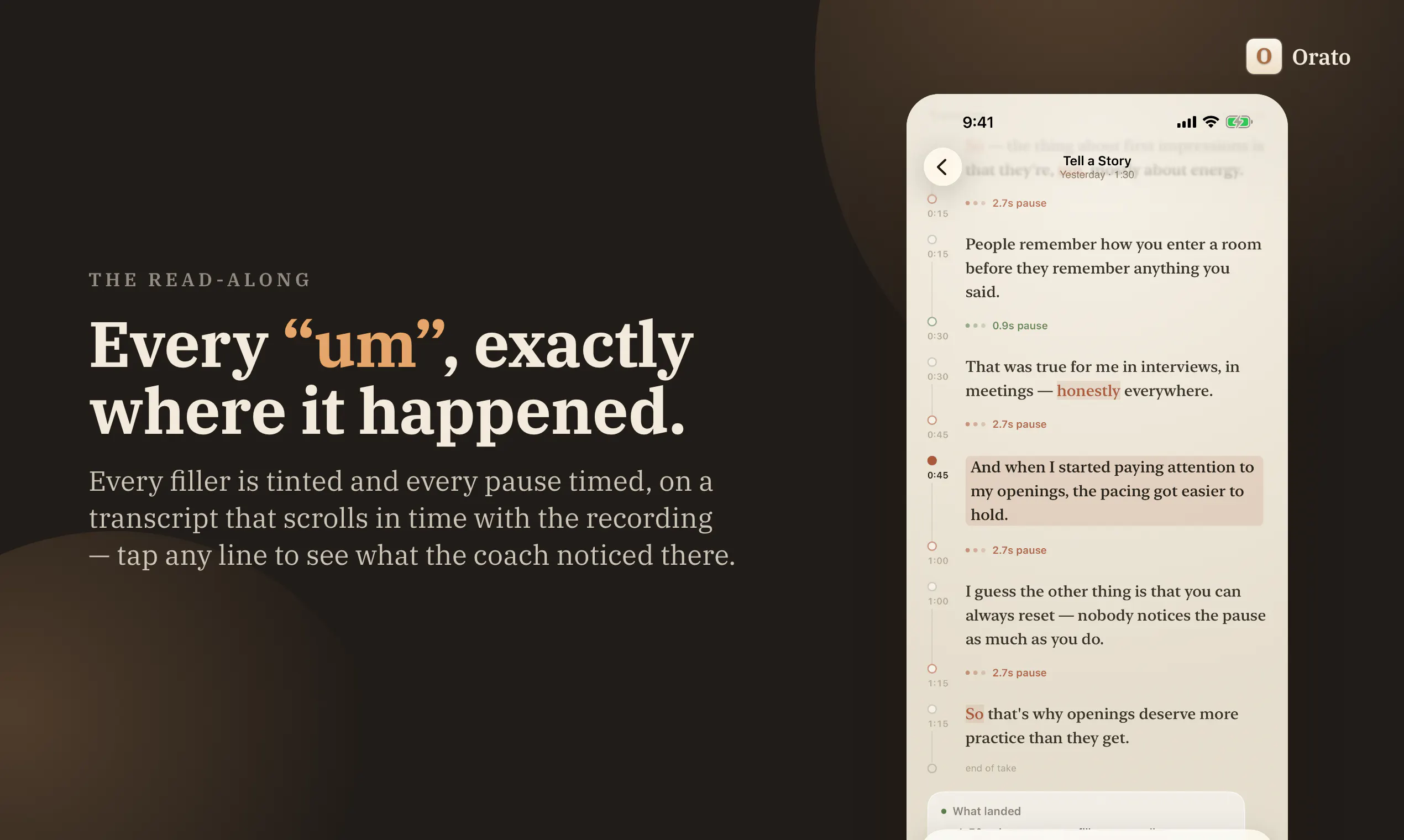
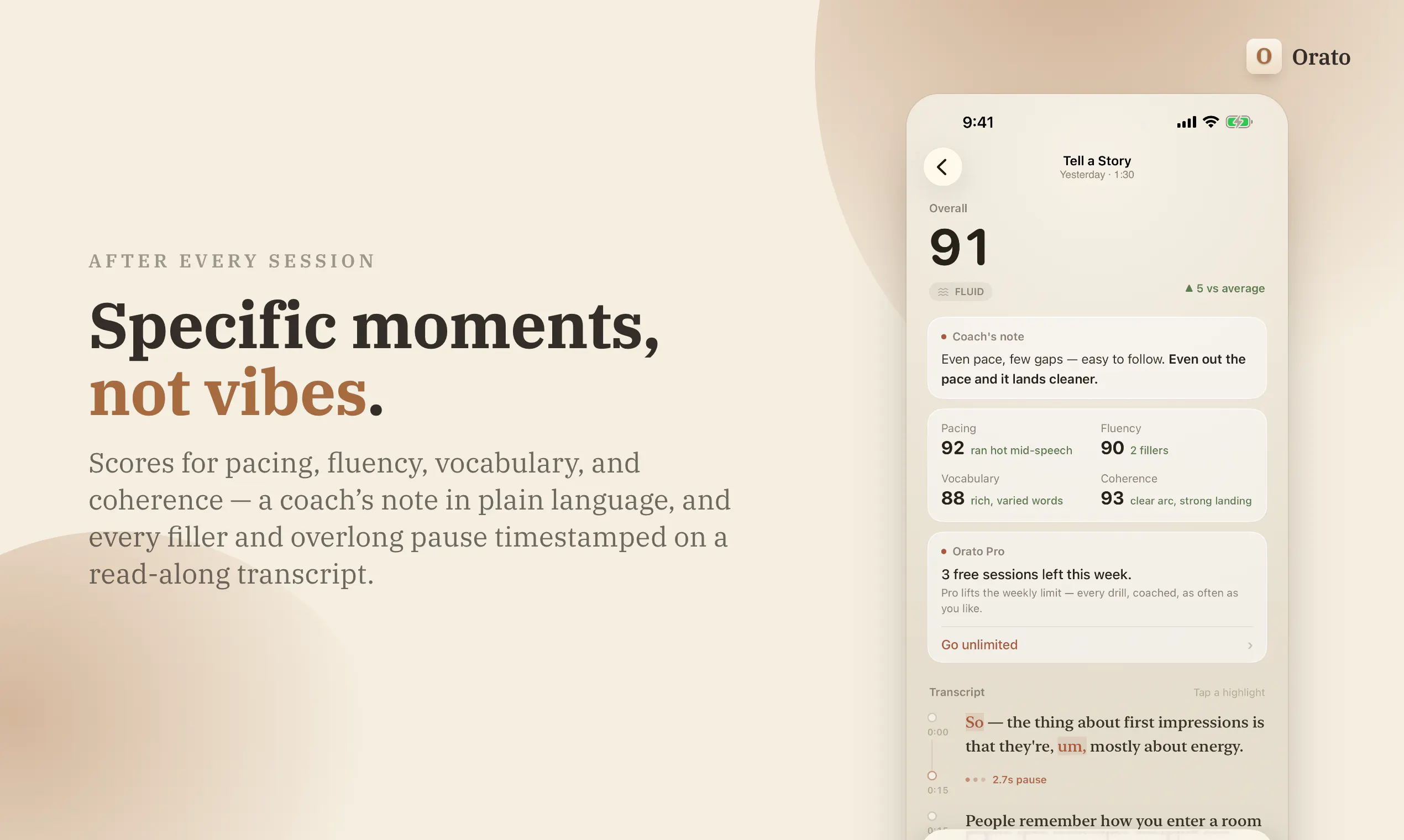
Pick a drill, speak for 30 to 90 seconds, and get scored on pacing, fluency, vocabulary and coherence. Every filler and long pause lands on a transcript you can read back. On an iPhone with Apple Intelligence it runs on the device, with no account.
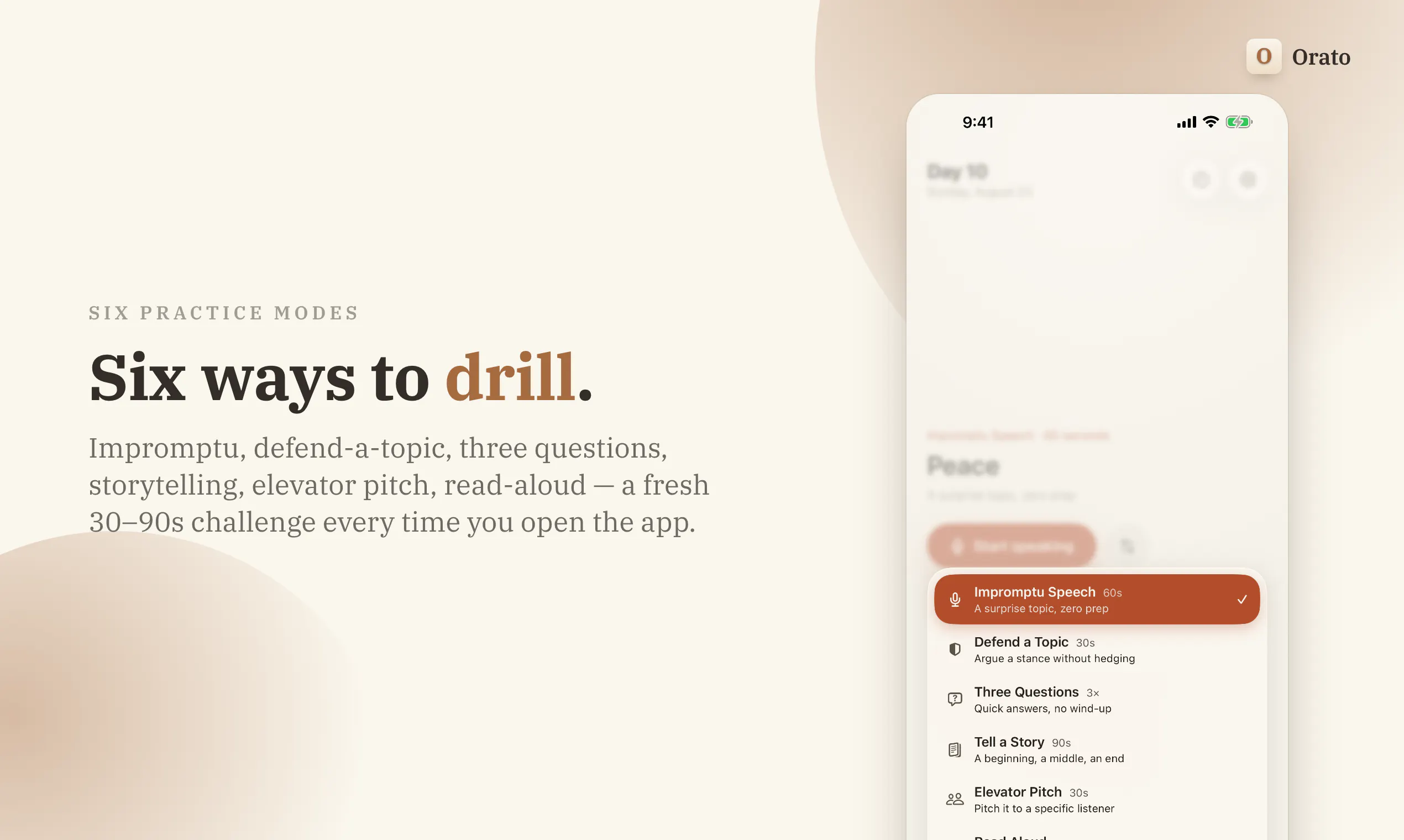
Hi Product Hunt, I built Orato after trying a handful of speech-coaching apps that all wanted to upload my voice to a server I'd never heard of. I'd had a run of bad standups and one interview I'd rather not describe, and paying a stranger's GPU to listen to me ramble stopped making sense. Apple Intelligence runs a language model on the phone itself, so I built the version I wanted: • Pick a drill: Impromptu, Defend a Topic, Three Questions, Tell a Story, Elevator Pitch, Read Aloud • Speak for 30 to 90 seconds • Get scored on pacing, fluency, vocabulary and coherence • Read the take back on a transcript with every filler tinted and every pause timed • Tap any line to see what the coach noticed at that moment The privacy claim, in full, because you'd find this in Settings anyway. Your audio recording never leaves the phone, on any path, under any setting. On an iPhone with Apple Intelligence the whole pipeline is local: transcription, scoring, coaching, no account, works on a plane. Two opt-in paths do send transcript text off the device. One is a fallback for iPhones too old to run Apple Intelligence. The other is a Pro toggle for a deeper report, and it ships switched off. Both ask you to sign in first. Free gives you three coached sessions a week and you spend them on whichever drills you like. Pro lifts the limit. Monthly and yearly start with 7 days free. Three things I'd like your read on: • Which drill is missing. Sales pitch? Wedding speech? • Whether the scoring reads as useful or as a horoscope • What would keep this on your home screen past week one I'm here all day and I'll answer everything, including the awkward ones. Petros, solo dev, @OratoSpeaking
3
回复

@OratoSpeaking  @petros_tepoyan1 
For older phones where the transcript text gets sent off-device — who processes that text? Is it your own server or a third party api like OpenAI? and do you delete it after scoring or is it stored somewhere?

0
回复

@OratoSpeaking  @petros_tepoyan1 

Hi Petros 👋 I went through the site and App Store after reading this.

The core idea is easy to get: speak for a minute, get useful coaching, keep the recording on your phone. That's a good starting point.

There is one thing I'd fix today while the launch is still getting attention.

Your post says free users get 3 coached sessions a week. The current App Store still says one free session per mode each week. With six modes, that's a different offer.

I'd clean that up first. Then I'd look at two things:

• Can someone actually feel that they're becoming a better speaker by session 2 or 3?

• When they reach Pro, are you selling that progress and deeper coaching, or mainly selling unlimited sessions?

We've seen this with subscription apps before. Interest can get you the install. The harder part is giving someone a reason to come back, feel progress, and eventually decide it's worth paying for.

That's the interesting version of Orato: not only an app someone downloads after Product Hunt and forgets, but something they open before an interview, pitch, or important conversation because they know ten minutes with it will make them sharper.

I mapped 3 changes I'd make around that.

I tried support@orato.app, but the email bounced. Want me to drop them here or send them somewhere else?

0
回复

@OratoSpeaking  @petros_tepoyan1

I really appreciate this thoughtful approach to speech coaching! It’s fantastic that you’ve integrated privacy right into the product, instead of just considering it later on. The in-depth feedback on pacing, fillers, pauses, and coherence seems super helpful as well. 👏🚀 Wishing you all the best with the launch!

0
回复

It's kinda painful hearing yourself say "um" every five seconds once you actually listen back haha. But that's probably exactly why practicing like this can be so useful. Congrats on getting this out there! @petros_tepoyan1

0
回复

On device with no account is the reason this can work. Nobody practises sounding bad in front of a server they don't trust, and the whole thing depends on people being willing to do a terrible first take. The scoring is where I'd be careful. Pacing and fluency are measurable, coherence is a judgement call, and if that one is wrong even once people quietly stop believing the other three.

0
回复

Congrats on the launch :)))

0
回复
#10
FrameOS
Record your iOS & Android screen from your Mac.
133
一句话介绍:FrameOS 是一款在 Mac 上录制并剪辑 iOS/Android 应用演示视频的工具,它将设备画面、摄像头、麦克风整合进同一工作流,解决移动应用演示录制流程繁琐、后期剪辑耗时的问题。
Productivity Tech Photo & Video
屏幕录制 应用演示 移动端录屏 视频编辑 产品演示工具 开发者工具 Mac 应用 客户演示 Bug 复现 入职培训
用户评论摘要:用户普遍认可录制效率提升,但提出两大核心疑虑:一是剪辑功能是否足够完善(如无需跳转其他工具完成裁剪、加字幕);二是录制音画同步的可靠性,特别是长视频的音频漂移问题。有用户希望遮罩功能能动态追踪滚动元素,另有用户强调 Bug 复现场景的快速单次录制需求。多数评论表达积极试用态度。
AI 锐评

FrameOS 的切入点精准,它瞄准的不是“录屏”这个伪需求,而是“录屏后的一连串脏活累活”。将设备画面、摄像头、麦克风的采集与基础剪辑封装在单一工具中,本质是在售卖“完片效率”,而非单纯的功能堆砌。从评论看,产品确实击中了投资人演示、内部反馈、入职培训等高频且低容错的场景。

然而,其护城河并不在“录制”而在“体验闭环”。用户评论暴露了致命的两极:一部分人担心剪辑能力不足(仍需回到老工具),另一部分人则无视剪辑,只关注 Bug 复现时的“单次录制”可靠度(音频漂移)。这迫使 FrameOS 必须在“足够好的轻剪辑”与“绝对零失误的同步录制”之间做战略取舍。当前回复解决了漂移质疑,但需要在导出逻辑和遮罩追踪等细节上持续证明自己的专业度,否则很容易被用户在三天后打回原形——毕竟,用户迁移成本低,但回退成本更低。它的真正价值在于用流程一体化绑架用户的时间,而非用单点功能取胜。若后续能开放模板或字幕自动化,将有潜力从工具升维为团队内部的内容生产标准。

查看原始信息
FrameOS
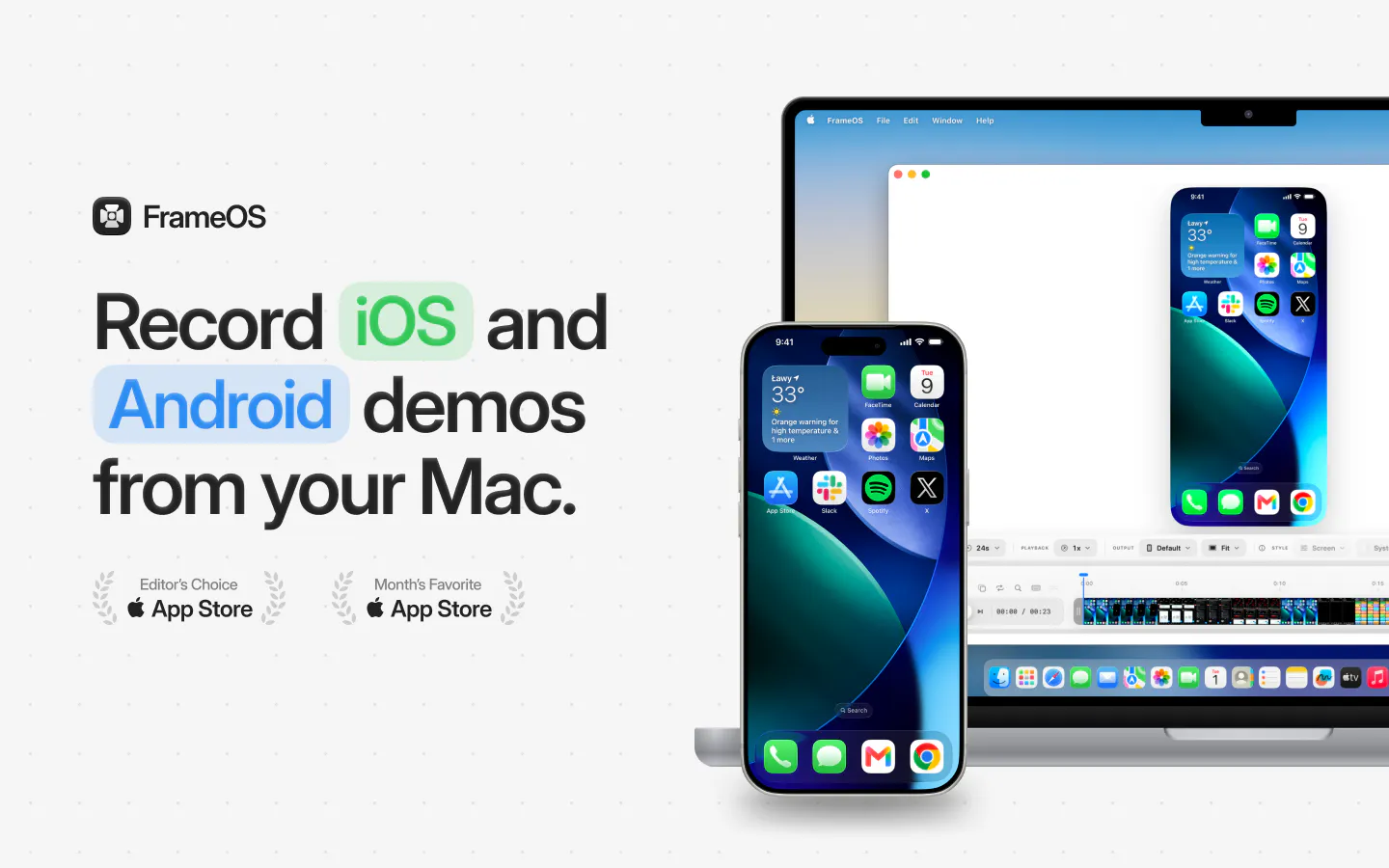
Record iPhone, iPad and Android app demos on your Mac. Add camera, mic, transitions, zooms and masks, then export polished videos and screenshots.

Investor demos make sense, but I’d use this more for internal updates and quick client walkthroughs. Those are the recordings I keep putting off.

2
回复

I’d stick with this if the editing is good enough. If I still need another app to trim or add captions, I’ll probably go back to my old workflow.

1
回复

@grant_w1 same!

0
回复

I can actually see myself using this for onboarding. Right now, even small feature explanations take way longer than they should.

1
回复
Today, we’re launching FrameOS! 🎉 Let’s start with the why. Recording a demo of your iOS or Android app is far more complicated than it needs to be. You record your device. Record your camera separately. Bring everything into a video editor. Line it all up. Fix the layout. Export it. It’s a lot of work for a 30-second video of you talking about your app. That’s why we built FrameOS. FrameOS gives you one place to record polished demos of your mobile apps. Connect your device, add your camera and microphone, choose your layout, and hit record. When you’re done, you can make the edits you’d expect — trim, crop, resize and polish your recording — without moving everything into another tool. What can you use FrameOS for? Share feedback with your product team. Record a bug for an engineer. Walk someone through a new feature. Create a polished product demo for your investors. Or simply show the world what you’ve built. One tool, from recording to finished demo. And we’re only getting started. There’s a lot more coming to FrameOS. We’d love for you to try it, tell us what you think, and let us know what you’d like us to build next. ❤️
0
回复

I've definitely spent longer editing a short app demo than actually recording the thing haha. Anything that makes that whole process smoother is interesting to me. Congrats on getting this out there! @paulmbw1

0
回复

Probably one of the coolest products I've tried in recent times.

0
回复

The masking is the feature I'd have skipped and then regretted. Every app demo I've recorded has a real phone number or a test account email sitting in a status bar somewhere, and I always find it after the export. What I'd want to know is whether the mask tracks the element when the view scrolls, because the static rectangle version is the one everyone ships and nobody trusts.

0
回复

this looks like the sort of things that quietly makes your work come across as more polished than it is. The finished results feel really sharp, and that is exactly the impression I want when I put something in front of people

0
回复

The thing I'd want to know before switching is audio drift. Recording the phone screen over the cable while the Mac mic runs separately usually pulls a few frames apart by the end of a three minute take, and fixing that is the exact job people came here to avoid. Do you timestamp both streams at capture or correct it on export? Also, the demo I care about most is the bug repro, not the investor video, and those are usually one take with no editing at all.

0
回复
@asadmalik901 no audio drift here - audio from both your microphone and the device is captured and synced together! A lot of effort was put into ensuring this is supported
0
回复
#11
WebTerm Learn
Learn the terminal like a game — in a browser sandbox
132
一句话介绍:WebTerm Learn 是一个在浏览器沙盒中通过游戏化方式学习终端、Git 和 Vim 的免费交互平台,以手绘课件讲解概念,并实时校验用户输入的命令,解决新手“不敢在真实终端练习”与“缺乏系统性学习路径”的痛点。
Education Developer Tools Online Learning
终端学习 编程教育 Git教程 交互式沙盒 游戏化学习 浏览器IDE Vim练习 免费课程 开发者工具 命令行模拟
用户评论摘要:用户普遍赞赏免登录与免费模式,认为真实沙盒校验命令的设计优于静态示例。核心问题集中在命令校验逻辑上,有用户询问是否对比命令字符串或文件系统最终状态;另有用户建议增加“阅读代码diff”课程,以应对AI生成代码的审查场景。
AI 锐评

WebTerm Learn 的聪明之处在于精准切中了命令行学习的两大死穴:恐惧与无序。用真实沙盒替代模拟器,让“rm -rf /”不再可怕,这解决了安全感问题;用3D地图和分级课程解决了“学什么”的迷茫感。产品设计上,命令校验采用“结果态”而非“字符串匹配”,这反映了对学习本质的正确理解——知识内化的是目标达成,而非机械复刻。但必须指出,其真正的护城河并非课程本身(免费且轻量),而是“AI时代下人类工程师的技能锚点”这一价值主张。创始人明确提出“不将AI工作视为黑盒”的立场,直指当下开发者最脆弱的环节——当AI接管代码生成,人类唯一的不可替代性在于理解和掌控底层行为。这一定位超越了工具层面,具有强烈的职业生存隐喻。然而,目前的课程体系(终端、Git、Vim)依然是基础技能,恐怕不足以支撑其宏大叙事。真正的挑战在于后续的数据分析、网络与安全课程是否能延续“结果导向校验”的设计哲学,以及能否将“读diff”这类偏审查与判断力的硬核训练产品化。若能成功,它将是工程师应对AI焦虑的一剂良药;若只停留在命令教学,则难免沦为更精致的Codecademy。免费策略是聪明的,先把用户涌入沙盒,再用世界地图的完成度和伙伴进化机制制造沉没成本,但商业化路径尚不清晰,这是未来需要回答的问题。

查看原始信息
WebTerm Learn
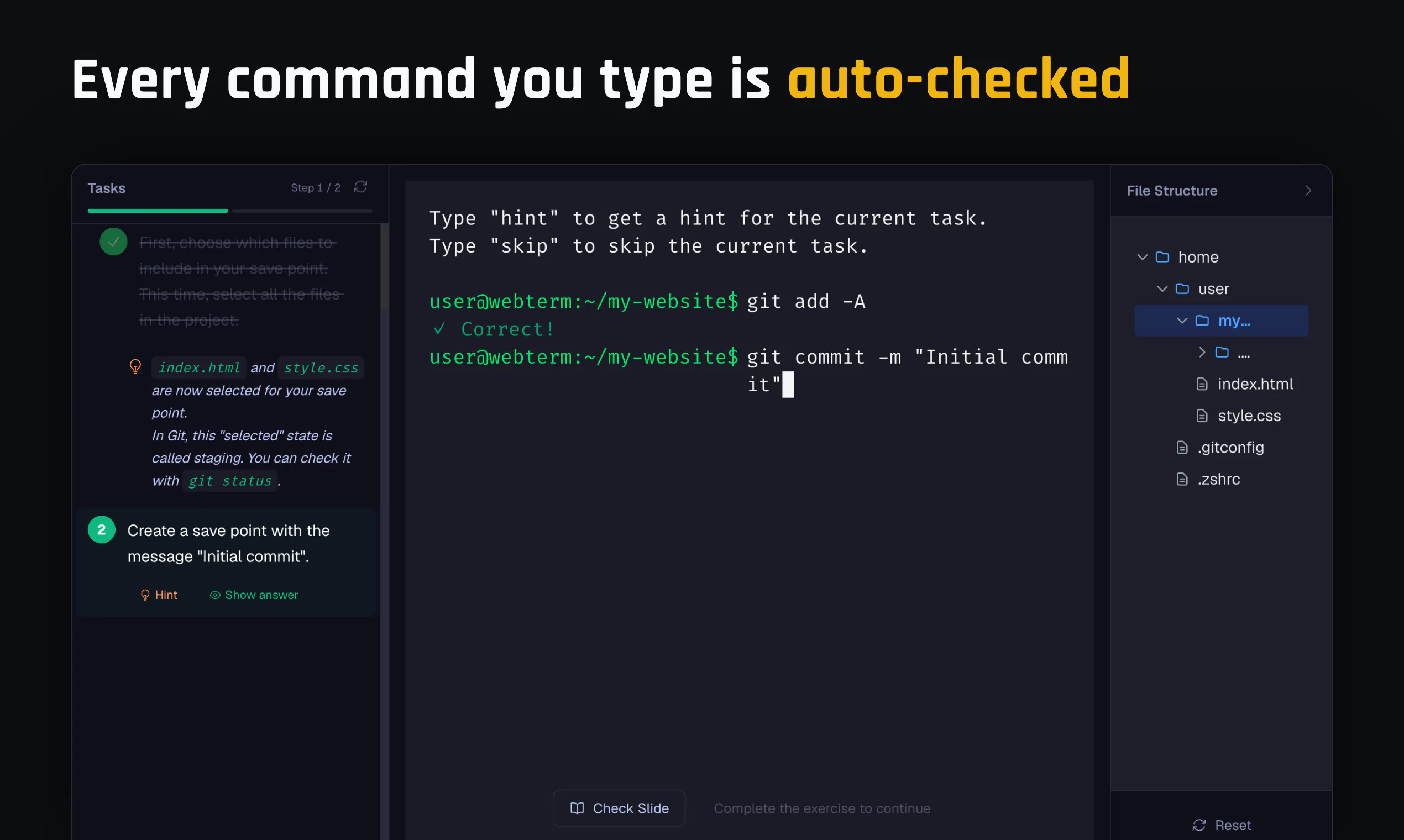
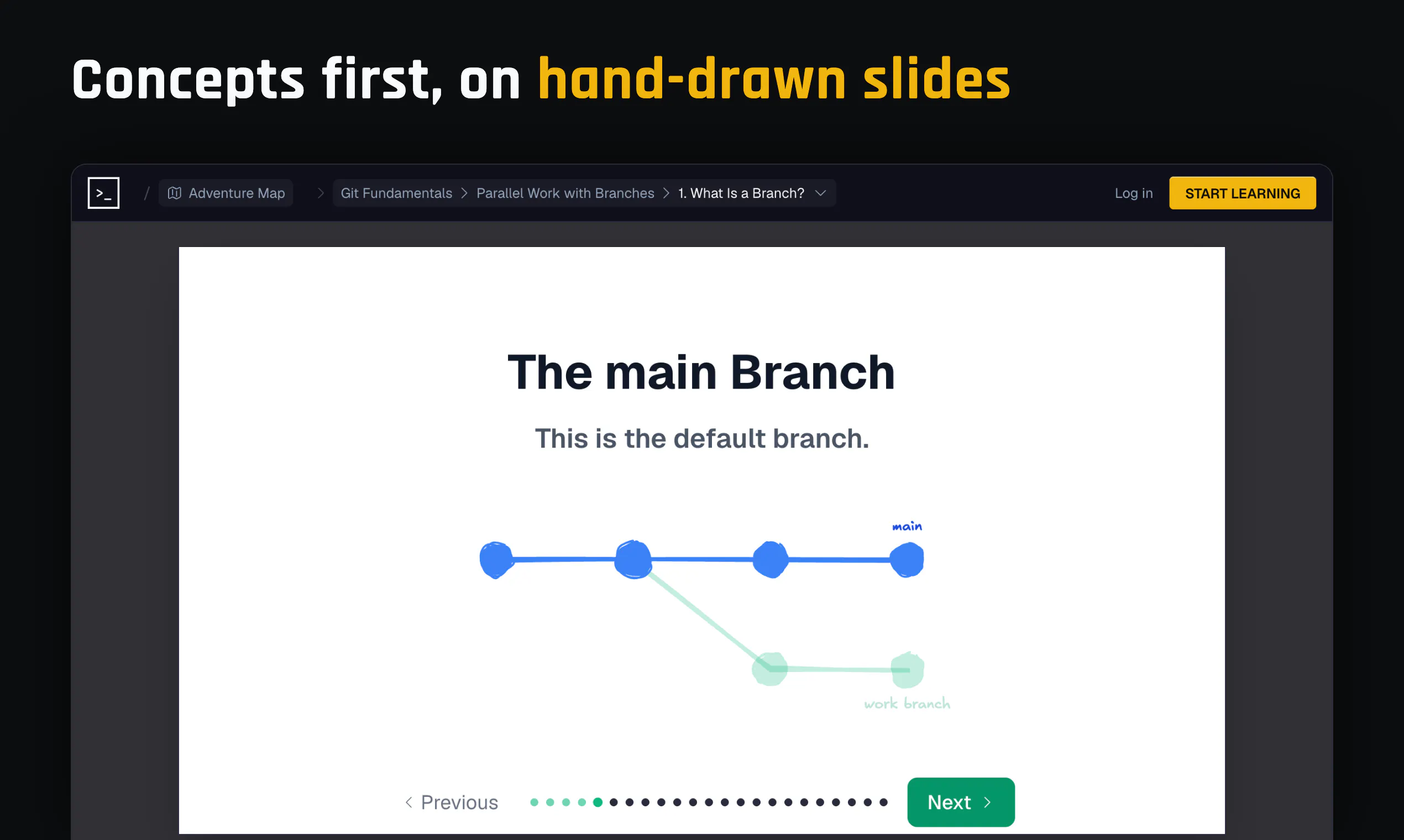
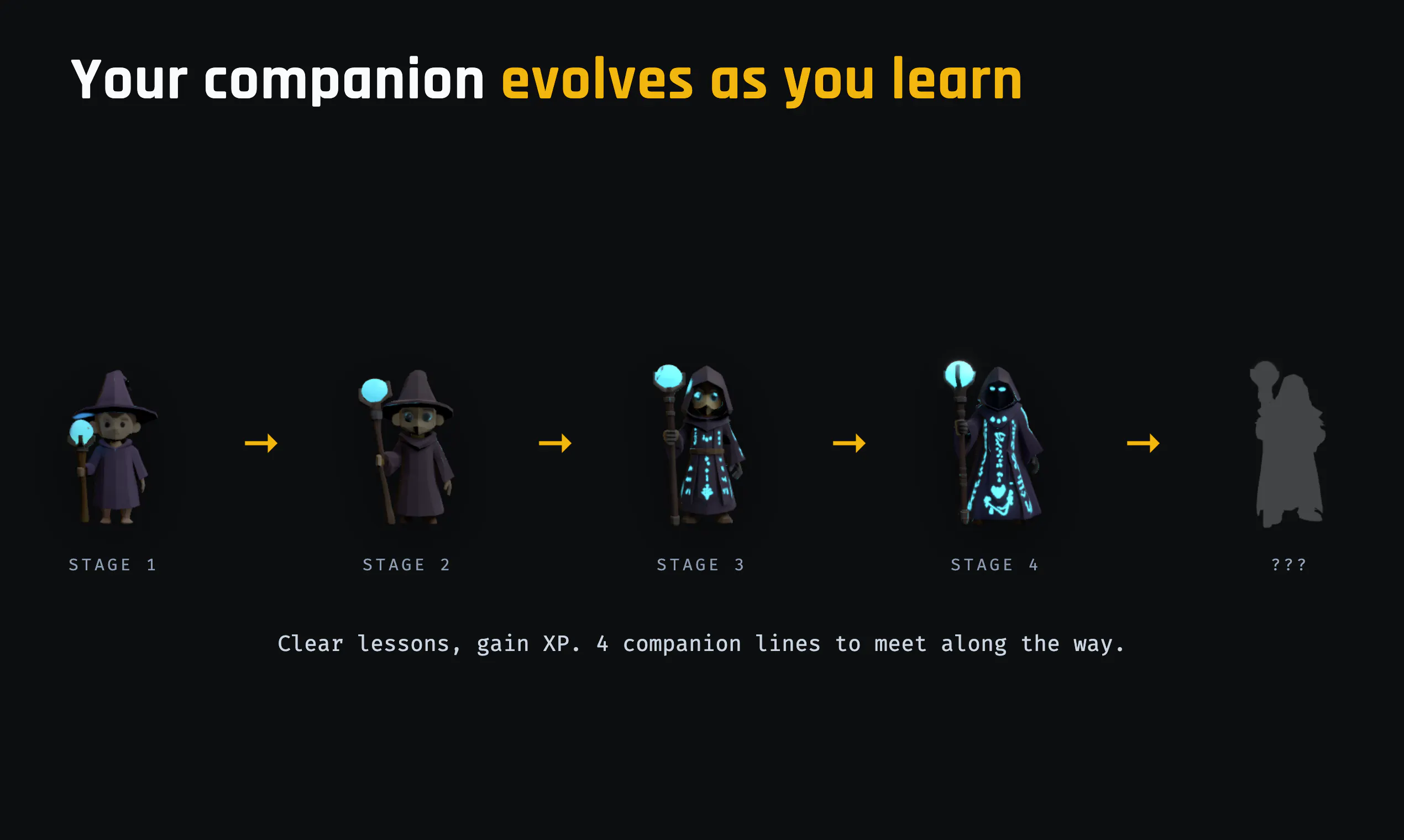
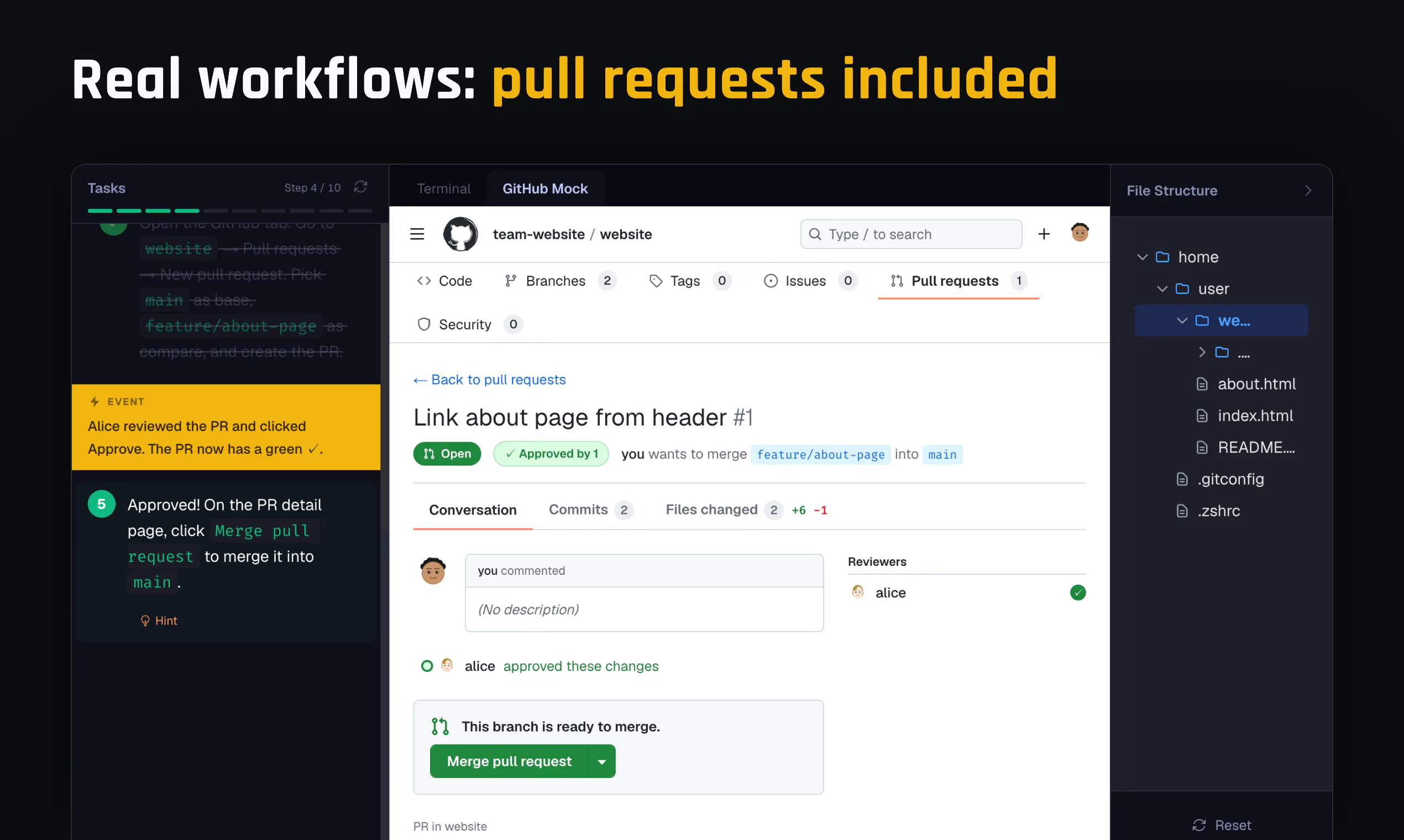
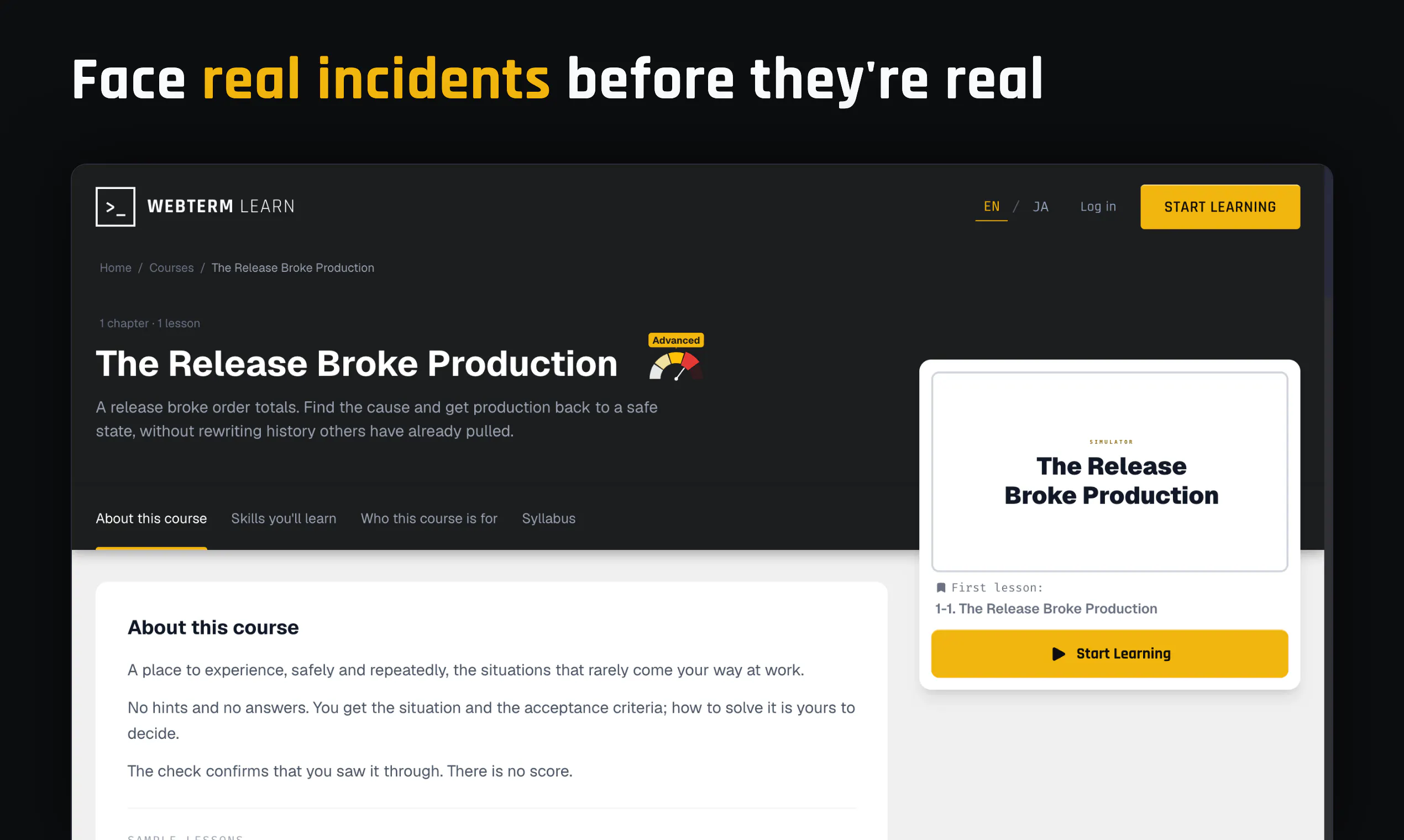
An interactive platform for learning the terminal, Git, and Vim. Hand-drawn slides teach the concept; a real in-browser sandbox checks every command you type. Progress across a 3D world map with a companion that evolves. 12 courses, 129 lessons, all free.

Hi Product Hunt! I'm Dai, the maker of WebTerm.

Earlier this year I launched WebTerm here: a browser terminal where running `rm -rf /` breaks nothing. More than 1,000 people use it every day now.

Its UI is stripped down to almost nothing, which experienced developers liked. But it's for trying a command the moment you think of it, not for learning things in order, and there was nowhere to explain anything properly.

Engineers who want to get better keep asking me what they should be learning. AI writing the code doesn't end that. How much of the AI's work you refuse to leave as a black box is what decides whether you can step in as a professional, and the more work AI absorbs, the fewer chances there are to build that experience. So I built WebTerm Learn.

  • Hand-drawn slides teach the idea, then you type the real commands in a real terminal. Every command is checked as you go.

  • The curriculum is a 3D world map. Each course is a land, so you always know where to go next.

  • Missions drop you into real incidents: a release that took down production, a secret pushed to a repo.

Pilots meet an engine failure in a simulator, not in the air. Developers should have the same thing.

Terminal, Git, and Vim today, with data analysis, software development, networking, and security to come. All free, and the first lesson takes about a minute.

Whatever you think, I want to hear it. I'll read every comment and reply.

2
回复

@daiaoki What a cool product!

1
回复

The no-signup and free approach makes this really easy to try. I especially like the balance of hand-drawn explanations with a real terminal instead of learning everything from static examples.

2
回复

Thanks!

No-signup was a very deliberate choice. I hated the idea of someone getting curious and then hitting a signup wall before even typing a single command. And yes, static examples were exactly what I was trying to get away from.

Glad it clicked!

0
回复

I definitely remember the phase where every terminal command felt like it had a 50/50 chance of doing what I wanted or destroying my computer haha. This feels like a nice way to get comfortable with it. Congrats on getting this out there! @daiaoki

1
回复

@zach_francis 

Haha, exactly! That 50/50 feeling is one of the things I wanted to get rid of with WebTerm Learn.

Thanks so much for checking it out and for the kind words!

0
回复

@daiaoki Checking every command as you go is where this gets hard, because on a real terminal there are usually five ways to get the same result, and a learner who reaches the right end state with different flags than you expected should still pass. Does the check compare the command string, or the resulting state of the sandbox filesystem?

1
回复

@clement_avq 

Great question, and this was one of my biggest design worries too.

The checks run against the result wherever multiple commands can get you there: the sandbox filesystem, the git state (staging area, branches), or the command output. So git switch -c and git checkout -b both pass, and any regex that produces the right grep output counts, not just the one I had in mind.

The command string is only matched in the few lessons where a specific flag is itself the thing being taught.

That said, if you ever hit a check that rejects something a real terminal would accept, that's a bug in my book and I'd love to hear about it.

0
回复

Just tried it. Really good git lessons. The other format that's on https://webterm.app/ is good too.

1
回复

@patra 

Thank you! Git is where I've poured the most hours, so that's great to hear. And glad you found webterm.app too, that's actually where the whole project started!

0
回复

The line about refusing to leave the AI's work as a black box is the right one, and it goes further than the terminal. I shipped a render queue an agent wrote, approved the diff twice without reading past the function signature, and lost three days to a stale job id. So the lesson I'd add is reading a diff, not typing commands, because the way people get hurt now is approving code rather than writing the wrong line. Free and no signup is the reason this one actually gets used.

1
回复

@asadmalik901 

Thanks for sharing this! Completely agree that reviewing agent output deserves its own lesson.

It's something I've been wanting to build, and the fun challenge is planting a bug that feels real instead of a puzzle.

Added to the course backlog!

0
回复

One day since launch! People from all over the world have started learning, and warm messages keep coming in. Thank you so much!

0
回复
#12
StackScope
See what new sites are built with, the week they launch
116
一句话介绍:StackScope 是一个实时追踪新上线网站技术栈的发现引擎,通过自主爬取超220万个新站点的公开基础设施信号,在项目首发前约14.5天就揭示它们使用了Stripe、Shopify、Next.js等4万多种技术,解决开发者、投资人和竞品分析师“想知道新网站用什么技术,但传统工具更新太慢”的痛点。
API Marketing Developer Tools
技术栈追踪 新站发现 竞品情报 开发者工具 SaaS 网站分析 实时监控 API数据服务 Startup雷达 技术选型洞察
用户评论摘要:用户普遍认可数据新鲜度和浏览体验,但提出三点核心问题:①公共页面无法按国家/地区筛选,影响目标市场定位;②搜索“Stripe”返回的是关于Stripe的产品而非使用它的网站,需增加“仅按技术栈查询”选项;③访问时被Cloudflare误拦截,触发爬虫保护机制,需优化拦截策略;另有用户希望增加对已追踪站点的持续监控(如分析工具更换提醒)。
AI 锐评

StackScope 切中了一个真实且被低估的缝隙:BuiltWith 和 Wappalyzer 覆盖的是“活着的网站”,而商业决策往往发生在网站“刚出生”的那两周。它用自主发现的2.2M+新站点和40K+技术识别,把情报时效从“事后”拉到“事前”,这是本质上的差异,而非简单的数据量竞争。在技术和商业上,它都站得住脚——免费浏览降低使用门槛,付费功能(Stackdar、API、MCP Server)则锁定高价值用户,如投资人、招聘猎头和SaaS销售。

但产品目前的短板同样明显。评论中暴露了两个致命的设计盲区:一是查询语义混乱,“Stripe”返回相关产品而非使用Stripe的站点,说明数据模型的标签系统与用户心智模型存在错位,这会让“查技术栈”这一核心动作变得不可靠,属于基本功问题;二是国家筛选被藏在付费墙后,而地区是几乎所有B端用户的第一筛选条件,这种刻意分层会严重限制免费用户的体验和口碑传播,最终伤害付费转化。至于反爬误伤,虽然是从“我自己的站被监测”引发的插曲,但也反映出其爬虫行为与防护逻辑存在自悖——一个靠爬虫活着的公司,却用攻击性反爬策略拦截普通用户,体验极差。

核心价值我认为不在“看谁用了什么”,而在于它对“技术迁移信号”的捕捉——如评论中提到的“从Framer/Webflow迁到Next.js意味着新雇佣了工程师”,这才是真正的洞察入口。如果能强化“技术变化事件流”而不是静态列表,并修正搜索与筛选逻辑,StackScope有机会成为Web基础设施层的“字母表雷达”。现在它更像是技术债版的新闻阅读器——有趣,但离“商业必需”还差一步。

查看原始信息
StackScope
See which sites started using Stripe, Shopify or Next.js this week. Most of what we index we find ourselves: over 2.2+ million sites from public infrastructure signals, not submitted to us, across 40,000+ technologies. When we reach a launch before the boards, we're 14.5 days early. Browsing is free. Paid plans add Stackdar alerts, API access, bulk export with published contact details, and an MCP server for Claude, ChatGPT and Cursor.

Tried it, and it's very interesting to see the site's tech stack. Very easy to browse and see the data!

My fave tech is those with Google Analytics and Google Search Console. The only thing is that I don't think I can filter by location. I found some interesting sites but realized the site is not in our target audience's usual location.

1
回复

@heyitsirenechan Thanks Irene, glad you found it easy to get around.

Country filtering is available, but not on the public pages. It is a paid feature that lets you filter by country, technology, product type, launch type and date range.

We also don't just guess the country from the site’s IP address. We use information the company publishes on its own legal pages, along with tech affinity signals. Each exported row includes a confidence score, so you can decide how strict you want to be.

0
回复

Hi all!

I'm Jonathan. I built StackScope on my own.

It started because I wanted to know what new sites are actually built with. BuiltWith and Wappalyzer are good at the established web, but by the time something shows up there it isn't new any more. I wanted the leading edge.

So most of what StackScope indexes, it finds itself. The discovery pipeline has turned up over 2.2 million sites from public infrastructure signals rather than waiting for anyone to submit them, and it identifies more than 40,000 technologies across them. When it reaches a site before the launch boards do, it gets there about two weeks earlier.

Over 420,000 of those are classed as startup launches. The rest is the ordinary new web, and you can narrow to either.

Browsing and searching are free. Paid plans add standing alerts when new sites pick up a technology, an API, CSV export with the contact details those sites publish, and an MCP server so you can query directly from Claude, ChatGPT or Cursor.

If you had one watch, what technology would you put it on? Genuinely useful for me to know.

1
回复

@datafreak the stack tags are the good bit; that's what BuiltWith never gives you for new sites. My watch would be sites moving off Framer or Webflow onto Next.js. usually means they just hired engineers, and everything else gets rebuilt around then too.

Also, searching "Stripe" gives me products about Stripe more than sites using it. Can you query by stack only?

0
回复

@datafreak Hello Jonathan, I was curious about what StackScope could find and do. I tried your own site and nothing showed up. Then I was checking your launch readiness tool and all of sudden, I was blocked from accessing your site. I wonder why and what could the reason for the blocking??

0
回复

I can definitely see myself losing an unreasonable amount of time browsing through this just to see techtacks. Really interesting dataset to have access to. Congrats on getting this out there! @datafreak

0
回复

Barely started and my site is already on stackscope, cool!

0
回复

Wow! I am disappointed. I was checking out your product and site. Found precheck for launch interesting and then suddenly, I am blocked from accessing the site. Why is that?

0
回复

@richatsealedvault just checked - your browser triggered our scraping protection. It's constantly changing it's user agent and switching between different parameters which triggered Cloudflare.

1
回复

I assume that it finds only products or sites that have completed a launch. As I did a search on StackScope, it returned empty.

0
回复

@richatsealedvault Haha, fair!! It is in there, I excluded our own site from our own index back in April when I was testing!

0
回复

Every time I want a competitor's stack I end up in view-source, squinting. Does it tell me when a site I already track swaps its analytics?

0
回复

@yelyzaveta_kibets Our search box does the first bit. Paste in a competitor’s URL and, if we’ve analysed it, their stack will come back.

We catch sites as they first go live rather than continuously monitoring them. The nearest thing we offer is 'Stackdar', which watches for a technology rather than a particular site. Name the analytics tool and you'll get an alert whenever a new launch ships with it.

1
回复
#13
Houndly
Self-learning GTM copilot. Give a brain to your sales stack
29
一句话介绍:Houndly 是一个自学习的GTM(市场进入策略)副驾驶,通过分析销售回复、会议和通话数据,自动优化目标客户、话术及下一步行动,让销售漏斗越用越聪明。
Sales SaaS Meetings
GTM策略 销售赋能 AI副驾驶 智能销售 客户洞察 邮件优化 线索挖掘 销售分析 自动化 SaaS工具
用户评论摘要:用户认可其智能理念,但质疑与同类工具的差异化。多名用户指出官网缺乏定价与承诺说明,担心需绑定信用卡或长期合同,创始人回应将补充付费细则,降低注册顾虑。
AI 锐评

Houndly踩中了GTM工具链“重执行、轻认知”的结构性痛点——市面上不缺发邮件和管CRM的“手”,缺的是能整合反馈闭环的“脑”。其价值主张“从结果反推策略”在逻辑上成立,且直击SMB团队“越自动化越无效”的尴尬处境:用AI替代人力轰炸,不如用AI修正轰炸方向。

但产品面临的核心挑战并非功能,而是信任与度量。评论中“看不到定价”的质疑暴露了GTM工具常见的“隐藏成本”隐患——企业担心部署后若无效,付出的不止是订阅费,还有数据接入的沉没成本。Houndly若不能证明“学习”带来的增量ROI(如回复率提升20%或弃单挽回率),极易沦为“锦上添花”的仪表盘,而非“雪中送炭”的引擎。

此外,“自我学习”是一把双刃剑。初期数据稀疏时,其推荐的“优化”可能基于噪音,导致误判;而GTM策略的变化(如换市场、调产品)需要模型快速遗忘旧模式,这对算法弹性和人工干预机制提出了高要求。在竞品林立的AI销售赛道,Houndly真正的护城河不在于“能学”,而在于能否在1-2周内让用户直观感受到“学得对、改得快、算得准”。若只是把BI报表加了层AI滤镜,则难逃被Salesforce或Outreach平台级吞噬的命运。当前,尽快公开成功案例中的量化指标,比打磨UI更能赢得务实买家的心。

查看原始信息
Houndly
Houndly is a self-learning GTM copilot. It learns from every reply, meeting and sales call to improve who you target, what you say and what you do next, then acts on it.

Hey Product Hunt,

I’m Siddharth, founder of Houndly.io

I built Houndly after spending a lot of time around startup GTM and realizing that the problem isn’t really a lack of tools. We already have great tools for finding leads, sending emails, running LinkedIn outreach, and managing CRM.

The problem is that none of them really learn from the whole GTM loop.

Houndly is that intelligence layer. It connects with your GTM stack, looks at what’s actually getting replies and meetings, discovers better ICPs and accounts, spots buying signals, improves messaging, and helps decide what to do next.

The goal is simple: instead of just automating more outbound, make your outbound get smarter over time.

Would genuinely love to hear what you think, what feels useful, and what you think is missing.

Thanks for checking out Houndly!

2
回复

@vaderjain love the smarts behind. im signing up right now and report back how much of a difference ir actually makes! what would say your tools does differently than the Manu other solutions out there?

0
回复

@vaderjain - @Houndly sounds promising, but I can't see any pricing and what type of commitment I need, for me this can be a red flag. I appreciate you have a get started for free, but before I pass over my credentials I like to know what financial commitment I need to consider. Best of luck with the launch.

0
回复

@codeandsea Totally fair point, and thanks for calling it out.

There’s no financial commitment required to get started, but you’re right that we should make the paid pricing and commitment clearer before asking someone to sign up.

We’ll get that added to the site. Appreciate the feedback and the kind words!

1
回复
#14
LeaseBase
AI that tells landlords what to do, not just what happened
24
一句话介绍:LeaseBase是一款面向独立房东的AI合规与租赁管理工具,按房产所在地自动追踪加州租金上限、押金规则、披露要求等法规,并整合租约、收租、维保与租客沟通,解决房东“不知法、易违规、被诉讼”的痛点。
Android SaaS Artificial Intelligence
房东工具 房产科技 租赁管理 合规管理 AI助理 加州租房法规 物业管理 独立房东 法律合规SaaS
用户评论摘要:创始人以亲身诉讼经历切入,引发共鸣。用户认可其作为独立开发者在短时间内构建合规引擎+AI+移动端的执行力,并询问使用了哪些开源工具加速开发。评论整体正面,无负面问题,未提及具体功能缺陷或改进建议。
AI 锐评

LeaseBase的切入点足够尖锐——它瞄准的不是“收租记账”这个红海,而是独立房东最隐秘的恐惧:合规盲区。AppFolio等传统工具是“事后记录器”,而LeaseBase试图做“事前预警器”,用AI将地方法规转化为可执行的行动清单,这确实解决了真实痛点。创始人用一场胜诉官司验证了需求,故事可信,24票的冷启动也符合独立开发者的常态。

但冷静看,产品面临三重挑战。第一,地域扩展性:目前深度绑定加州法规,而全美各州乃至城市条例差异巨大,合规引擎的维护成本极高,靠单一创始人难以形成规模化的数据更新机制。第二,AI的“建议”可靠性:若AI给出错误的法律指引,导致房东做出错误决策,责任归属将成致命法律风险。这比“记录工具”的容错率低得多。第三,竞争壁垒:Yardi、Buildium等巨头迟早会补上合规模块,而Zillow等流量入口也有能力弯道超车。独立房东群体付费意愿弱,高度依赖自助订阅,CAC(获客成本)与LTV(用户生命周期价值)的平衡是生死线。

其真正价值不在于“AI管理房东”,而在于证明了“垂直场景+法规知识库”是房产SaaS的差异化突破口。但LeaseBase若想活下来,必须尽快从“加州合规工具”进化为“全美合规数据平台”,并与保险、律所等生态方绑定形成风险兜底。否则,这个产品可能只是创始人自己对抗世界的一个美丽的“复仇笔记”——精彩,但难以复制。

查看原始信息
LeaseBase
California rent caps, deposit limits, and required disclosures change by city — and the penalties are real. LeaseBase tracks every deadline and handles payments, maintenance, and leases in one place. Self-manage with confidence.

Hey Product Hunt! I'm Rachid, founder of LeaseBase. I built this because of a $3,000 lawsuit.

Last year, a tenant sued me. The claim was wrong, but I spent an entire weekend digging through AppFolio exports, old Gmail threads, and my own memory trying to reconstruct what had actually happened. Work orders, entry notices, deposit records, compliance deadlines—everything was scattered across five different systems that didn't talk to each other.

I won the case, but it exposed a bigger problem. I'm a software engineer with 12 years of experience. If I struggled to stay on top of California's rental laws, how is someone with two or three rental properties supposed to?

What surprised me most was realizing that nobody really owns compliance for independent landlords. Most software helps collect rent or store documents, but when it comes to knowing which laws apply to your property, the responsibility still falls entirely on the owner.

That's why I built LeaseBase.

LeaseBase tracks rent caps, notice periods, deposit rules, required disclosures, and other compliance requirements based on where your property is located. It also manages the day-to-day work—leases, payments, maintenance, and tenant communication. The goal isn't just to record what happened, but to help you understand what needs attention next and why.

Everything you see today—the compliance engine, AI assistant, mobile apps, and platform—was built over the past few months by a single founder. I'm not trying to replace landlords or property managers. I'm trying to give independent landlords the kind of operational support that large management companies already have.

LeaseBase is free to get started, with no credit card required.

I'll be here throughout the day—I'd genuinely love your questions, feedback, and criticism.

2
回复
1
回复

Hey @rachid_abadli building compliance engine + ai assistant + mobile apps as a solo founder and in a few months is pretty wild. are you using any specific open source tools to speed up the dev process?

0
回复

@rachid_abadli I love how your misfortune drove you to build a tool to prevent it happening again and share with others who are potentially in the same boat. Hope today's launch goes well.

1
回复

@codeandsea Thanks Brent

0
回复
#15
Mascofast
text to animated mascot in minutes
16
一句话介绍:Mascofast 是一款将文字描述快速转化为可商用动画吉祥物的开发工具,帮助缺乏设计预算的开发者一站式生成角色、姿态、动画和透明素材,直接用于产品 UI、引导页和营销场景。
Design Tools SaaS Developer Tools
AI吉祥物生成 动画制作 开发者工具 SaaS设计资源 角色设计 透明素材导出 产品引导页 低成本设计 文生图动画 独立开发者效率
用户评论摘要:用户主要肯定其解决了开发者无预算请设计师/动画师的痛点,尤其适合新手。创始人自述首月已获45+客户,侧面验证需求真实存在。但评论未提及具体功能缺陷或改进建议,有效反馈较少,仅有使用门槛和生成质量方面的潜在隐忧未被讨论。
AI 锐评

Mascofast 踩中的不是“设计工具”赛道,而是“开发者自主资产化”的隐性需求。它的核心价值不在“生成一个吉祥物”,而在于将传统外包流程——概念设计、角色一致性、姿态延展、动画输出、透明格式交付——压缩进一个开发者友好的工作流里。这本质上是在用AI充当“兼职美工+动画师”,且将产出物标准化为开发者可直接调用的UI资产。

但必须泼一盆冷水:目前16票、45+客户的数据,说明它处于极早期验证阶段,远谈不上壁垒。评论中几乎全是鼓励性反馈,缺乏对生成质量、角色一致性、动画流畅度、导出格式兼容性等核心硬指标的实际评测,尤其“text to animated mascot”这种承诺,在当前技术下极易陷入“样图精美、实物粗糙”的陷阱。

真正的风险在于:它可能只是个“高配版贴图生成器”,而非“动画生产流水线”。如果底层模型无法保证一次生成的角色在不同姿态、表情下保持身份一致性,那开发者拿到的仍是一堆零散素材,仍需手工修复——那它比设计师便宜的差价,会被时间成本抵消。

另外,目标用户“没有预算的独立开发者”本质是价格敏感群体,付费意愿低,且一旦Midjourney或Figma等平台内置类似功能,其存活空间会被瞬间挤压。Mascofast 若想在细分市场立足,必须尽快聚焦于“可商用、可落地、资产标准化”这三点,并公开真实作品集和失败率,而非仅靠创始人故事和早期尝鲜者的善意好评。否则,它很可能成为又一款“demo惊艳、留存惨淡”的AI玩具。

查看原始信息
Mascofast
MascoFast turns a simple idea into a production-ready mascot for your app, game, or SaaS product. Generate a distinctive character, refine its look, create poses and animations, and export transparent assets ready for your UI, onboarding, marketing, and product experiences—all in one developer-friendly workflow.
I built MascoFast after facing this problem myself: creating a polished, consistent mascot for a product was surprisingly time-consuming and expensive. I wanted a faster way to generate mascots, poses, animations, and transparent assets that developers could actually use in their products. After refining the workflow, we welcomed 45+ customers in our first month and seeing people love and use what we built has been incredibly motivating.
6
回复

It's actually a good tool for new developers who doesn't have the budget for graphic designers or animators. Good luck!

3
回复
#16
ConscioussAI
AI that runs your phone and computer
14
一句话介绍:ConscioussAI 是一款跨平台AI代理(Agent),它不止回答问题,而是直接操控你的手机和电脑,帮你自动完成调研、写文档、管消息、订行程、购物等复杂多步操作,解决“AI只动嘴、动手还得靠自己”的效率痛点。
Android Productivity Artificial Intelligence Tech
AI代理 AI Agent 自动化办公 跨平台应用 手机电脑操控 任务执行 工作流自动化 生产力工具 智能助理 Jarvis
用户评论摘要:评论区有效信息较少,多为对创始人的鼓励和产品概念的认可。用户夸赞其像“Super Siri”,并期待未来能将ConscioussAI深度集成进手机系统底层。但评论未提及具体使用中的问题或改进建议,缺乏有效产品反馈。
AI 锐评

从Product Hunt的发布数据来看,ConscioussAI带着一个极具煽动性的“Jarvis”故事而来,14个投票和寥寥几条互动,在PH的喧嚣中几乎无声。这恰恰暴露了AI Agent赛道的核心悖论:**愿景宏大,落地骨感**。

产品介绍的野心很大——浏览网页、创建文档、管理消息、规划旅行、在线购物,听起来无所不能。但这本质上是将当前所有“AI+工具”的缝合怪集于一身。真正的痛点在于:**底层模型的能力上限,决定了Agent的可靠性边界**。目前大模型在长链路、多步骤的真实操作中,失败率和纠错成本极高。用户第一次使用“它帮你下单”的兴奋,会在“它帮你买错东西”后瞬间崩塌。评论区的“Super Siri”赞美,恰恰暴露了其现状——它目前最好的形态也就是个增强版的语音助手,远未达到“替代人操作”的科幻级承诺。

更深层的问题在于商业化和信任壁垒。一旦涉及真实的支付、文件删除、消息发送,用户需要的不是“自动驾驶”,而是“透明驾驶舱”。ConscioussAI的“with your approval”机制看似安全,但频繁的审批交互会彻底毁掉“解放双手”的体验。反观微软Copilot或OpenAI的Operator,他们握有操作系统和模型的双重底牌。

Shiven Dave的创业故事很动人,但PH上每一个PPT型Agent都这么讲故事。这款产品真正的价值,取决于它能否在某个**垂直细分场景**(如重度邮件处理或报表生成)做到远超人工、且错误率低到可被容忍。若只是全功能Demo,它最终会成为又一款被收藏但从不打开的应用。**技术叙事不能替代工程细节,众筹热情不能掩盖执行成本。** 这条路,比打造一个AI聊天机器人要难上十倍。

查看原始信息
ConscioussAI
Consciouss AI is an AI agent that executes tasks for you, not just answers questions. It researches, browses the web, creates documents, manages messages, plans trips, shops online and completes complex workflows with your approval. Instead of switching between multiple apps and tools, just tell Consciouss what you want and it gets the work done. Available on Mac, Windows, iOS and Android.
👋 Hey Everyone! I'm Shiven Dave, the founder of ConscioussAI. ConscioussAI started as my personal project back in September 2024. I was using AI everyday like everyone else. It answered my questions, wrote my code and helped me think through problems. But after every response I still had to do the work myself. I kept wondering; If AI knows what to do, why can't it just use my computer and complete the task instead of telling me what to do like “Jarvis” does for Ironman? It became an obsession to make my own Jarvis. Trying to create an AI that could interact with a computer the way a person does became more than just a basic project. I showed it to my friends, family and professors and they wanted to use it as well. With everyone so eager to use my application it became clear this wasn't just solving my own problem. It was changing how people interacted with their computers. Throughout 2025, Consciouss evolved from a side project into a company and today, it is a full-time effort with a team focused on making the real Jarvis. Together we're building something we believe is much bigger than another AI chatbot. Consciouss is an AI agent that actually executes tasks for you. It can browse the web, use applications, create presentations, manage files, research information, compare products, plan trips and complete multi-step workflows across your computer, all from a simple prompt. We're incredibly excited to finally share ConscioussAI with the Product Hunt community. I'd genuinely love to hear your thoughts, answer your questions and learn what you'd want an AI agent to do for you. Thanks so much for checking us out and supporting our journey. 🚀
11
回复

@shiven_dave Shiven, the “I wanted to build my own Jarvis” origin story is honestly one of the coolest reasons to build a company.

Tony Stark started with an idea that sounded impossible until he actually built it — and this feels like a very real-world version of that ambition.

Huge respect for turning an obsession into a product and then into a team.

What stands out most is that ConscioussAI isn't just trying to make AI better at talking — it's trying to make AI actually do.

Wishing you and the ConscioussAI team a massive launch! 🚀

0
回复

@shiven_dave way to go buddy!!

0
回复

@shiven_dave The app is crazyyy! It's like a Super Siri. I love it so much, I wish one day I could just use a phone with ConscioussAI built directly into the nerves of the OS.

0
回复
#17
GitFig
Sync Figma with GitHub
13
一句话介绍:GitFig 是一款 Figma 插件,通过在 Figma 内直接操作 GitHub 仓库的分支、提交和 Pull Request,实现设计变量与 JSON 设计令牌的双向同步,解决设计与开发之间令牌漂移、版本混乱和协作低效的痛点。
Design Tools Developer Tools GitHub
Figma插件 GitHub同步 设计令牌 设计系统 版本控制 双向同步 设计工程化 协作工具 开发者工具 设计Ops
用户评论摘要:用户反馈集中在核心痛点——设计与代码割裂导致的手动复制错误、无版本历史、设计变更难以审查。产品通过双向同步、分支和PR机制回应了这些诉求,目前已有数百名设计师和工程师使用,但暂未发现明确的功能缺陷或改进建议。
AI 锐评

GitFig 的切入点很准,它没有试图取代 Figma 或 GitHub,而是做两者之间的“转换层”,且将设计师拉进了原本属于工程师的 Git 工作流。这本质上是在用工程化的纪律改造设计协作,方向正确,价值清晰——尤其当团队规模变大、AI 生成代码导致维护混乱时,单一事实源和审计追踪显得弥足珍贵。

但必须泼一盆冷水:仅 13 个投票说明产品仍处于极早期,且“设计令牌”本身就是个窄门——如果团队没有严格的 Token 命名规范和变量标准化习惯,插件提供的分支与 PR 能力只会放大混乱,而非解决混乱。此外,将 Figma 的“模式”(Mode)映射到 JSON 是技术活,多主题、暗黑模式、响应式断点等复杂场景下,双向冲突的解决策略未见披露,这很可能成为实际使用中的主要摩擦点。

从战略上看,GitFig 做的事像是“设计系统的 Git LFS”,但它面临一个尴尬处境:Figma 官方已在逐步强化版本历史和变量管理,GitHub 也在推 Copilot 做代码级设计系统,中间层工具的生命周期取决于平台方的克制。因此,GitFig 的护城河不在于同步本身,而在于它能否沉淀出跨工具的变更评审和审计最佳实践。若团队正被手写 Token 与设计稿脱节折磨,这个工具值得试用,但请做好为“混乱的规范”付出记账成本的心理准备。

查看原始信息
GitFig
GitFig is a Figma plugin that enables bi-directional sync between Figma and GitHub. It brings version control workflows to your design system, allowing you to manage design tokens, variables, styles, and every mode in your repos as JSON, with branches, commits and pull requests from inside Figma.
Design systems live in two worlds: designers work in Figma, while developers work in code. Keeping these in sync is painful: • Manual copy-paste of color values leads to errors • No version history for design decisions • No way to review design changes like code changes • Tokens in code drift from Figma over time GitFig bridges this gap by syncing your Figma Variables directly with JSON token files in GitHub. What started out as a personal tool has already evolved into a collaboration powerhouse used by several hundred designers and engineers. Traditionally, designers updated their designs and vibe prototypes in Figma, toss it over to the engineers, and they translate them into tokens and code. These handoffs tend to be inefficient, inconsistent, prone to mistakes, and difficult to version, reference, and maintain. It's gotten worse for devs needing to fix and maintain AI slop, and for designers to bring their coveted taste. For design engineers, this tool simplifies and accelerates the work. GitFig connects your parsed Figma files directly with GitHub repos. Design tokens, like Figma variables, become code, enabled through full Git workflows. For example, now a designer can: • Pull: Fetch files and changes like `design-tokens.json` from GitHub and automatically create Figma Variables • Push: Export Figma Variables back to GitHub with a commit • Branch: Create feature branches to experiment with variations • PR: Open pull requests for design changes, just like code What this enables: • Versioning system for designs that are useful across disciplines and teams • Designers propose changes via pull request to facilitate developer review before merging • A/B tests for design variations on separate branches • Rollbacks to any previous version of your design files or design system • Single source of truth for colors, spacing, typography, etc. • Audit trail for every design decision I hope you enjoy using the product and that GitFig keeps your software design and engineering teams, workflows, and files in sync.
2
回复
#18
Fraime
Open source AI media generation platform
11
一句话介绍:Fraime 是一款开源AI媒体生成平台,能自动检测用户硬件配置、匹配合适的开源视频模型并优化提示词,通过API或MCP接口直接生成视频,解决“开源模型难运行、闭源平台收费贵”的痛点。
Open Source Developer Tools Artificial Intelligence GitHub
开源AI视频生成 硬件自适应 模型自动匹配 无许可陷阱 MCP接口 开发者工具 本地化推理 媒体生成平台 免费模型调度 多模态路线
用户评论摘要:用户(即作者)指出核心痛点:开源模型下载免费但运行门槛高(提示词结构、管线管理),闭源平台按token收费。Fraime通过硬件检测、模型匹配、提示词优化,提供API和MCP接入,所有模型无条件免费。目前支持视频,后续扩展图像和音频,未提及第三方测试反馈。
AI 锐评

Fraime的本质不是“AI媒体生成”,而是一个**开源模型的调度与降噪层**。它的价值主张很聪明:把“跑模型”这件脏活累活(硬件适配、提示词工程、管线编排)封装成标准化API,并顺手打击了闭源平台的定价权。从产品逻辑看,硬件自检+模型匹配是真正的护城河——这解决了开源社区长期存在的“模型与设备不匹配导致体验极差”的隐性摩擦,比单纯堆模型列表更有实用意义。

但必须泼冷水:**投票数11,且唯一评论来自作者本人,说明产品仍处于极早期验证阶段**。视频生成是算力吞噬兽,所谓“读取硬件”在消费级显卡上大概率只能跑低分辨率、短时长的轻量模型,与闭源平台(如Runway、Pika)的生成质量存在代差。MCP接口是亮点,能嵌入Cursor、Copilot等编程代理,但开发者是否愿意为一个刚出道的开源项目配置生产环境,存疑。

真正值得警惕的是“无条件免费”的可持续性——模型权重免费,但算力、带宽、维护成本不会消失。如果项目接受捐赠或托管服务,免费承诺可能缩水;若完全靠社区慈善,则长期更新动力存疑。不过,它提供了一个极佳的“备选路径”:当闭源API涨价或封禁时,中小团队至少有了一个可自托管的撤退方案。建议关注它后续的图像/音频扩展是否沿用同一套“硬件感知+模型调度”范式,若真能打通多模态统一API,或成为开源媒体生成领域的“Homebrew”——但前提是,先把视频跑通到“能商用”而非“能demo”的程度。

查看原始信息
Fraime
Open video models are free to download. Running one takes more — structuring prompts, managing the pipeline. Closed platforms hide that behind a paywall. Fraime does it for you: reads your hardware, picks a model that fits, structures the prompt, and generates the media — via a plain API or straight from your coding agents over MCP. Every model in the catalog is unconditionally free to use, no license traps. Open source. Video now, image and audio next.
Open video models are free to download. But actually running one takes more than that — structuring prompts correctly, managing the whole generation pipeline. I kept ending up between two bad options: pay per token on a closed platform, or spend a weekend wiring a model into something that actually works. So I built Fraime to do that part for me. It reads your hardware, picks an open model that actually fits it, structures the prompt, and runs the generation — through a plain API, or straight from your coding agents over MCP. Every model in the catalog is unconditionally free to use, no license traps. It's open source, and I'd like people to use it. Video is what it does now — image and audio generation are next. Happy to answer anything about the hardware-matching or the model catalog.
0
回复
#19
Claimads.land
The live map where startups battle for advertising territory
10
一句话介绍:Claimads.land 将传统PPC广告转化为实时地图上的“领土争夺战”,让品牌通过竞标、扩张和防守格子来争夺视觉注意力,解决数字广告无聊、低互动的问题。
Marketing Advertising Games
广告科技 程序化创意 互动营销 游戏化广告 实时竞拍 品牌曝光 地图社交 Startup营销 数字领地 PPC革新
用户评论摘要:用户认可玩法新颖,但提出核心痛点:地图可见“花费$5即可占领第一名”,目前缺乏自动化防守预算设置,担心品牌在夜间或离线时丢失位置。另有用户已付费体验$10格子,但未反馈具体效果。
AI 锐评

Claimads.land 的创意本质是“广告版的文明游戏”——把冰冷的竞价排名变成可视化的领土扩张,短期能靠新鲜感吸引早期采用者,但它的真实价值被严重高估了。

首先,它没有解决广告的根本矛盾:广告主追求ROI,而玩家追求“占领”的快感。这两者容易割裂——用户可能为了守住地盘持续烧钱,但地图上的像素格真的能带来匹配预期的点击转化吗?目前没有数据支撑。其次,商业模式上,它本质仍是CPM/CPC的变种,但增加了拍卖、防御等复杂规则,入场门槛和操作成本远高于Google Ads或Meta,小品牌难以持续投入。

评论中“自动防守预算”的呼声恰恰暴露了产品核心缺陷:它要求广告主像玩策略游戏一样7x24小时盯盘,这违背了广告自动化的行业趋势。如果产品无法推出“托管式防守”或“智能出价策略”,新鲜感退潮后,留存堪忧。

真正值得肯定的是场景创新:将抽象流量竞争转化为空间博弈,降低了营销团队的沟通成本,也可能催生“地理热点溢价”的玩法。但短期看,它更像一个营销Demo或活动页工具,而非长期广告平台。建议团队尽快验证:用户占领格子后,页面停留时长和品牌记忆度是否显著优于传统Banner?若数据乐观,可转型为“品牌活动限时互动”的SaaS工具;若数据平庸,则尽快砍掉复杂机制,回归链接点击的本质。否则,它只会是Product Hunt上又一颗流星。

查看原始信息
Claimads.land
A real-time, interactive marketplace where startups, creators, and brands compete for digital advertising territory. Claim your initial tile, allocate budget to expand your borders, and defend your visibility on a live map. Turn standard pay-per-click into engaging, gamified billboard land control.
Hey Product Hunt! 👋 Traditional digital ads have become boring, static, and overly complex. We built claimads.land to turn advertising into an engaging, competitive, and visual land grab. How it works: Claim: Pick available tiles on the live grid to showcase your brand and link. Expand: Spend to grow your footprint and capture prime visual real estate. Defend: Hold your ground as other projects push to expand their borders. We’d love to hear your feedback on the mechanics and gameplay loop. Grab a tile, test it out, and let us know what features you’d like to see next!
3
回复

Hey@chuong_ho 

noticed the ui says it only takes $5 to overtake omucloud right now.
any plans to let brands set up automated defensive budgets
so so they don't lose their #1 spot while sleeping?

2
回复

I occupied my $10 slot. Who else?

1
回复
#20
Sunday Club
One hand-picked product launch, every Monday
10
一句话介绍:Sunday Club 是一个每周一精选一款手工筛选的科技新品发布平台,旨在用去算法、去打卡的“轻仪式”方式,缓解创业者面对信息过载和发布焦虑的痛点。
Marketing SaaS Maker Tools
产品发布平台 手工精选 每周一封 独立开发者 去算法 社区互动 AI辅助提交 无打卡压力 科技新品 小众社区
用户评论摘要:目前仅获10票且无评论获赞。创始人在评论中主动征集痛点,但未收到有效反馈。核心隐性诉求是“发布平台是否公平”,用户尚未给出具体建议或问题。
AI 锐评

Sunday Club 的定位精准切中了当下产品发布领域的“精神内耗”——当 Product Hunt 沦为流量锦标赛,它试图用“每周一封”的编辑部逻辑重建信任。其价值不在投票数,而在“减法”设计:AI prefill 降低提交摩擦、无 streaks 消除留存绑架,这本质上是对注意力经济的一次反叛。然而,锐评需点破三层隐患:其一,手工筛选的“编辑权力”若缺乏透明标准,极易从“去算法”滑向“人治黑箱”,创始人所说的“告诉你为什么没被选上”正是维系公平感的关键,但运营成本极高;其二,每周仅推一款产品,意味着曝光资源极度稀缺,在冷启动期难以吸引优质 maker 持续贡献内容,容易陷入“内容少→用户少→内容更少”的死循环;其三,投票数仅10票,且评论区无人互动,说明当前社区氛围尚未建立,更像一个精致的产品原型而非活跃生态。真正的破局点或许不在于“选谁”,而在于将未被选中的产品转化为“候补名单”的长期展示池,让手选成为“推荐位”而非“生死线”。否则,它只会成为少数人的自嗨仪式,而非颠覆性的分发范式。
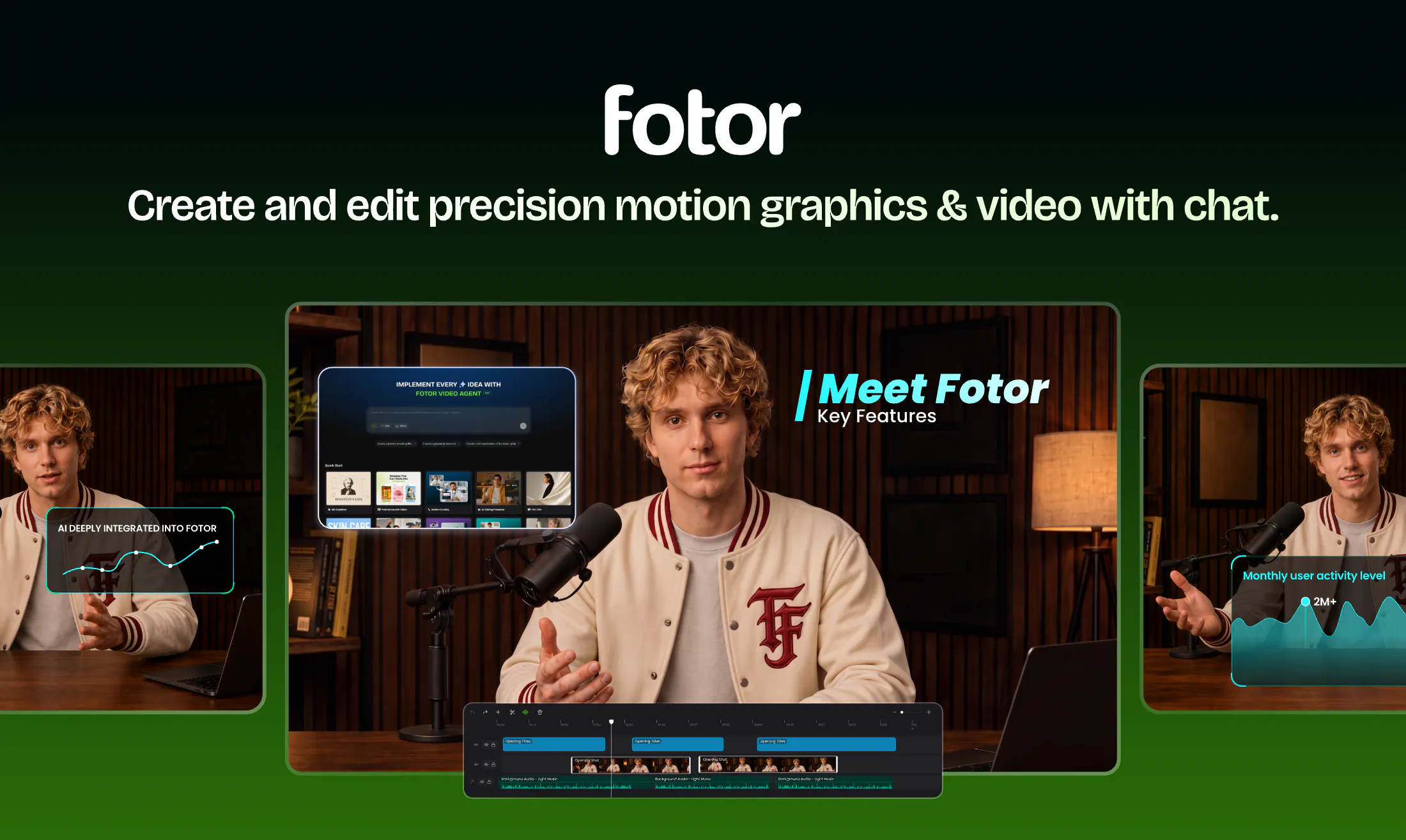
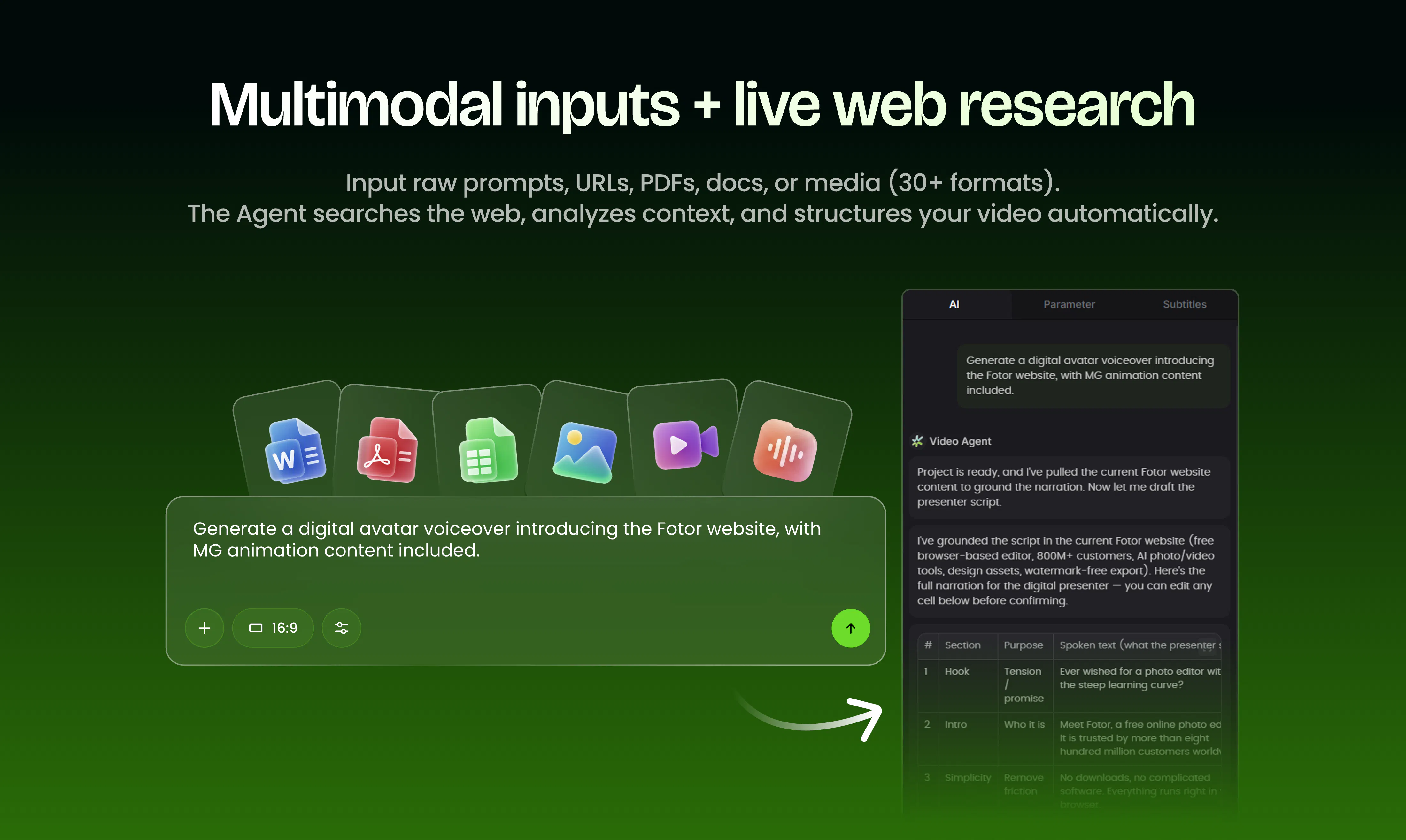
查看原始信息
Sunday Club
Sunday Club picks one weekly shortlist of new products, vetted by hand. Vote, discuss, and follow the makers behind them. No algorithm, no streaks. Just one calm edition every Monday.
Hey Product Hunt 👋 I'm Joulse, and I built Sunday Club because I wanted a launch platform that felt less like a daily grind and more like a small weekly ritual: one curated edition, every Monday, picked by hand. You submit on your own schedule, get picked (or told why not), and launch alongside a handful of other makers that week rather than an open feed. A few things I'm proud of: AI prefill: paste your product's URL and we draft your listing from your own page, so submitting takes minutes, not an hour of copywriting. A feed for makers, not just launches: small updates, replies, and follows, so the community doesn't disappear between editions. Editions are hand-picked, not algorithmic. No streaks to keep, no daily check-in. Free submissions are the default. Paid tiers just move you up the queue or onto the homepage; they don't change whether you get in. Would love feedback from this community especially. What's still annoying about launch platforms for you? I'm reading every comment today.
0
回复